Real estate videos should showcase more than just a house. Just showing a series of property photos can be boring. Anyone can put photos into a slideshow, but shooting and editing professional-looking footage isn’t something every agent has the time or skills for.
Your solution? An AI real estate video generator that makes video creation a simple process, even when you’re starting with nothing more than a few property photos and ideas. One recommended option is Filmora.TV, which combines AI generation with visual planning and video editing. Let’s take a closer look at Filmora.TV and put its AI workflow to the test.
What is an AI real estate video generator?
An AI real estate video generator is a tool that helps create property marketing videos using listing photos, existing footage, text prompts, or AI-generated visuals. Real estate agents can use these tools to develop property showcases, social media teasers, and promotional ads. AI-generated content should be reviewed carefully to ensure that it accurately represents the property.
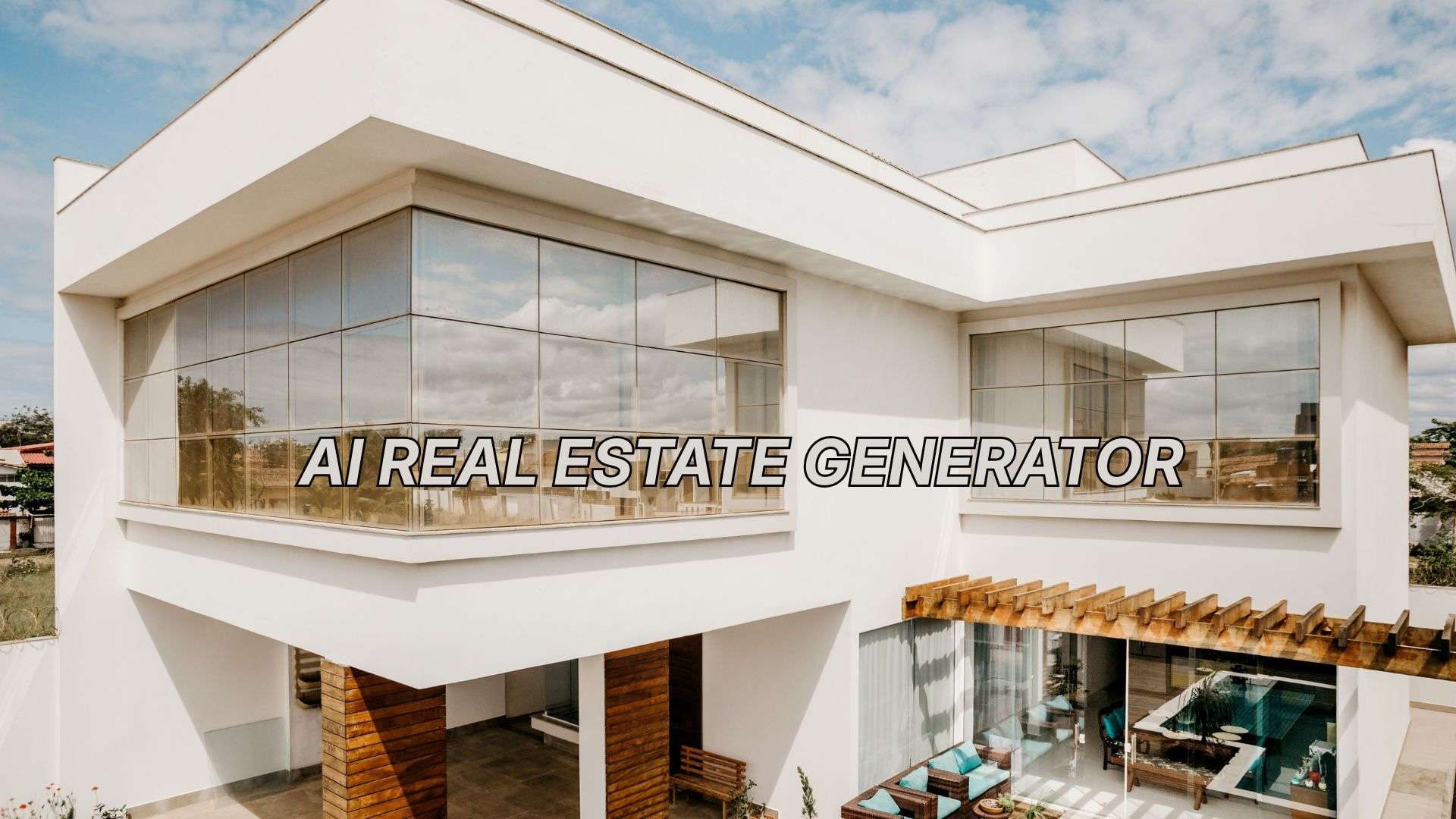
Introducing Filmora.TV
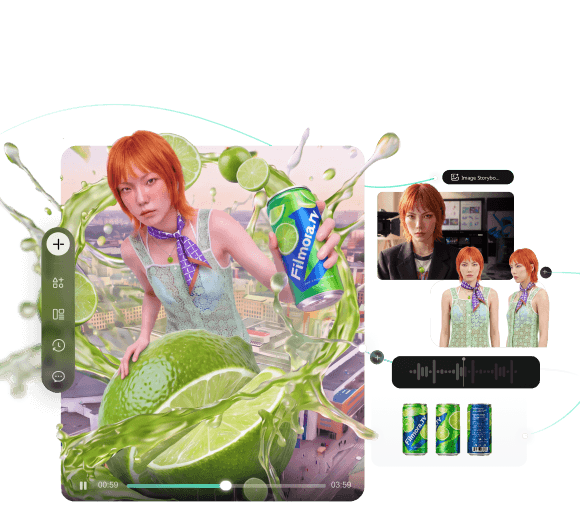
Filmora.TV is Wondershare’s AI creative workspace for taking a video project from the initial idea to the final edit. Its infinite canvas makes it a powerful AI real estate video generator, as it gives you room to develop ideas, organize property assets, generate new visuals, and test creative directions before assembling the final video.
That workflow translates well to real estate video production, where a single listing might need several visual approaches before you land on the one that sells the property. For a real estate project, you can use Filmora.TV to:
- Organize property assets. Combine photos, footage, scripts, prompts, and other materials into one canvas.
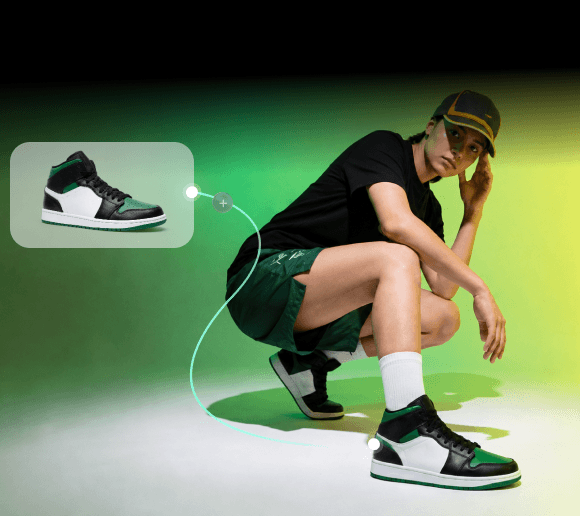
- Develop visuals with AI. Generate images and videos based on your property concept, references, or creative direction.
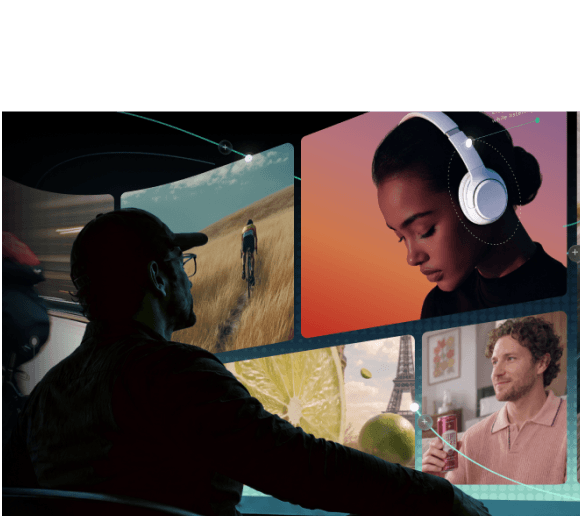
- Review multiple options. Keep different AI-generated shots on the canvas and compare them before deciding which ones to use.
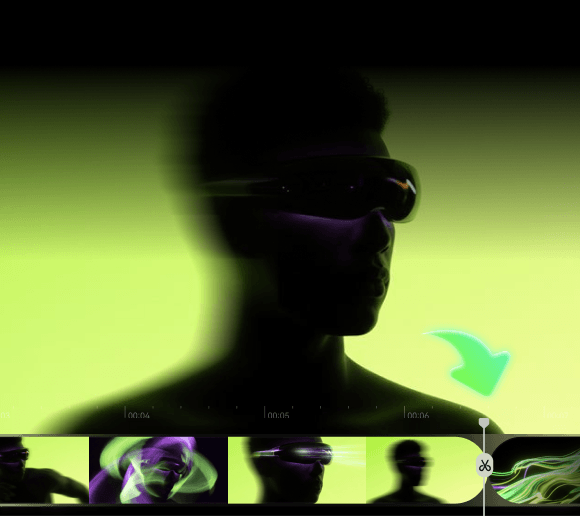
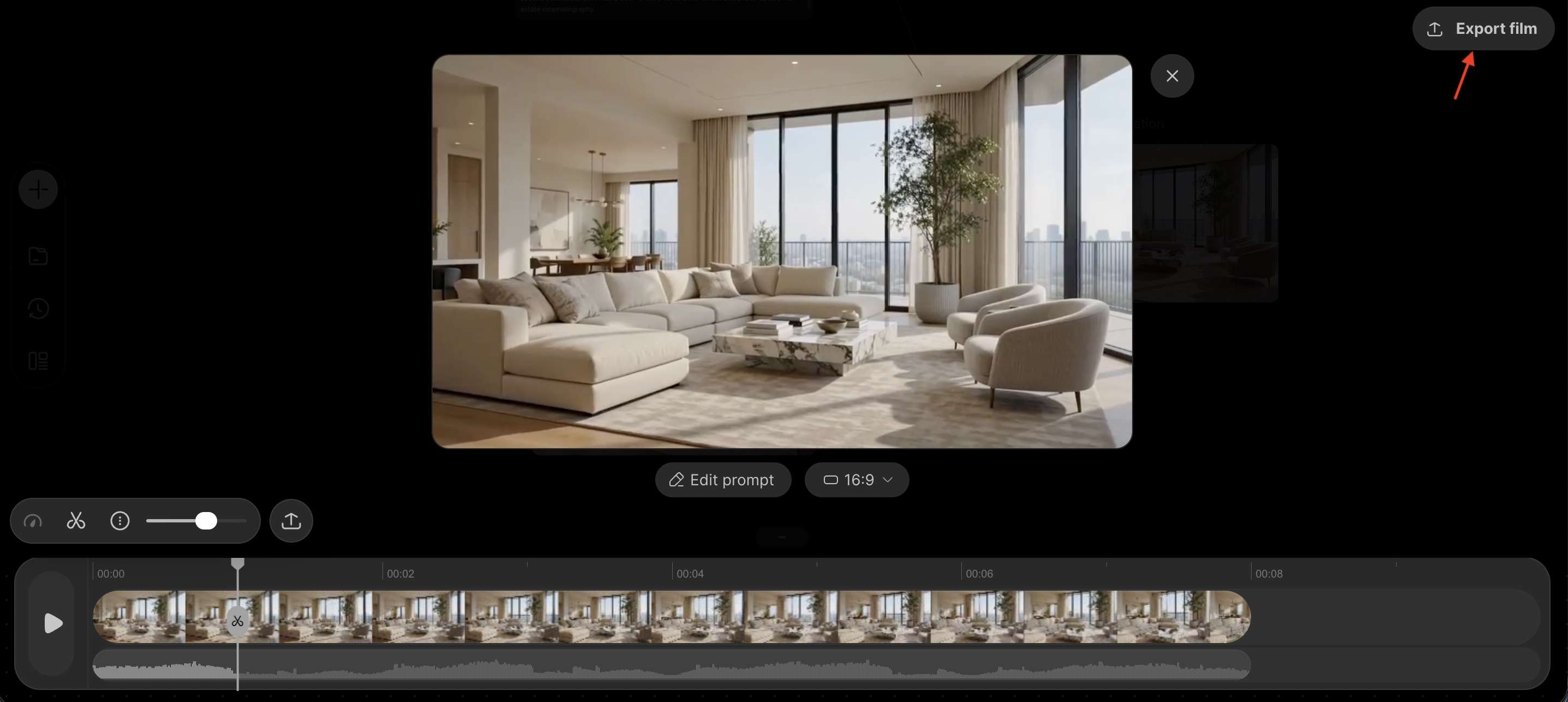
- Build the final video. Move your selected assets to the Filmora.TV timeline, where you can arrange clips, add text and audio, and refine the edit.
What Real Estate Videos Can You Make With Filmora.TV?
There's no shortage of what you can create with Filmora.TV. You can turn property photos, footage, and AI-generated visuals into different types of content, including listing videos, virtual tours, social clips, and even ads.
But some formats are especially useful for real estate marketing, depending on what you want to showcase and where you plan to share the video.
Property Listing Videos
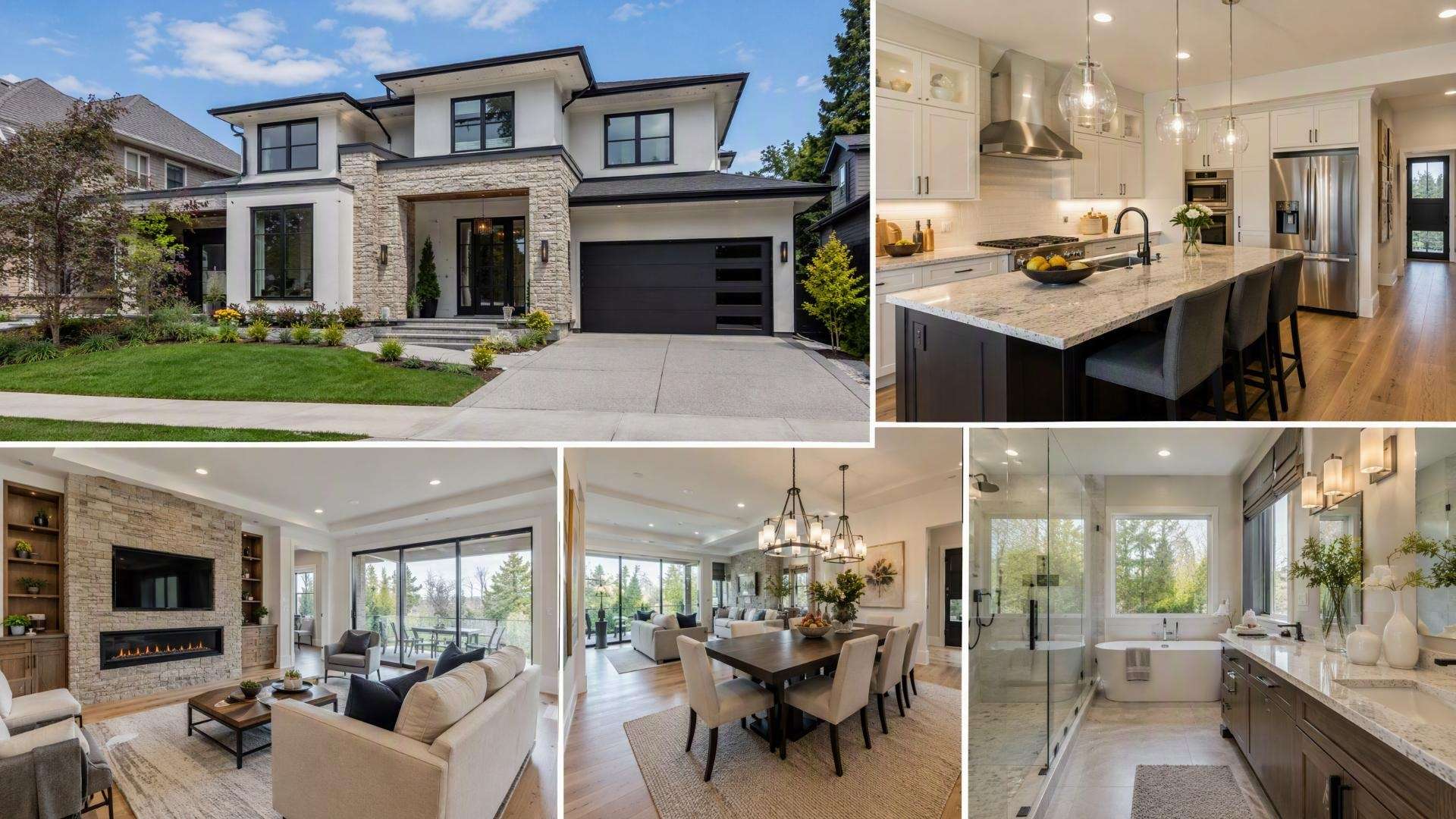
Create AI real estate videos that showcase a property’s exterior, rooms, features, or surroundings. Start with your existing property media, develop additional visuals on the canvas, and bring the strongest shots into the timeline for editing.
Social Media Videos
Turn property photos and footage into shorter content for Instagram, TikTok, YouTube, and other social platforms. An AI real estate video maker can help develop visual ideas, while Filmora.TV gives you the editing space to refine the final sequence.
Property Teaser Videos
Create short videos designed to generate interest before a full property tour or listing launch. Highlight details such as the exterior, interior spaces, views, or standout features using a mix of original and AI-generated visuals.
Real Estate Ads
For real estate agents and marketing teams, Filmora.TV helps turn property photos and footage into promotional video concepts. You can experiment with different opening hooks, highlight key selling points, and compare creative variations on the canvas before selecting the strongest shots for your ad. This makes it easier to develop property videos for listing promotions, social media campaigns, and paid advertising.
Real Estate Brand Video
Filmora.TV can also be used for agency, developer, or property brand content. Combine brand messaging with footage, images, and AI-generated assets, then use AI real estate video editing tools and the timeline to shape the final presentation.
Turn One Property Listing into a Multi-Channel Video Campaign
A single property listing often needs more than one video. You might create a full property showcase for the listing page, a short teaser for Instagram Reels, and a paid social ad highlighting the home's most attractive features.
With Filmora.TV, you can organize your property references, explore different promotional hooks, and assemble selected shots into a rough cut. If you need more precise branding, captions, audio, or platform-specific edits, you can continue refining the video in Filmora 16.
Explore the complete
video creation workflow for marketing teamsto see how one campaign can move from creative planning to multiple channel-ready videos.
How to Create an AI Real Estate Video With Filmora.TV
Creating an AI real estate video in Filmora.TV works best when you treat the canvas as your planning and generation space, then use the timeline to build the final cut.
-
Step 1Start With Your Property Concept
Decide what the video needs to communicate and gather your property photos, existing footage, listing details, and other useful references. Make use of Filmora.TV’s Asset Library to keep relevant scenes, characters, objects, visual styles, and sound effects in one place.
-
Step 2Build the Project on the Canvas
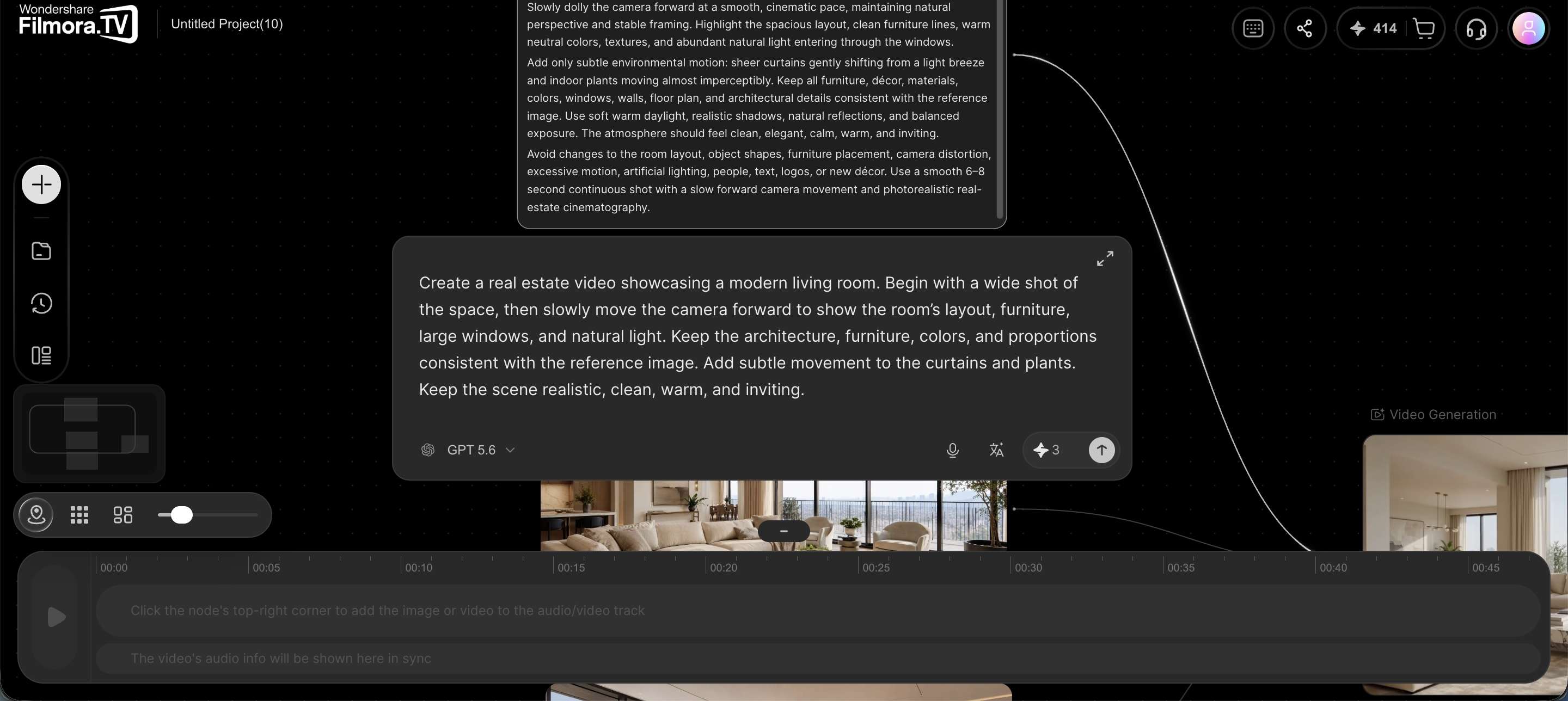
After creating a project, add your ideas, images, videos, prompts, and other assets through nodes into Filmora.TV’s canvas. Then, connect the relevant nodes to organize your ideas, develop the visuals, and build the foundation for your final video sequence.
-
Step 3Compare Visuals and Select the Best Shots
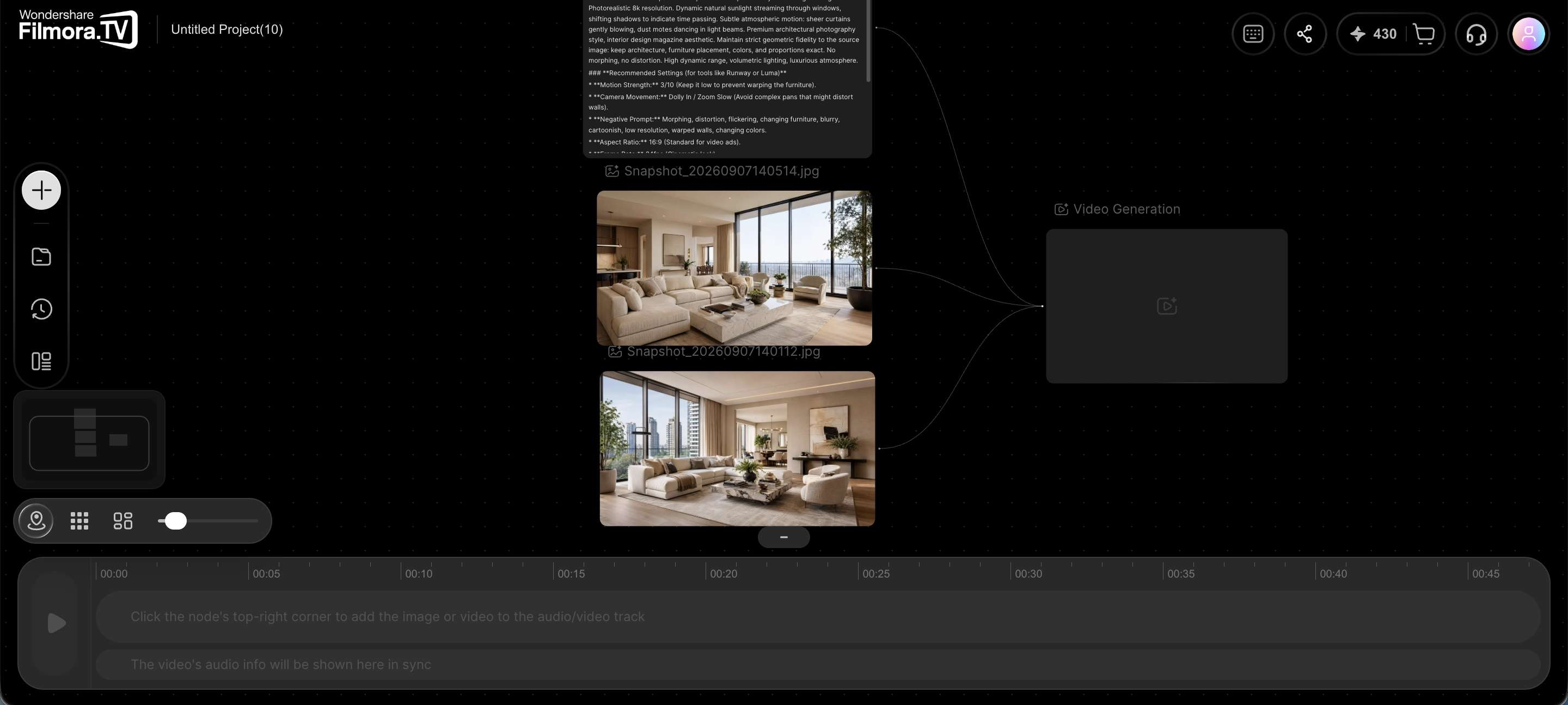
With support for multiple AI models, you can generate different versions of the same idea and see which approach works best.
-
Step 4Move the Best Assets to the Timeline
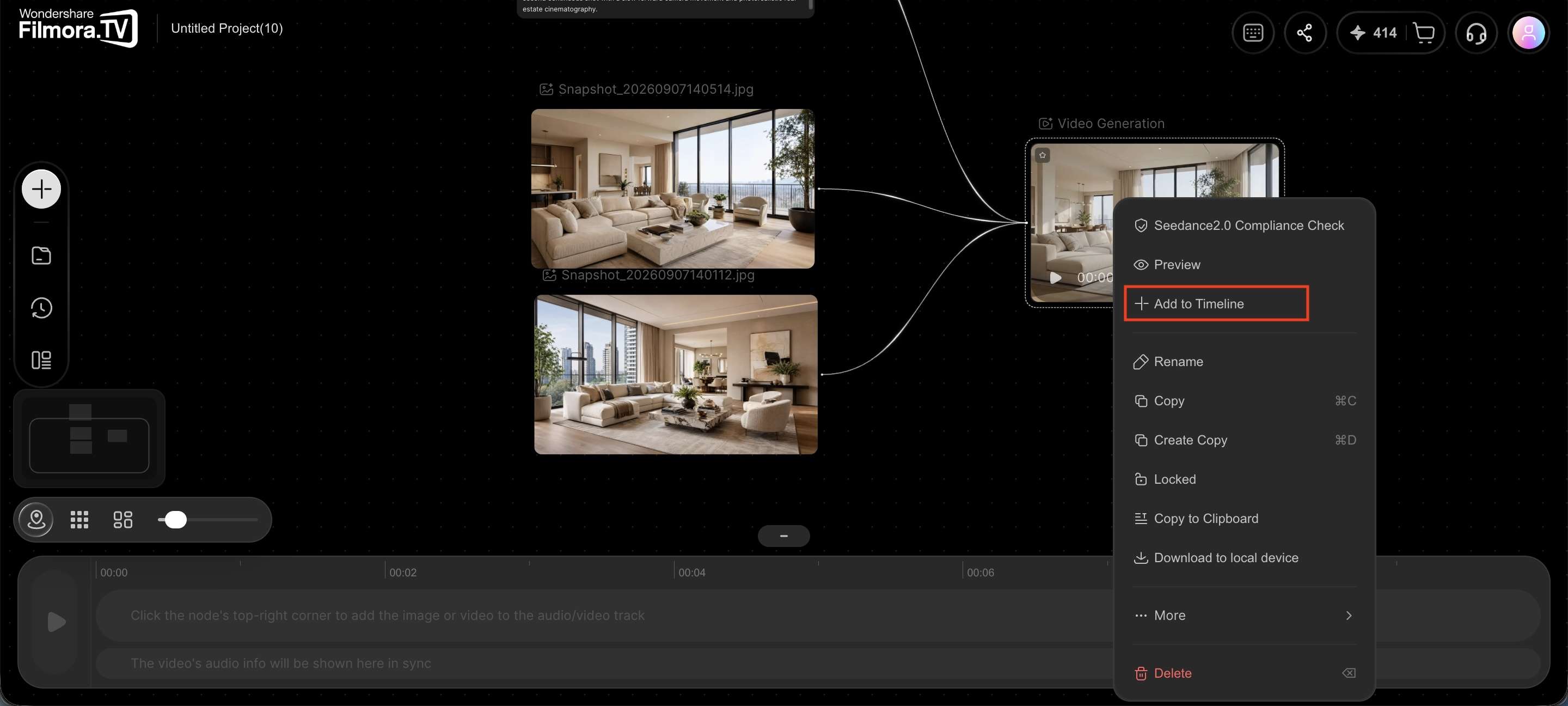
Once you’ve selected the visuals you want, move them from the canvas into the multi-track timeline. Arrange your property shots in a logical order, such as exterior, entrance, living areas, bedrooms, and standout features.
-
Step 5Add the Finishing Elements
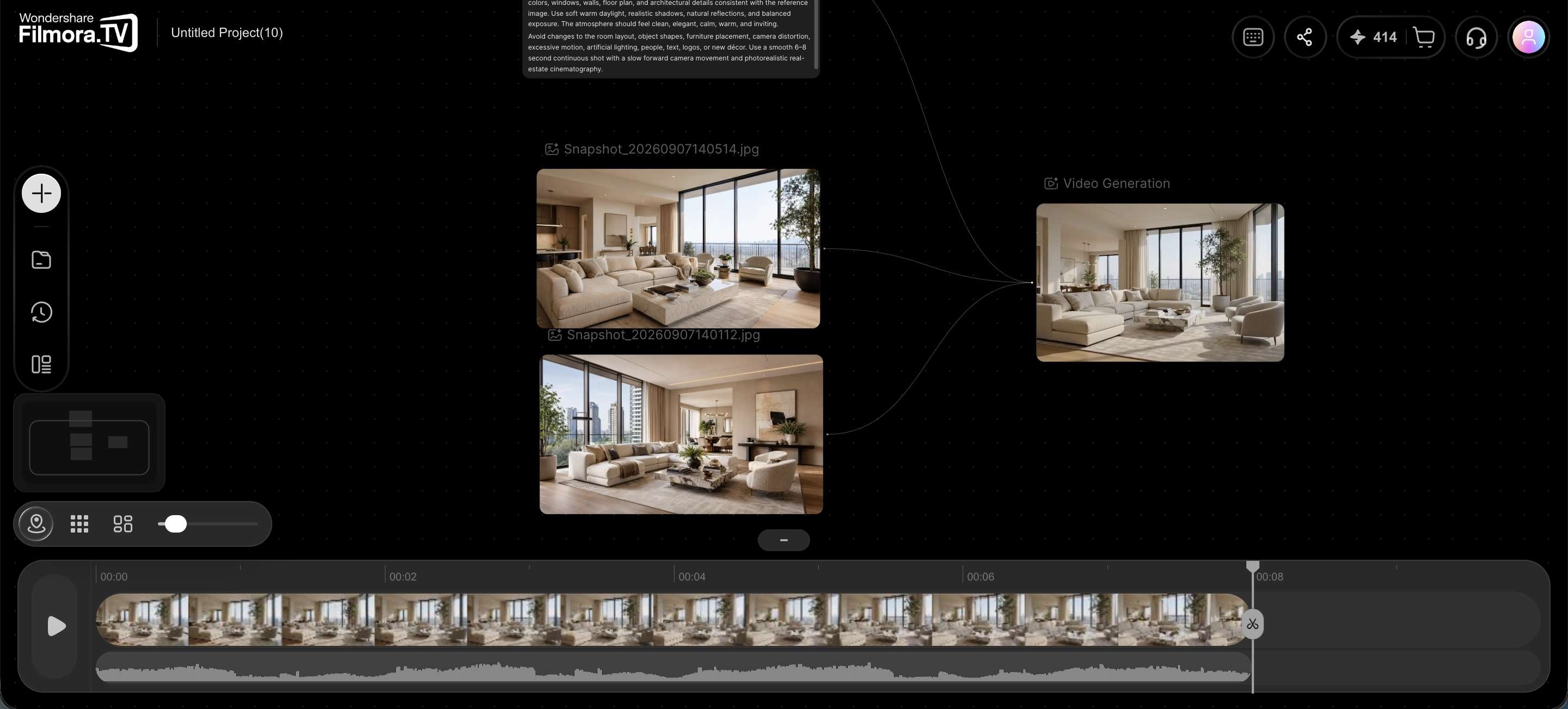
Use the timeline to refine the AI real estate video editing. Trim clips, arrange video and audio tracks, and adjust the pacing to match the intended platform.
-
Step 6Review and Export
Review the complete video to make sure the visuals, property details, and promotional claims are accurate. Pay particular attention to AI-generated scenes, which should not misrepresent the property's actual layout, features, or surroundings. Clearly distinguish illustrative AI visuals from real property footage when necessary. Once the video is ready, export it for your intended platform.
Filmora.TV for Real Estate Video Creation: Pros and Cons
Filmora.TV can work as one of the best AI video generators for real estate agents, especially when you want more control over the visuals and editing process, but it’s not without limitations. Here are the pros and cons to consider.
Pros and Cons
- The infinite canvas gives you space to organize property photos, footage, prompts, and AI-generated assets in one project
- You can generate different visual options and compare them before choosing the shots for your video
- Selected assets can move from the canvas to the multi-track timeline, keeping the creative and editing stages connected
- AI generation and video editing are available within the same workflow, so you can develop visuals and refine the final video in one place
- The same workflow works for listing videos, social content, ads, and real estate brand videos
- Filmora.TV isn’t designed specifically for real estate, so it does not offer the specialized property workflows found in dedicated real estate video tools
- To create a polished video, still requires you to choose the right visuals, structure the content, and carefully check generated scenes
- Agents who only need a quick automated listing video may find a dedicated real estate video generator more straightforward
Is Filmora.TV a Good AI Real Estate Video Generator?
Compared to a dedicated AI video generator built for real estate agents, Filmora.TV is more flexible. Those tools are usually narrower by design, meant to take listing photos and property details and spit out a marketing video with minimal input from you. Faster, but less room to shape the result.
Filmora.TV can serve as an AI real estate video generator by combining AI visual generation, asset organization, and timeline editing in one workflow. But making full use of the platform’s features can take some time. After all, the better option depends on your editing needs, skill level, and how much control you want.
Choose a Specialized AI Real Estate Video Editor If You:
- Primarily create property listing videos
- Want to turn listing photos and details into videos quickly
- Prefer automated templates and real estate-focused workflows
- Create many similar property videos and want a faster process
Choose Filmora.TV If You:
- Want to create more customized property videos
- Need to generate and compare different visual ideas
- Work with photos, footage, AI-generated assets, and other creative materials
- Want to edit the generated content in a multi-track timeline
Conclusion
Filmora.TV combines AI generation, visual planning, and video editing into one workspace for AI real estate video creation. Its canvas-to-timeline workflow helps you develop property visuals, experiment with different ideas, and refine the final video. It can support listing videos, social content, ads, and brand videos without limiting you to a single format.
Agents looking for fully automated listing videos may prefer a dedicated real estate platform, while those who want more control over the creative process can use Filmora.TV to create and edit their property content.
FAQs
-
1. Do I need property footage to create a real estate video with Filmora.TV?
No. You can start with property photos, prompts, listing information, or other references and use Filmora.TV’s AI tools to generate the visuals. You can also combine those AI-generated assets with your existing footage if you have any.
-
2. Is Filmora.TV a free real estate video generator?
Filmora.TV is not a dedicated free real estate video generator. It’s a broader AI video workspace, and access to its AI tools depends on the plan and available credits.
-
3. How is Filmora.TV different from a dedicated AI real estate video generator?
Filmora.TV gives you more control over your video creation and editing. Dedicated real estate tools focus on quickly turning property photos and listing details into ready-to-use videos.
-
4. How can I create real estate marketing videos for different platforms?
Start with your property photos, footage, and key selling points. Use Filmora.TV to develop promotional concepts, generate alternative shots, and assemble a video sequence. You can then create different versions for property listing pages, social media, and paid advertising. For more precise editing and channel-specific finishing, continue the project in Filmora 16.
-
5. Can I use AI-generated visuals in real estate marketing videos?
Yes, but AI-generated visuals should be reviewed before publication. Make sure they do not misrepresent the property's actual features, dimensions, layout, or surroundings. Clearly identify illustrative AI content when needed, and check applicable advertising and real estate marketing requirements before publishing.