
Turn Campaign Ideas into Ready-to-Publish Videos


More channels should not mean more
production overhead.
Every campaign needs more hooks, formats, durations, and revisions.
The challenge is keeping the work moving without losing brand control or adding another round of handoffs.

More versions
One campaign quickly becomes multiple hooks, ratios, durations, and platform cuts.

Longer queues
Video requests pile up when every new variation depends on a specialist or external partner.
Brand drift
Generated shots drift from scene to scene — characters, style, and quality — until the campaign no longer feels like one brand.

Stalled Approvals
Every feedback round means new exports, buried chat threads, and days of waiting for stakeholders to approve the latest cut.
From the first brief to every channel.
Each stage has a clear owner: create with AI in Filmora.TV, refine and deliver in Filmora 16.
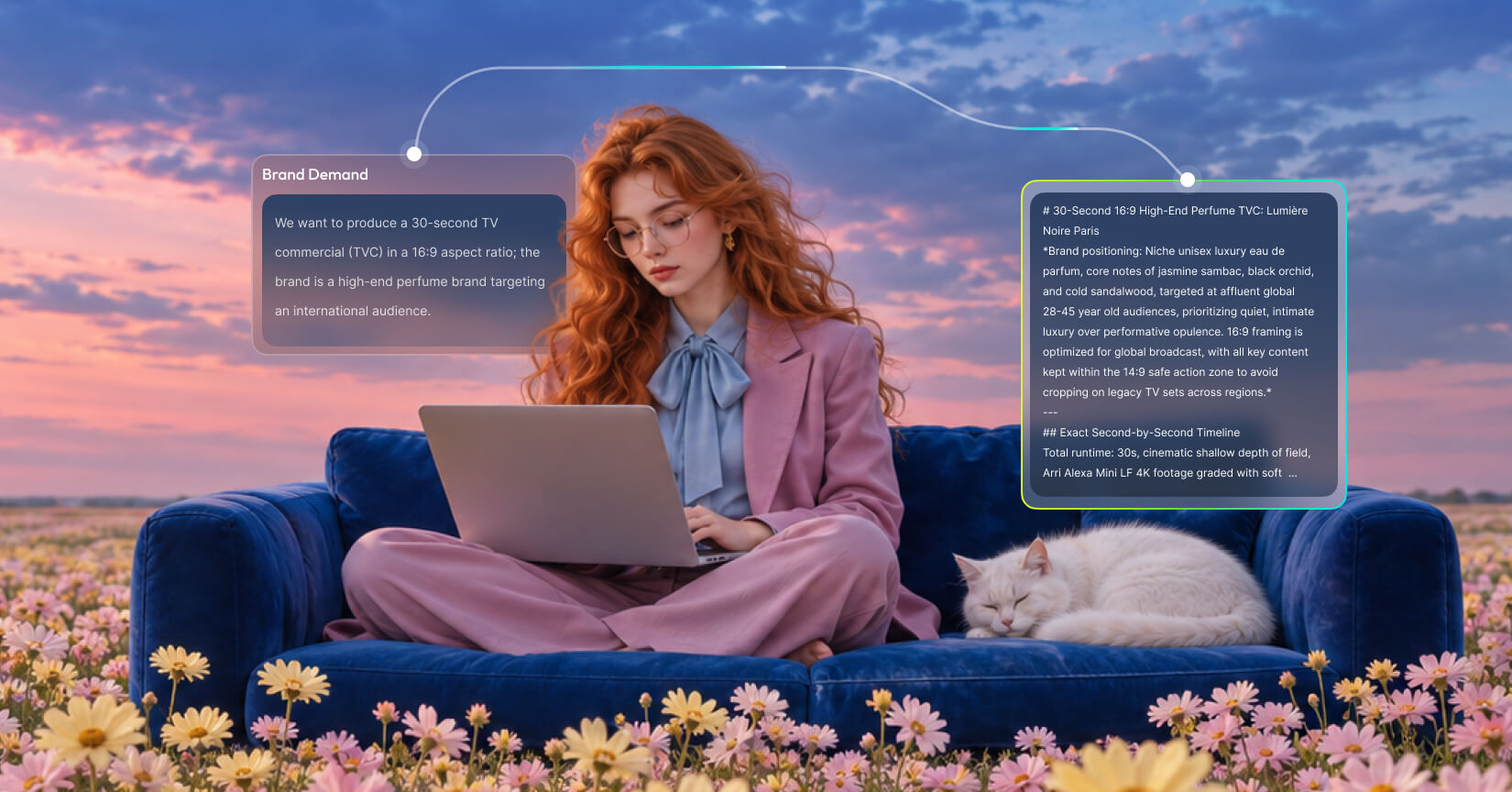
Start with the campaign
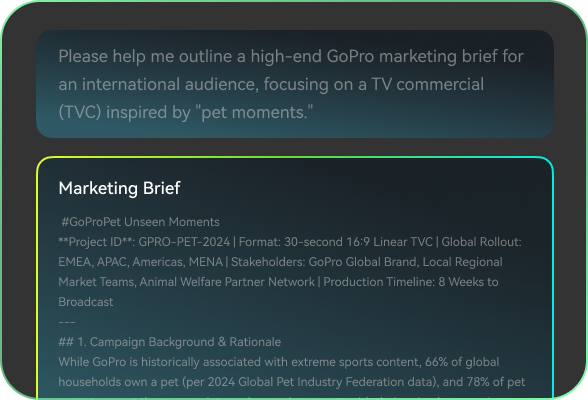
Define the audience, offer, message, references, and channel objective.
- A signed-off campaign brief
- Script and shot-by-shot storyboard
- Visual direction and references
- Channel and format targets
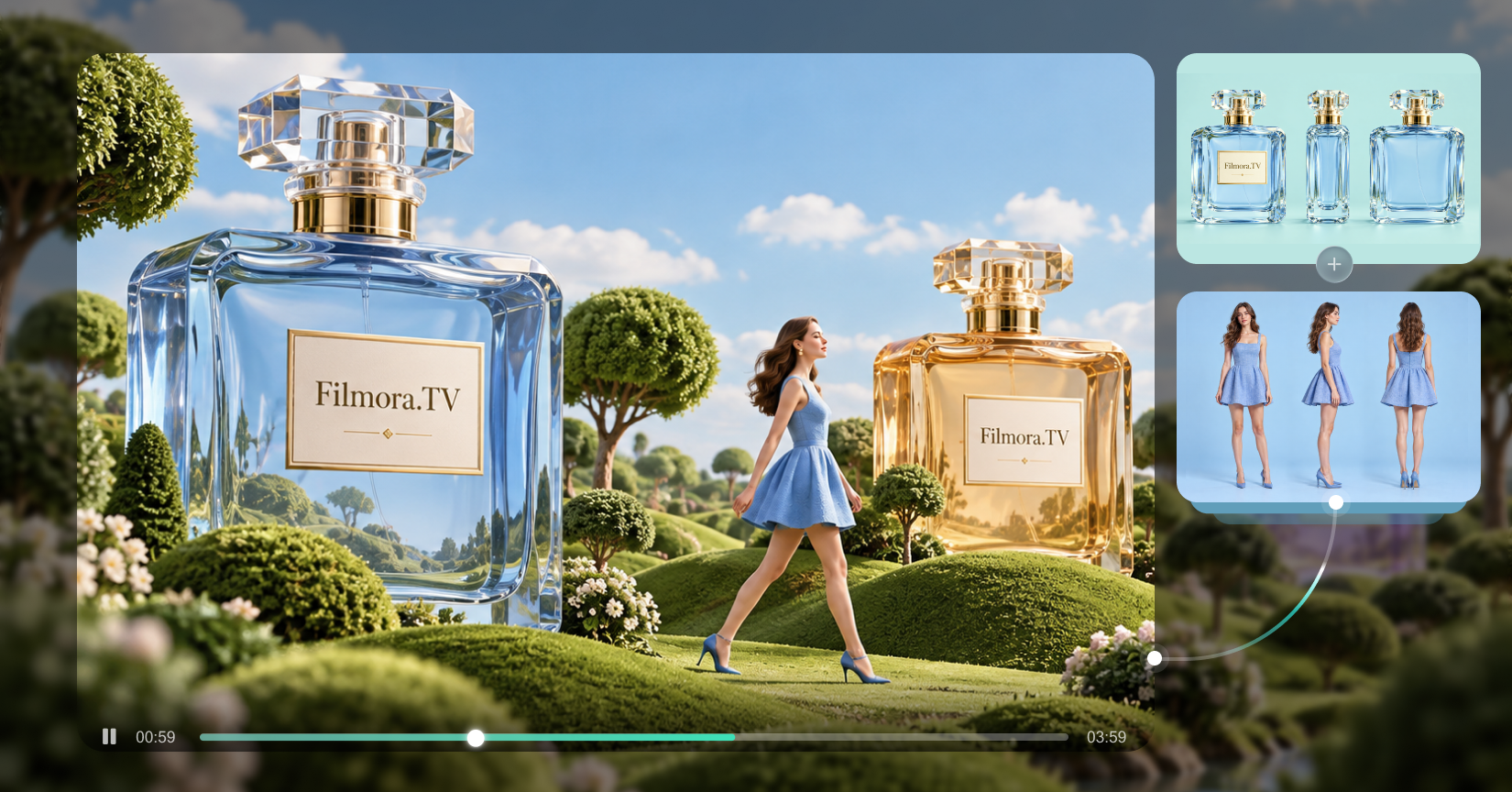
Build the visual direction
Generate and explore images, videos, characters, shots, and campaign variations.
- Generated shots and scenes
- Consistent characters and visual language
- Alternate hooks and campaign variations
- Selected takes for the rough cut
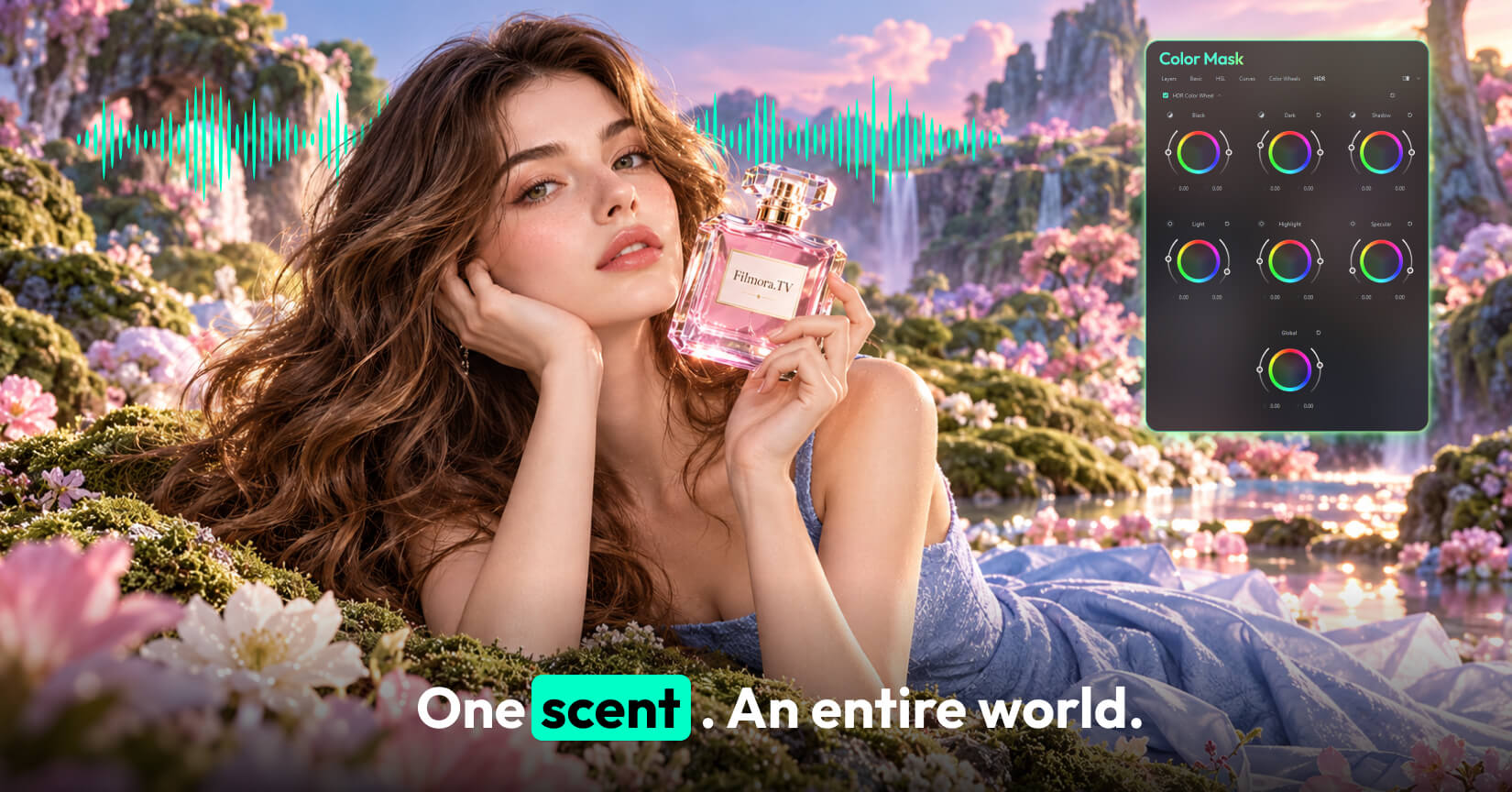
Make it on-brand
Pick up the rough cut from Filmora.TV and shape it with precise, professional editing.
- Final pacing, captions, and sound
- Color and visual polish
- Branded packaging: titles, supers, outro
- The review version stakeholders approve
Ship every version
Export the right cut, ratio, duration, and packaging for each destination.
- 30s master and 15s cutdown
- 1:1, 4:5, and 9:16 versions
- Platform-ready exports and specs
- Assets organized for launch
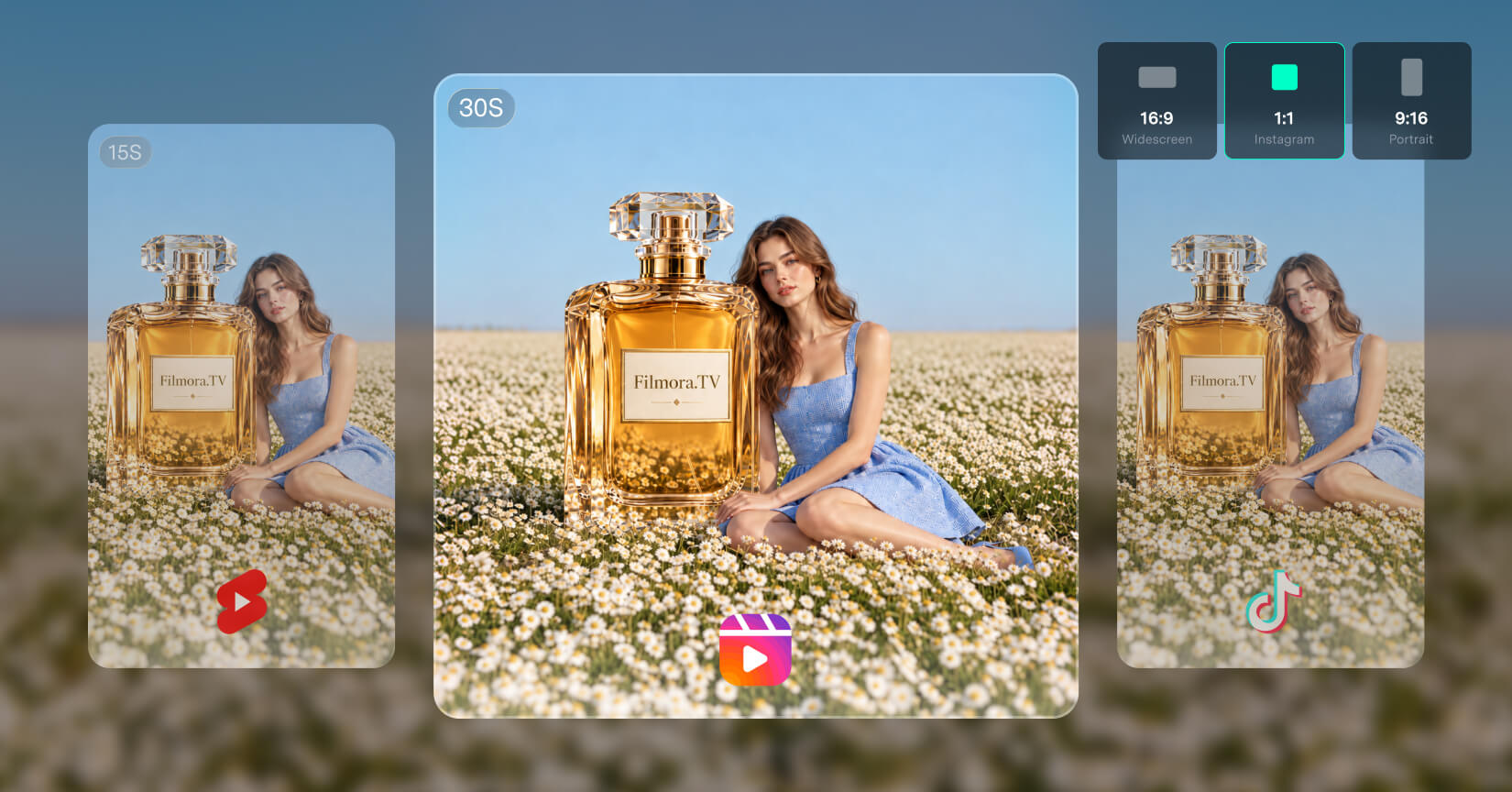

One campaign.
Multiple ways to move it forward.
- Product Launch
- Paid Social
- Brand Campaign
- Content Repurposing
Product launch
Turn a product brief into a launch-ready story with multiple hooks and channel versions.
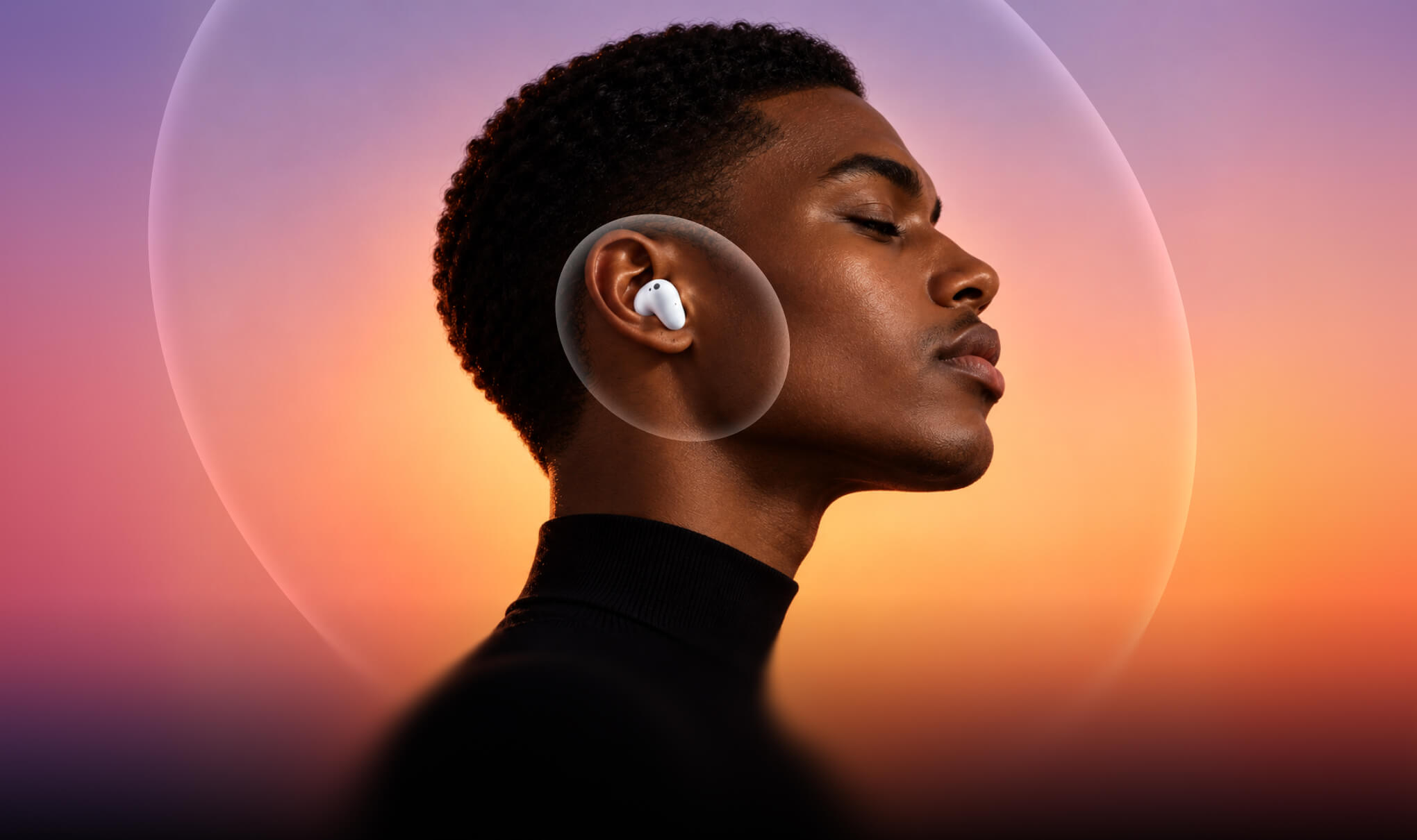
 Filmora 16: launch master + channel versions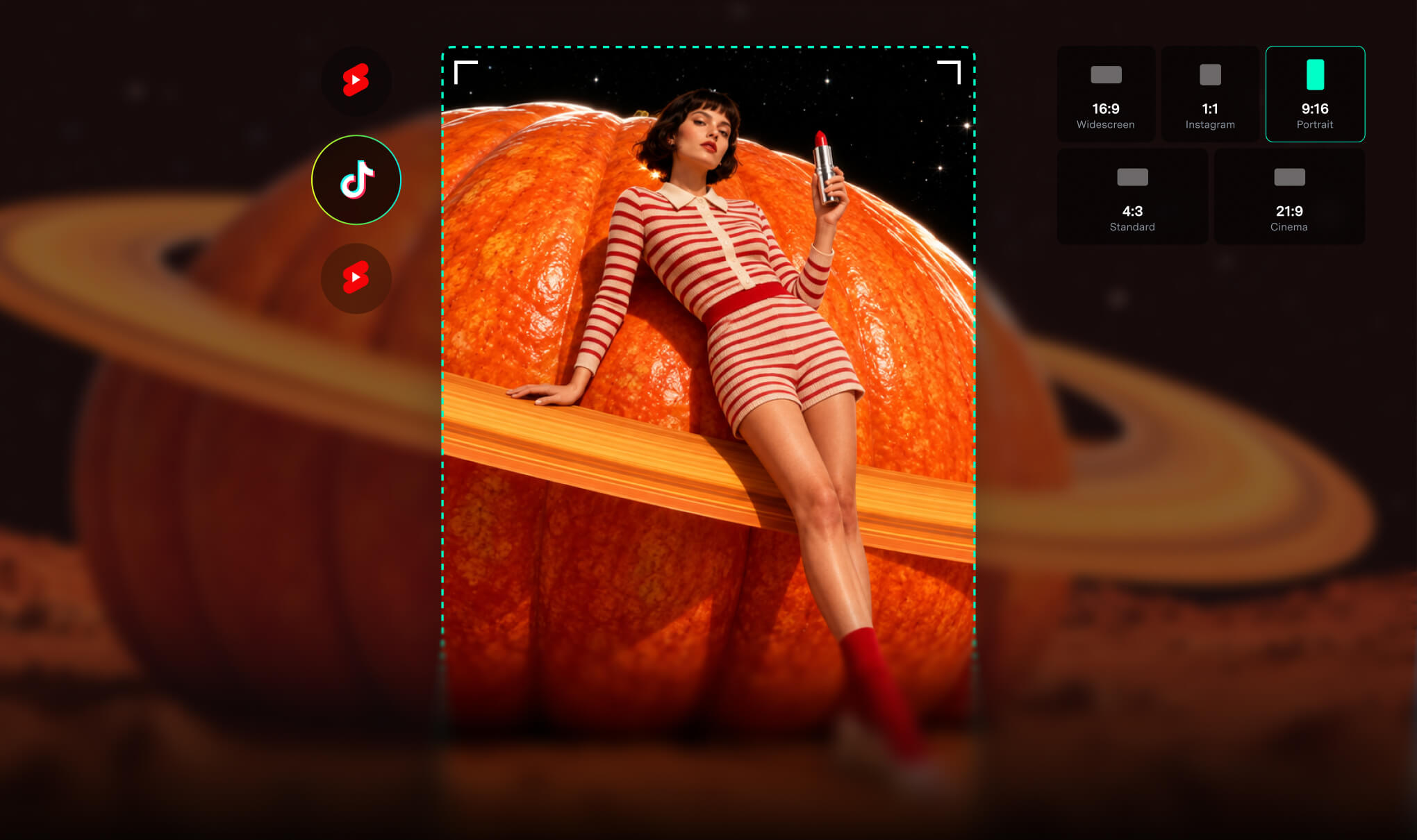
Paid social
Create alternate hooks, durations, and aspect ratios without rebuilding the campaign from scratch.
Filmora 16: ad-ready finishing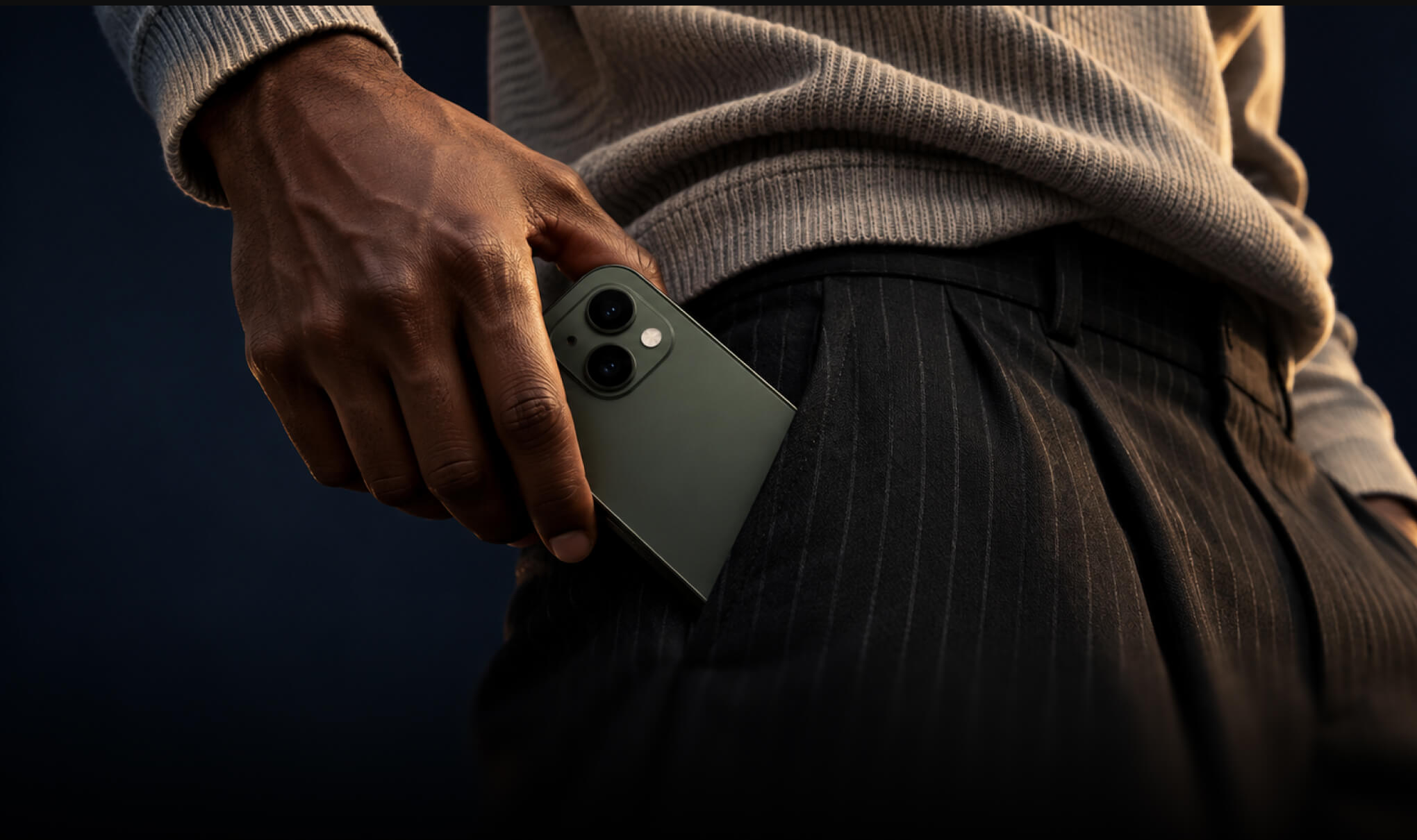
Brand campaign
Explore creative directions quickly while keeping the visual language and brand intent under control.
Filmora 16: branded polish and control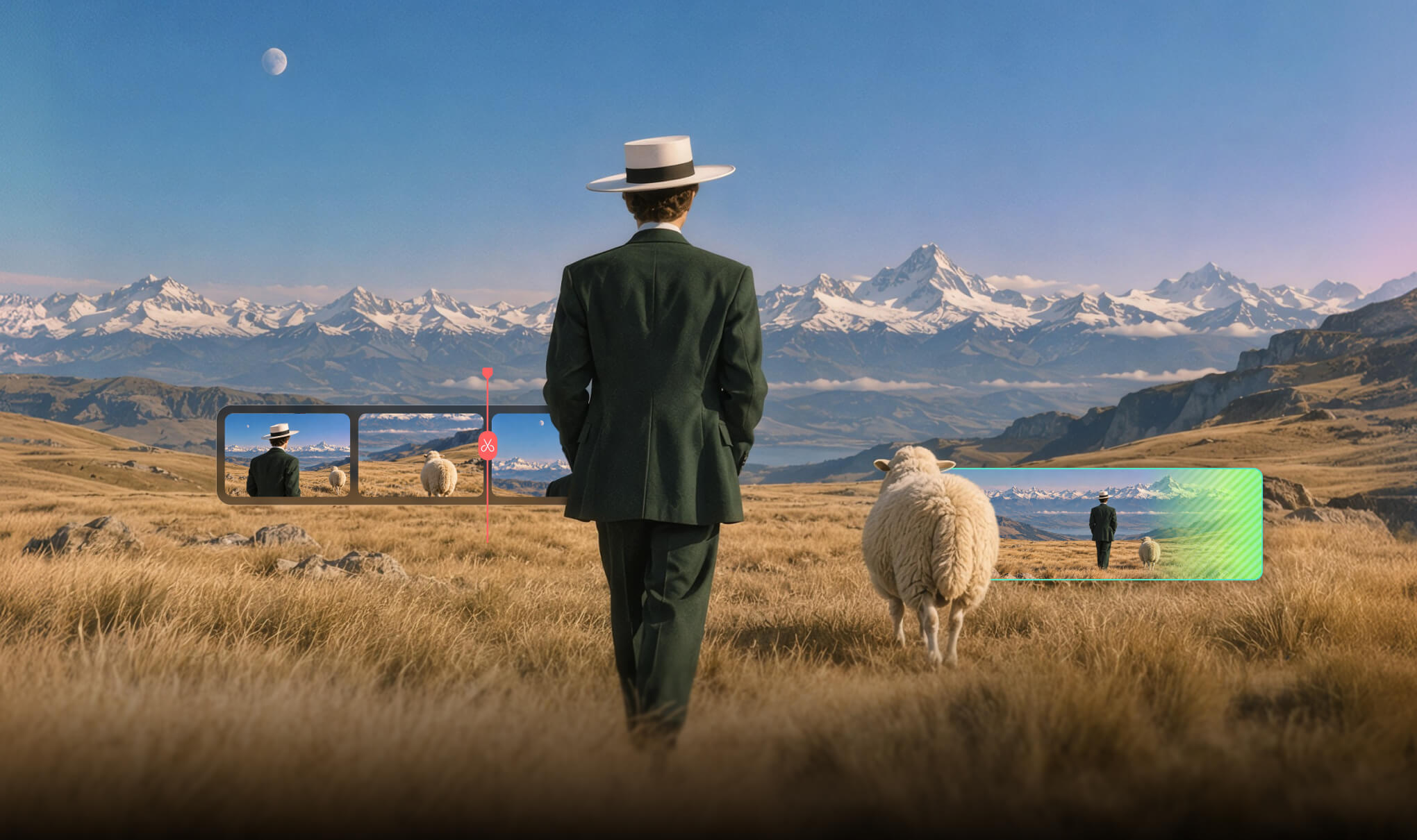
Content repurposing
Turn one strong source video into useful edits for social, web, and paid distribution.
Filmora 16: precise cutdowns and captionsFilmora.TV builds the campaign.
Filmora 16 finishes the delivery.
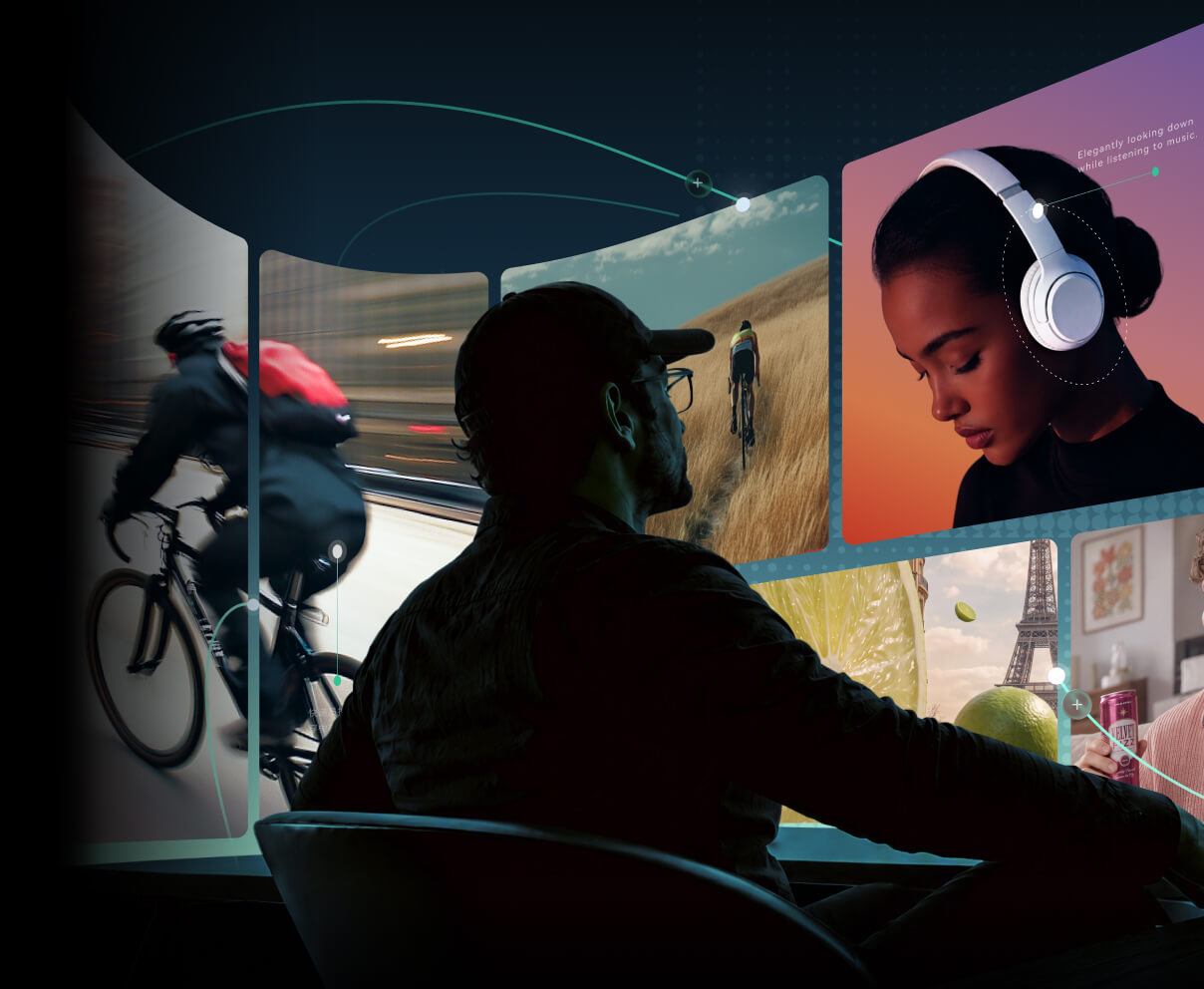

From brief to approved rough cut
Plan the brief, shape the story, build the storyboard, generate controlled footage, create the rough cut, and collect feedback.
- Brief and script
- Storyboard and shot planning
- AI Canvas and controlled generation
- Timeline, review, and approval
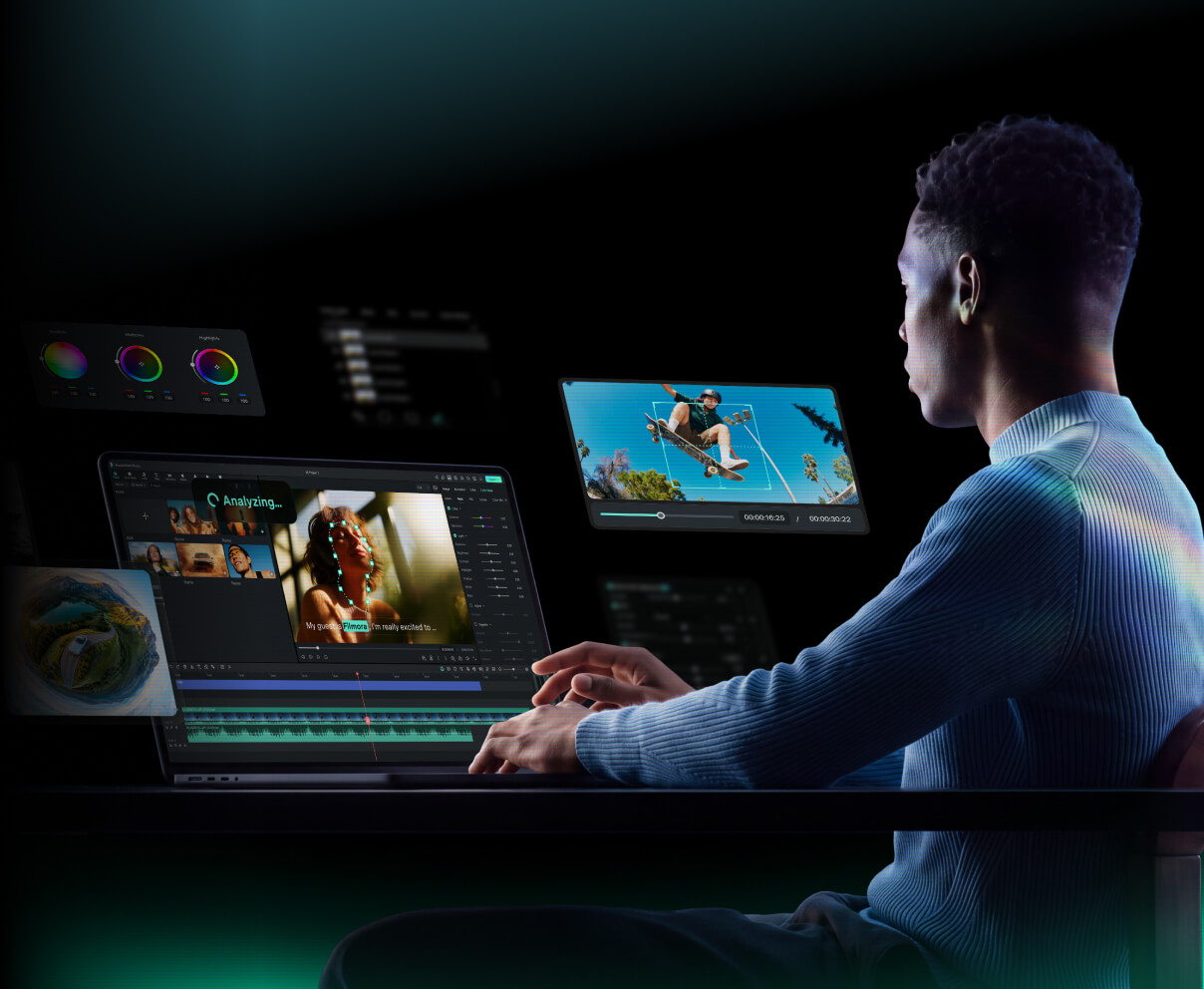
From rough cut to final delivery
Take the video forward from Filmora.TV: deeper editing, color, sound, captions, packaging, and final delivery.
- Professional desktop editing
- Color and sound polish
- Captions and packaging
- Channel-ready outputs
From production bottleneck to shipping cadence.
The goal is not AI novelty. It is a team that can keep every channel fed with on-brand video,
without waiting on production queues.
| Before | With the two-stage workflow | |
|---|---|---|
| New campaign video | Wait for an editor or agency slot. | Draft the story and first cut in Filmora.TV the same day. |
| Channel versions | Rebuild every ratio and hook by hand. | Generate variations from the campaign direction; cut finals in Filmora 16. |
| Brand control | AI drafts drift off-brand under deadline pressure. | Characters, style, and pacing directed in Filmora.TV; finished under precise control in Filmora 16. |
| Final quality | "Good enough" cuts ship as-is. | Specialist finishing in Filmora 16 before anything goes live. |

Watch one
campaign become
every version it needs.
The brief
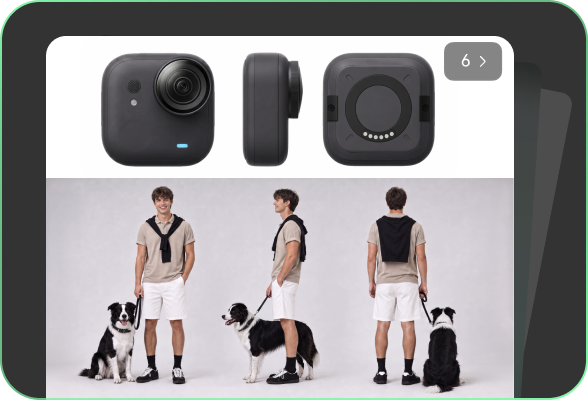
Audience, offer, message, and storyboard — the campaign starts in Filmora.TV.
The direction
Generated shots, consistent characters, and visual language on the AI Canvas.

The fine cut
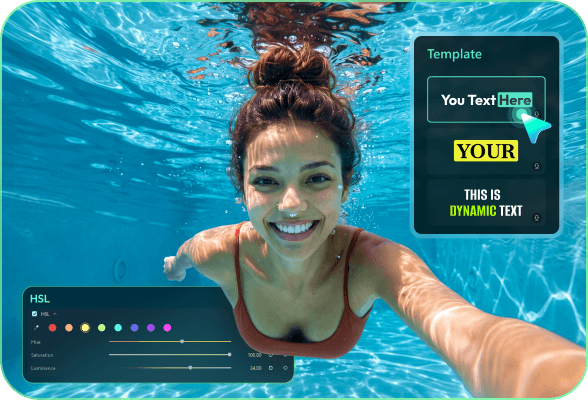
Pacing, color, sound, and captions finished with precise control in Filmora 16.

Every version
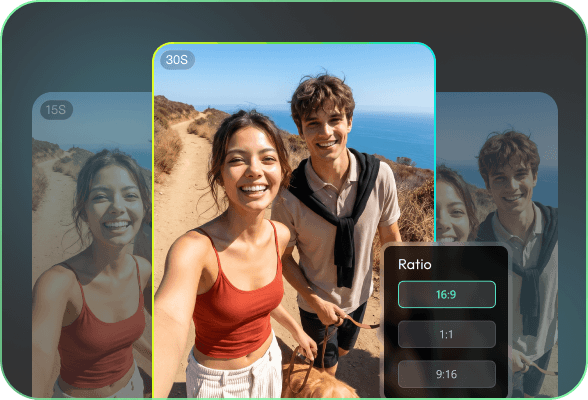
30s master, 15s paid cut, and 9:16 social — exported for every channel.

Questions marketers ask before
their first campaign
Each product works on its own, but they are designed as a two-stage workflow: Filmora.TV takes you from campaign brief to rough cut fast, and Filmora 16 takes the video the rest of the way — fine editing, polish, and final delivery.
The combined workflow is straightforward: create the campaign in Filmora.TV, then continue in Filmora 16 for fine editing and final delivery.
Filmora 16 is built for every video creators, including marketers, instead of career editors only since it's inbuilt with templates, presets, AI-assisted tools. The advanced controls are there when you need them, not in your way.
Yes — two layers of control: Filmora.TV’s controlled generation keeps characters and visual language consistent across shots, and the Filmora 16 finishing pass brings color, captions, and packaging in line with your brand.
16:9, 1:1, 4:5, and 9:16, with presets for the major platforms — one campaign exports to every channel from the same project.
Yes, but trial with length and entry link.
Make the next campaign
easier to ship.
Create the next campaign in Filmora.TV — from brief to rough cut — then refine
and deliver every version in Filmora 16.