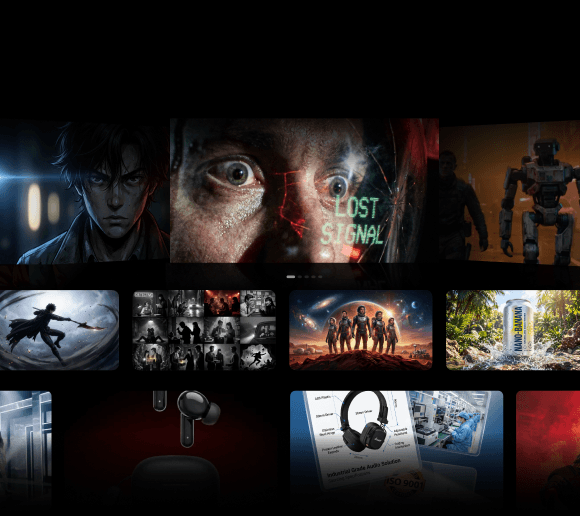
An AI social media video generator can create impressive clips in minutes. However, once you have dozens of AI-generated shots, you still need to choose the best ones, keep them organized, and turn them into a video that actually works.
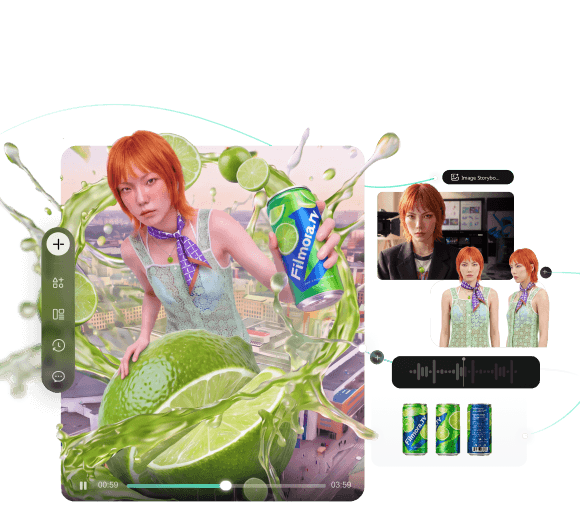
Filmora.TV streamlines this workflow with a visual canvas. You can develop ideas, generate and compare assets, organize your picks, then move them into a multi-track timeline for editing and the final cut.
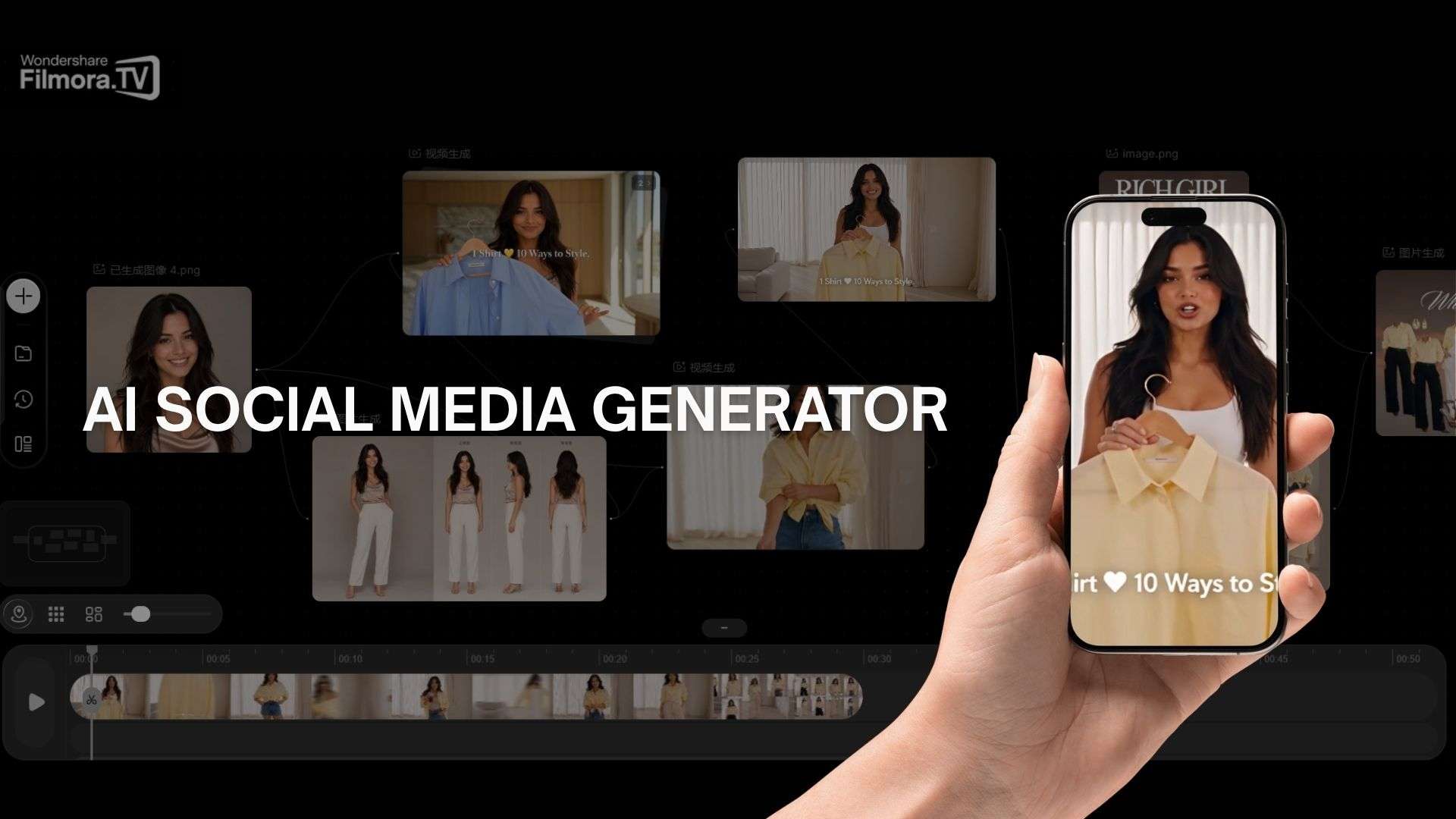
Introducing Filmora.TV – AI Social Media Video Generator
Filmora.TV is an AI video creation workspace with an infinite visual canvas. You can organize ideas, scripts, images, videos, and other assets in one place, branch out into different creative directions, and bring team members in to collaborate along the way.
For social content, it's a useful capability since trends shift quickly and keeping up with them often means producing new variations faster than a traditional reshoot allows. If you are a social media creator looking to try an AI social media video generator, Filmora.TV is built to support that by giving you room to refine and finalize your clips within the same project.

Why Use Filmora.TV for Social Media Videos?
For social creators, the main advantage is having more control over the messy part of AI video creation.
- Keep Everything in One Workspace. Organize scripts, images, videos, references, and generated assets on the same canvas.
- Explore Different Ideas. Try different concepts and visual directions before settling on a final sequence.
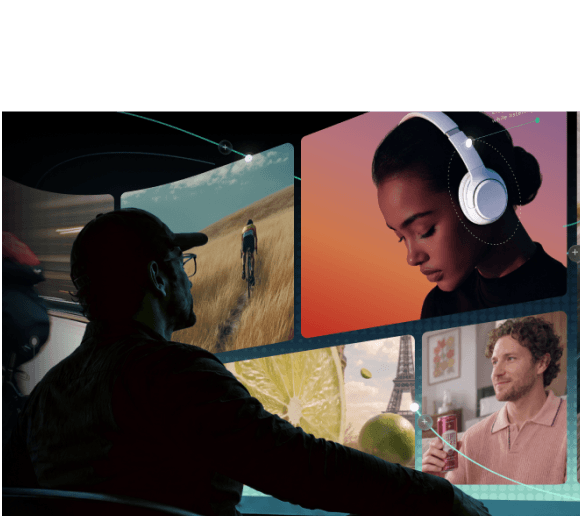
- Compare AI Outputs. Generate multiple versions and place them side by side to decide which assets work best for your video.
- Move From Ideas to a Finished Video. Once you have the shots you want, move them to the multi-track timeline to edit the final video.
- Create Different Types of Social Content. The workflow can support TikTok videos, Instagram Reels, YouTube Shorts, AI story videos, ad concepts, and other short-form content.
How to Create Social Media Videos With Filmora.TV
If you’re evaluating an AI social media video generator, the workflow matters as much as the AI generation itself. Filmora.TV lets you develop your idea, generate and compare assets, then turn your selections into a finished video.
Step 1. Start With Your Video Idea
Begin with a concept, script, or visual direction, such as a cinematic product ad, anime short, or fast-paced TikTok story. Add text and image nodes to define your idea, then use the canvas to arrange your project elements and see how they fit together.

Step 2. Generate and Explore Assets
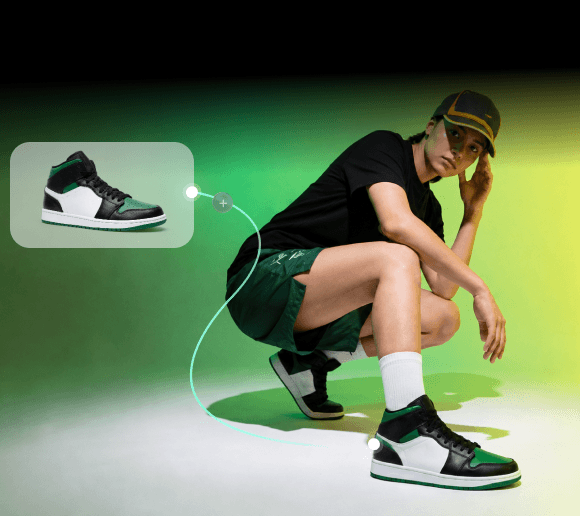
Create the images and video assets needed for your concept. Develop different creative directions and keep the results together on the canvas. You can connect nodes to build different generation paths, refine individual assets, and see how each change affects the final result.

Step 3. Compare and Select Your Best Takes
Review different AI-generated versions on the canvas and choose the assets that fit your concept. This gives you a place to narrow down your options before editing.

Step 4. Move Your Picks to the Timeline
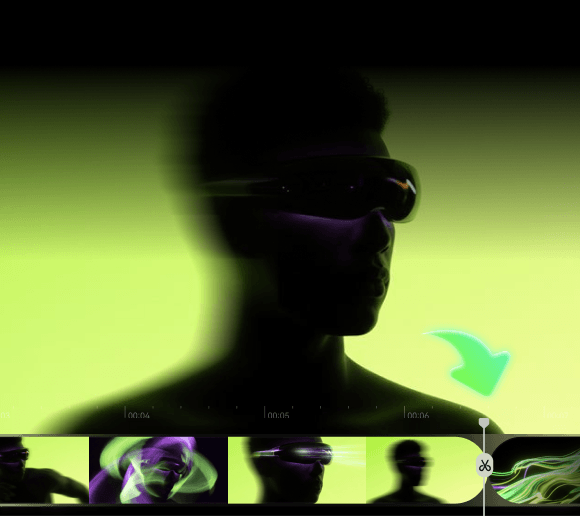
Move your selected assets from the canvas into Filmora.TV’s multi-track timeline. Arrange the clips into a sequence and adjust the pacing.

Step 5. Edit and Finalize
Trim unnecessary footage, refine the pacing, and add audio to keep your video engaging. Pay special attention to the opening seconds, where a clear visual hook can help capture attention. Before exporting, review the sequence to ensure the story flows naturally and the framing and on-screen text work well for your target platform.

Creating a social video often takes more than one AI-generated clip. If you're building a multi-shot story, explore this
AI video creation workflowto see how a concept develops through shot planning, AI generation, and timeline editing into a complete video.
That’s it! You can develop your idea, generate AI assets, choose the best results, and edit everything in one Filmora.TV project.
Filmora.TV vs. Other AI Social Media Video Generators
A typical AI social media video generator may focus on quickly creating clips, while traditional editors are designed to process footage you already have. Filmora.TV combines AI generation with a visual canvas and timeline, letting you explore and organize assets before editing.
See how Filmora.TV compares with other AI video generators and traditional editors:
| Feature | Filmora.TV | AI Video Generators | Traditional Video Editors |
|---|---|---|---|
| Main focus | Explore, generate, organize, edit | Generate clips | Edit footage |
| Creative workspace | Infinite canvas | Generation interface | Timeline |
| Ideal exploration | Varies | Limited | |
| AI output comparison | Varies | Not a core feature | |
| AI generation | Varies | ||
| Timeline editing | Varies |
Filmora.TV connects the AI generation stage with canvas-based exploration and timeline editing. You can develop ideas and review generated assets on the canvas, then move your selections into the timeline for final editing.
Is Filmora.TV a Free AI Social Media Video Generator?
Filmora.TV is not a free AI social media video generator, but it offers several paid plans based on how much AI generation and team collaboration you need. Each plan includes monthly credits, with higher tiers adding more storage and team seats. You can also buy extra credits through top-up packs if your monthly credits are not enough.
| Plan | Price | Credits/month | Approx. generation* | Cloud storage | Team seats |
|---|---|---|---|---|---|
| Basic | $20/month | 200 | 200 images / 100 videos | 5GB | 3 |
| Plus | $100/month | 1,060 | 1,060 images / 530 videos | 50GB | 10 |
| Pro | $200/month | 2,160 | 2,160 images / 1,080 videos | 150GB | 20 |
| Premium | $500/month | 5,750 | 5,750 images / 2,875 videos | 500GB | Unlimited |
*) Generation estimates are approximate and depend on the type of AI generation used.
All plans include an infinite canvas, watermark-free exports, commercially licensed assets, team seat management, a shared team credit pool, and a team project asset library. Pro and Premium also include team usage controls.
If you need more credits, top-up packs start at $20 for 200 credits. Top-up credits are valid for one year and can be used alongside your monthly plan credits.
Filmora.TV Review: Pros, Cons, and Best For
After looking at the pricing, let’s look at what you actually get for the cost and who Filmora.TV works best for.
- Filmora.TV gives you a flexible canvas to develop your ideas before editing
- You can organize AI-generated assets and project materials in one place
- The canvas and timeline work seamlessly together, so selected assets can be moved directly into the editing phase
- AI generation and storyboard tools support multi-shot projects that need more planning than a single clip
- Collaboration features let teams share assets, leave feedback, and work on the same project
- The workflow suits social ads, branded videos, AI stories, and other content that requires multiple shots
- The canvas workflow may feel unnecessary for creators who only need short AI-generated clips
- New users may need time to get used to the canvas-based workflow
Where Filmora.TV Fits
Filmora.TV is best suited for creators working on multi-shot AI videos, social media ads, short-form stories, branded content, and other projects that involve developing and comparing multiple assets.
Conclusion
Filmora.TV is ideal when social video creation involves more than generating individual clips. Its canvas gives you space to develop ideas and work through different assets, while the timeline lets you shape them into the final video. That makes it a strong fit for AI stories, social ads, branded videos, and other multi-shot projects that require combining multiple creative elements.
For creators who want more than just a basic AI social media video generator, Filmora.TV offers a more comprehensive workflow that covers both creative development and video editing in the same project.
FAQs
-
1. What is an AI social media video generator?
An AI social media video generator is a tool that creates or helps produce videos for platforms such as TikTok, Instagram Reels, and YouTube Shorts using text prompts, images, scripts, or existing footage. Depending on the tool, it may also support shot planning, AI clip generation, timeline editing, audio, and video export.
-
2. How do I combine AI-generated clips into one social media video?
Generate or upload your clips, compare different takes, and select the shots that best support your story. With Filmora.TV, you can organize the results on the canvas, move selected clips to the built-in timeline, and adjust their order, pacing, and audio before exporting the final video.
-
3. Is Filmora.TV free?
Filmora.TV offers free access with limitations, while more extensive usage requires a paid plan or additional credits. The amount of AI generation you can use depends on the credits included in your plan.
-
4. What makes Filmora.TV different from other AI video generators?
Filmora.TV provides a visual canvas for developing ideas and comparing AI-generated assets before editing them on a timeline. Many AI video generators focus mainly on producing clips, while Filmora.TV covers the creative process from exploration and asset selection to editing in one project.