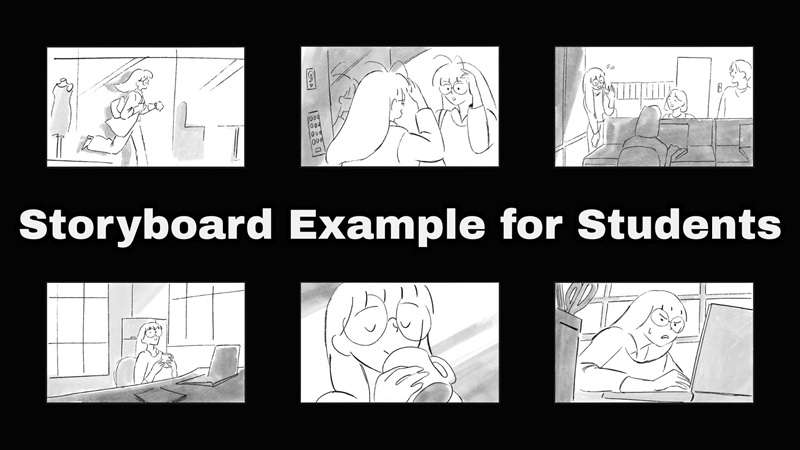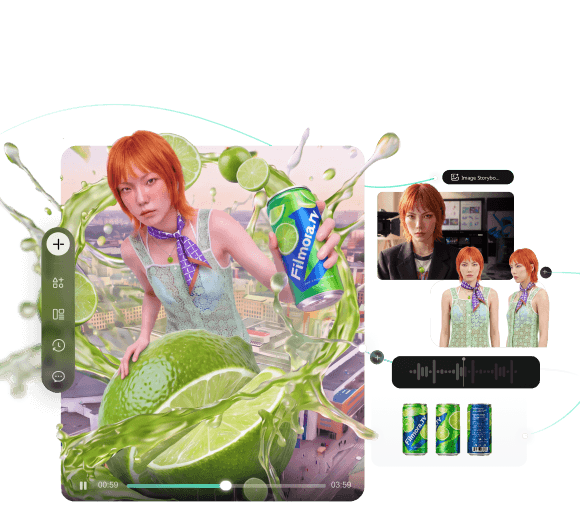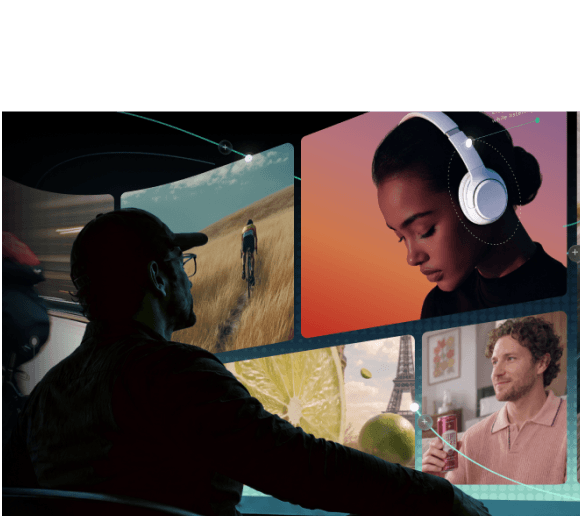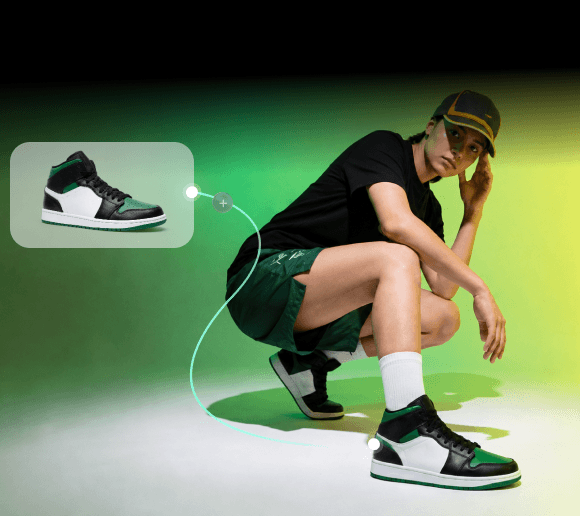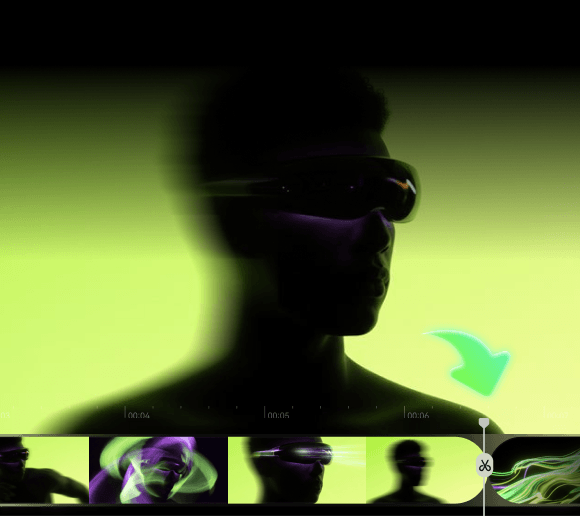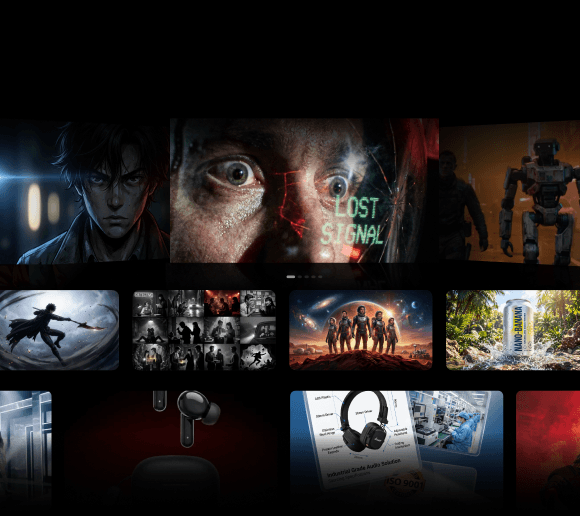
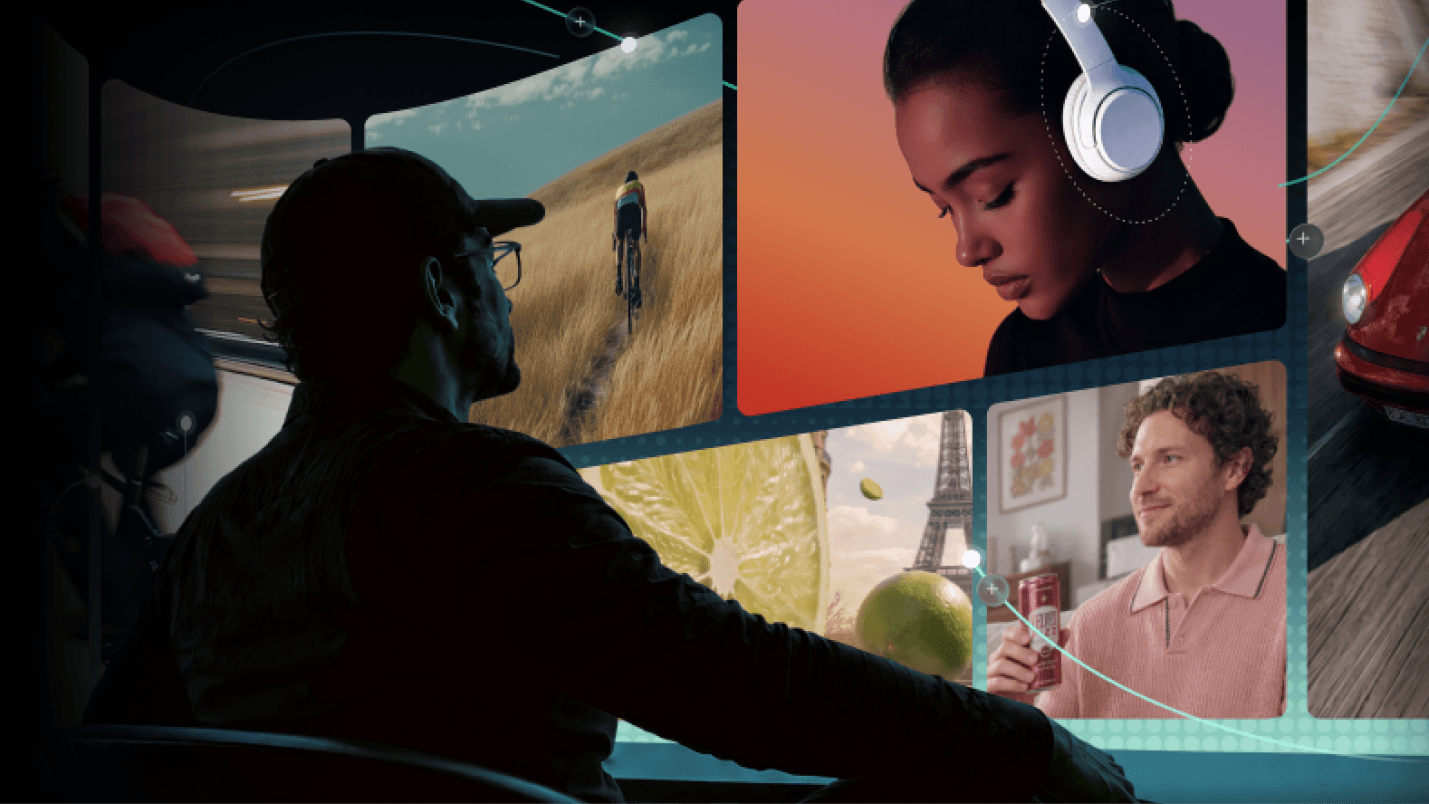
A great video can start with a simple idea, but turning that idea into a clear sequence of shots is another challenge. You need to visualize the scenes, characters, camera angles, and transitions before production begins. An AI storyboard generator handles this by turning a script, concept, or reference image into visual frames in minutes.
But even if you get a solid first draft of your storyboard, you still need to organize assets, compare visual directions, refine scenes, and turn everything into a finished video. Doing all of this across separate tools can quickly make the creative process harder to manage. Today, we'll explore the best AI storyboard generators that simplify this process, from first sketch to final export.
What Is an AI Storyboard Generator?
An AI storyboard generator turns a script, idea, or visual reference into a sequence of storyboard frames. It helps you plan what each shot could look like before producing the final video with AI, so that you can catch pacing issues, framing problems, and inconsistent characters early, when they're still easy to fix.
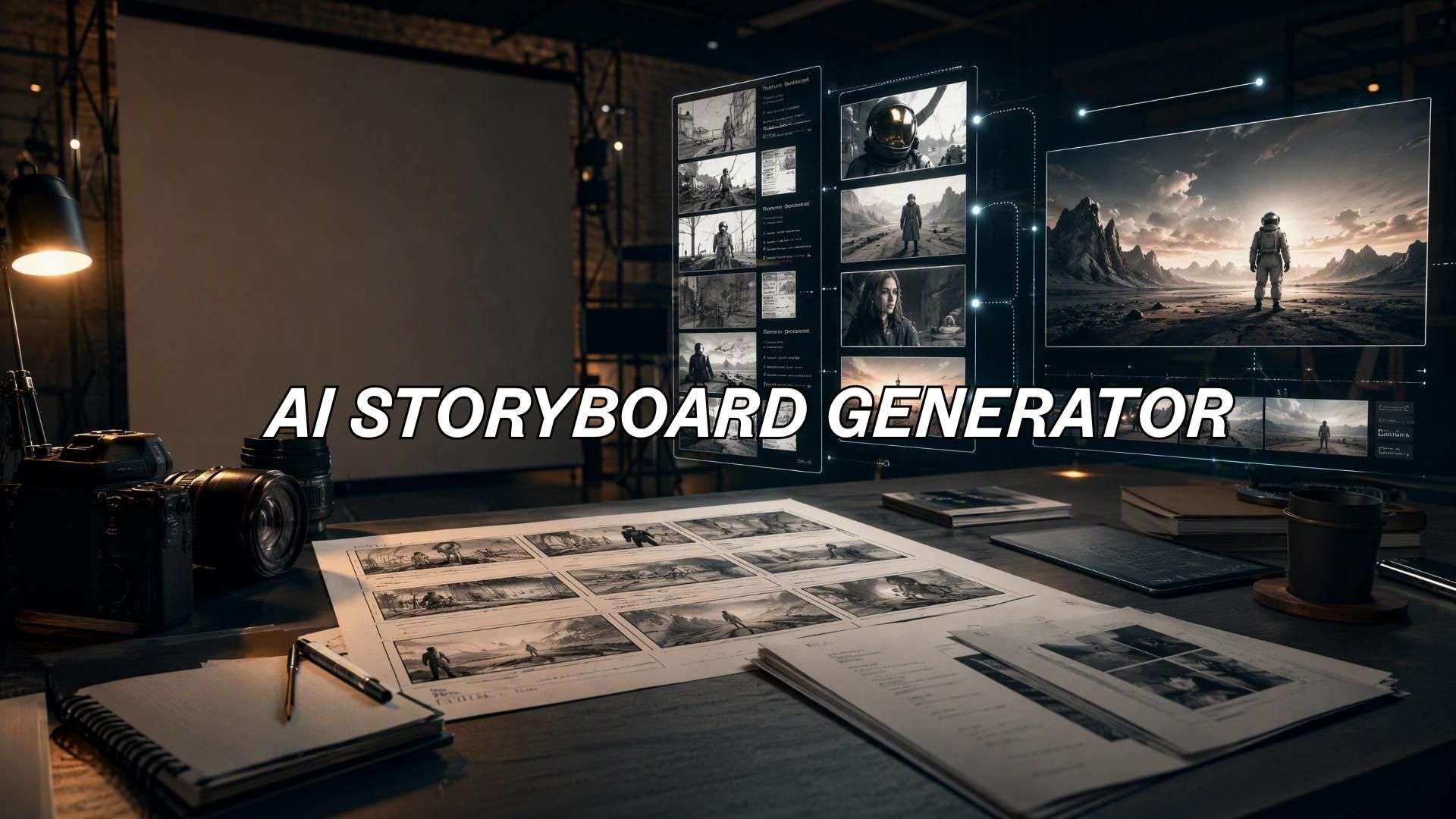
You can use an AI storyboard generator to:
- Turn a script into scenes: Break a story into visual moments and shot sequences.
- Turn scene descriptions into frames: Visualize settings, characters, actions, and compositions.
- Turn prompts into shots: Create specific camera angles, framing, and visual styles.
- Use reference images: Build new scene concepts while keeping a similar character, setting, or visual direction.
AI Storyboard Generator vs. Traditional Storyboarding
The main difference between an AI-based storyboard generator and traditional storyboarding is how the visual planning process is created. Traditional storyboarding relies on manual sketches or individually created reference images. AI storyboard generators automate much of the frame creation and make it easier to test different ideas.
| AI Storyboard Generator | Traditional Storyboarding | |
|---|---|---|
| Frame creation | AI generates frames from text, scripts, or references | Artist draws or creates each frame |
| Iteration | Regenerate scenes or try new visual directions quickly | Rework or recreate frames manually |
| Shot variations | Test different angles, compositions, and styles | Create each variation separately |
| Consistency | Some tools support recurring characters and visual styles | Depends on the artist and reference materials |
Common Use Cases
AI storyboard generators are useful for almost any project, especially those where you need to explore multiple visual ideas quickly. For example:
- Short films: Plan scenes, shots, and character actions before production.
- AI cinematic shorts: Test different shots and visual styles before generating video.
- Ads and UGC concepts: Create multiple concepts for products, campaigns, or social ads.
- Music videos: Design visual sequences and transitions that match the song.
- YouTube videos: Plan key scenes and B-roll before editing.
- Animation and anime: Explore characters, locations, and scene compositions.
- Film and commercial pre-production: Provide directors and clients with a visual reference to review before production.
What to Look for in an AI Storyboard Generator
AI video storyboard generator tools vary widely in what they offer. Some focus on generating storyboard frames, while others help with visual development, asset organization, and video production.
For this list, we’ll compare each tool based on these key features:
- Script-to-Storyboard Generation: Converts scripts, scene descriptions, or concepts into a sequence of storyboard frames.
- AI Image and Video Generation: Produces the visuals needed to build out a complete sequence.
- Visual References: Accepts reference images for characters, products, environments, or visual styles.
- Character Consistency: Keeps characters recognizable from one scene and shot to the next.
- Canvas or Storyboard Workspace: Gives you a space to organize scenes, assets, references, and ideas in one view.
- Creative Iteration: Lets you generate and compare multiple versions of a shot quickly.
- Video Editing: Carries storyboard content into a timeline for further editing.
- Collaboration: Allows multiple people to review, organize, or work on the project together.
These criteria help compare how each tool supports the creative process, from developing initial visual ideas to final video production.
What Can You Create With an AI Storyboard Generator?
An AI storyboard generator can take a rough idea and turn it into a visual sequence you can review, refine, and develop into a video. An AI video storyboard generator typically follows a workflow like this.
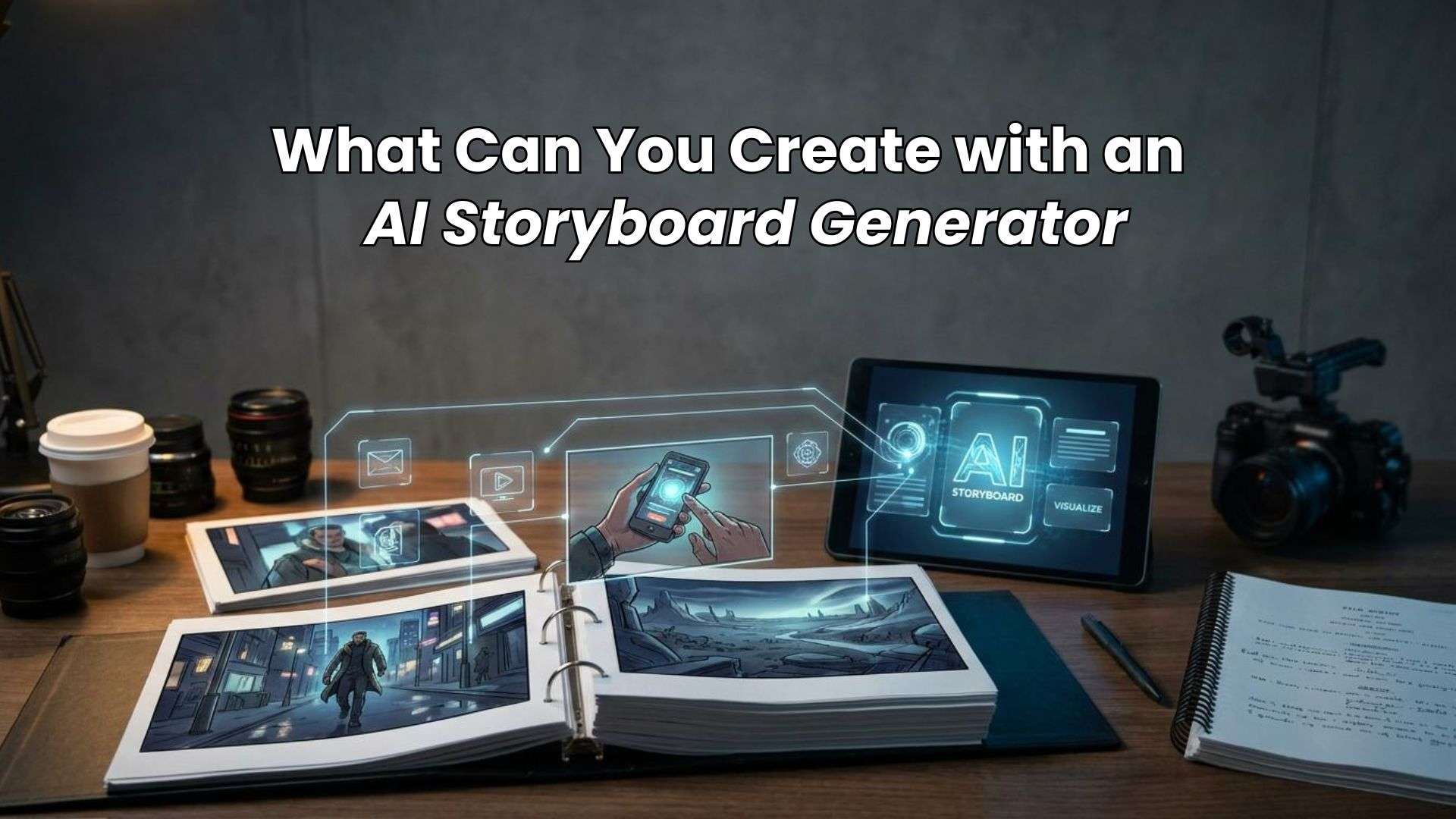
1. Brainstorm a Script or Idea
Start with a script, scene description, or rough concept. An AI storyboard generator from a script can help break the story into scenes, characters, actions, and shots.
2. Generate Visual Frames
Create storyboard frames based on your scenes. Adjust the characters, setting, camera angle, composition, and visual style to match the project.
3. Organize the Storyboard
Arrange your frames into a clear sequence. Keep related scenes, characters, references, and assets together so the story is easy to follow.
4. Compare Different Creative Directions
Try different versions of a scene, from camera angles and compositions to visual styles. Comparing variations helps you choose a direction before moving into production.
5. Turn the Storyboard Into Video
Use your selected storyboard frames as references to generate individual video shots. If your tool supports timeline editing, you can arrange the clips into a sequence, refine the pacing, and add audio or transitions where needed.
Want to see how the process works in practice? Explore this
AI video creation workflowto follow a concept from shot planning and AI generation to a rough cut and finished video.
7 Best AI Storyboard Generators for Beginners
Choosing the right AI storyboard generator depends on what happens after the storyboard is created. Some tools focus on script breakdown and visual planning, while others let you continue on to AI-generated image creation, video production, editing, or client review.
1. Filmora.TV
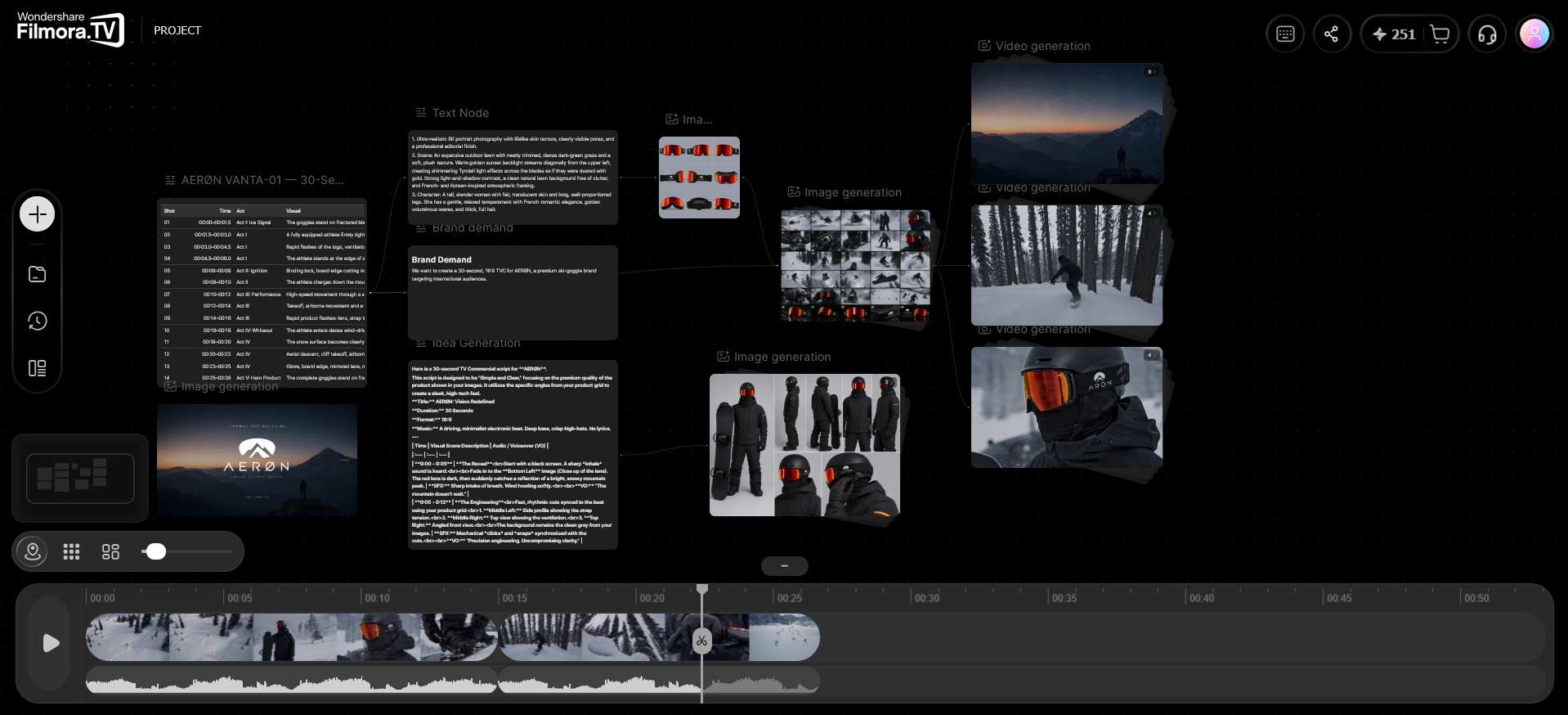
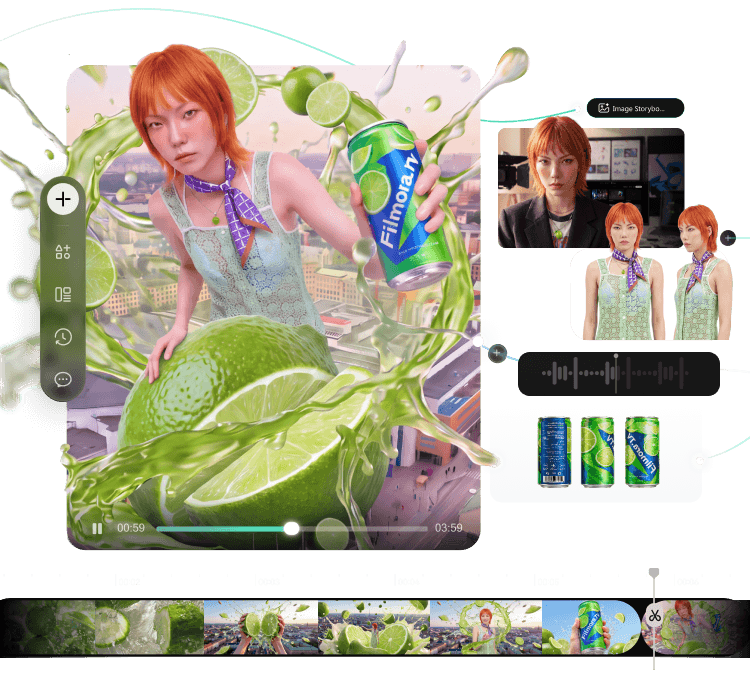
Filmora.TV is an AI storyboard generator integrated into a broader visual workspace for AI video creation. It lets you develop scripts and visual ideas, generate storyboard frames and other assets using nodes, where you can connect Text, Image, Video, Audio, and Script nodes to build out a scene step by step.
Since it runs on an infinite canvas, you can lay out multiple nodes side by side to compare different directions. Then, you can move selected content into a built-in timeline for assembling the final cut and making basic edits.
Best For: AI Storyboarding and Video Creation in one workspace
Key Features
- Connects Text, Image, Video, Audio, and Script nodes on canvas to build out a scene
- Supports multiple AI models within each node
- Infinite canvas for organizing scenes and assets
- Team asset library and in-canvas commenting
- Ready-made templates with editable prompts for quick starting points
- Assembles and edits the final cut on a built-in timeline
- XML export for editors like Wondershare Filmora
- Connects storyboarding, visual development, and video editing
- Enables you to explore and compare various creative directions
- Advanced tools for character, product, and cinematic development
- Supports team-based creative workflows
- Its extensive feature set may be more than beginners need for simple storyboards
- AI generation uses a credit-based system
Pricing:
- Basic at $20/month for 200 credits
- Plus at $100/month for 1,060 credits
- Pro at $200/month for 2,160 credits
- Premium at $500/month for 5,750 credits
Additional credit packs start at $20 for 200 credits, and top-up credits are valid for one year.
Why We Recommend It
As an AI video storyboard generator, Filmora.TV’s main advantage is the canvas-to-timeline workflow, letting creators develop storyboard frames, generate assets, compare ideas, and continue editing in the same workspace.

- Explore ideas on an infinite canvas
- Compare AI results and keep your best assets together
- Turn ideas into finished videos in one workflow
- Collaborate with your team in one shared workspace
2. LTX Studio
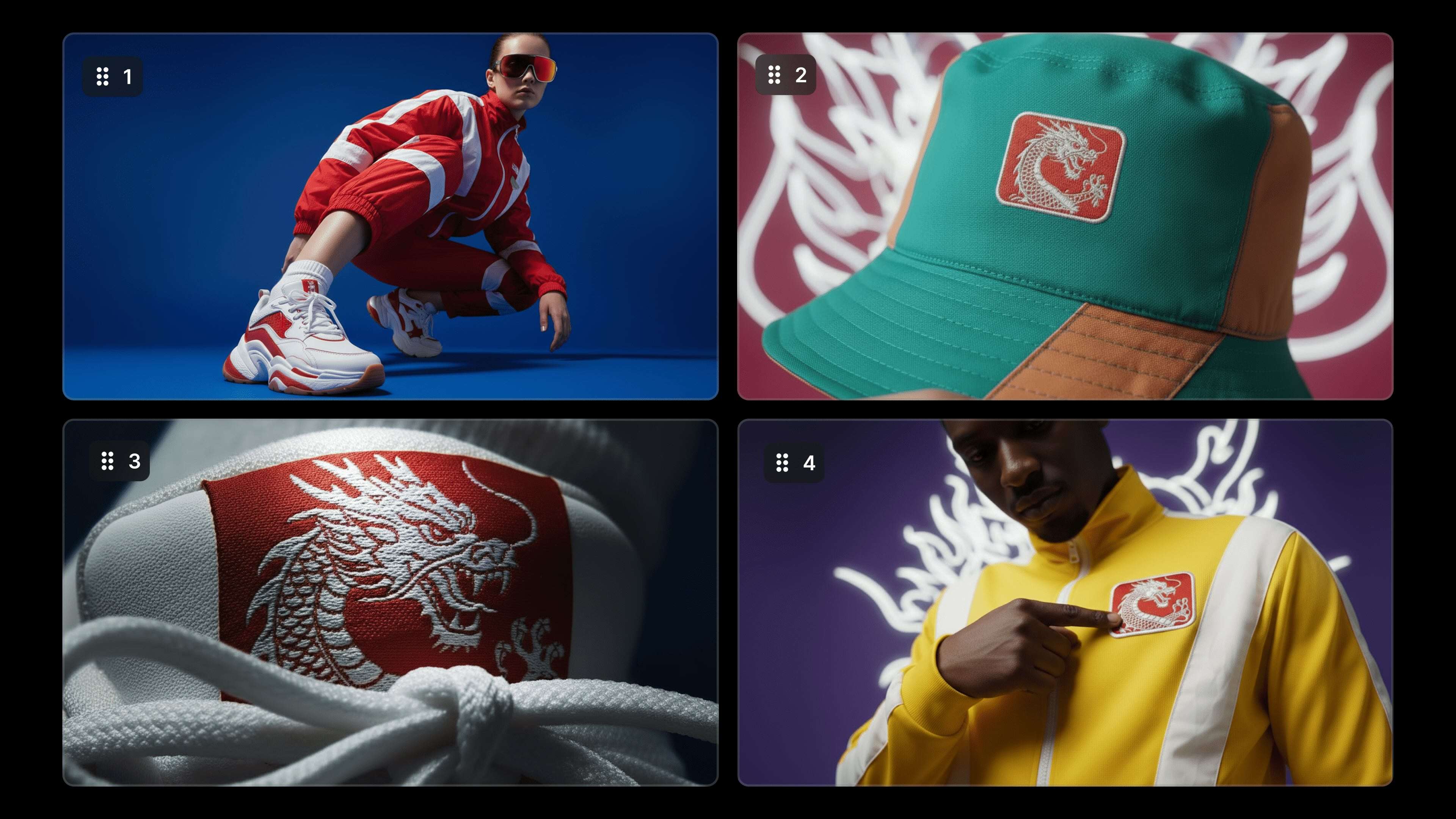
LTX Studio is an AI film storyboard generator specifically designed for AI filmmaking and pre-production. It connects story development with shot planning, AI image and video generation, camera controls, and editing workflows.
Best For: AI Filmmaking and Script-to-Video
Key Features
- AI storyboards
- Script and concept-based project development
- AI image and video generation
- Advanced camera controls
- Consistent Elements for characters and visual assets
- Flows for node-based automation
- Video-to-video controls
- Timeline-based editing
- Project collaboration
- Storyboard and pitch-deck creation on higher plans
- Strong filmmaking and pre-production workflow
- Connects story structure with AI-generated visuals
- Includes advanced camera and automation tools
- More advanced features can require higher plans
- The free plan is limited to personal projects
Pricing:
- Free includes 800 one-time credits
- Lite starts at $15/month with 8,000 credits
- Standard at $35/month with 28,000 credits
- Pro at $125/month with 110,000 credits
Annual billing lowers the listed prices to $12, $28, and $100/month. AI Storyboards and commercial use are included with Standard and above.
Why We Recommend It
LTX Studio is a strong choice for creators who want an AI storyboard generator from a script that connects story structure with shot planning and AI filmmaking.
3. Loova AI
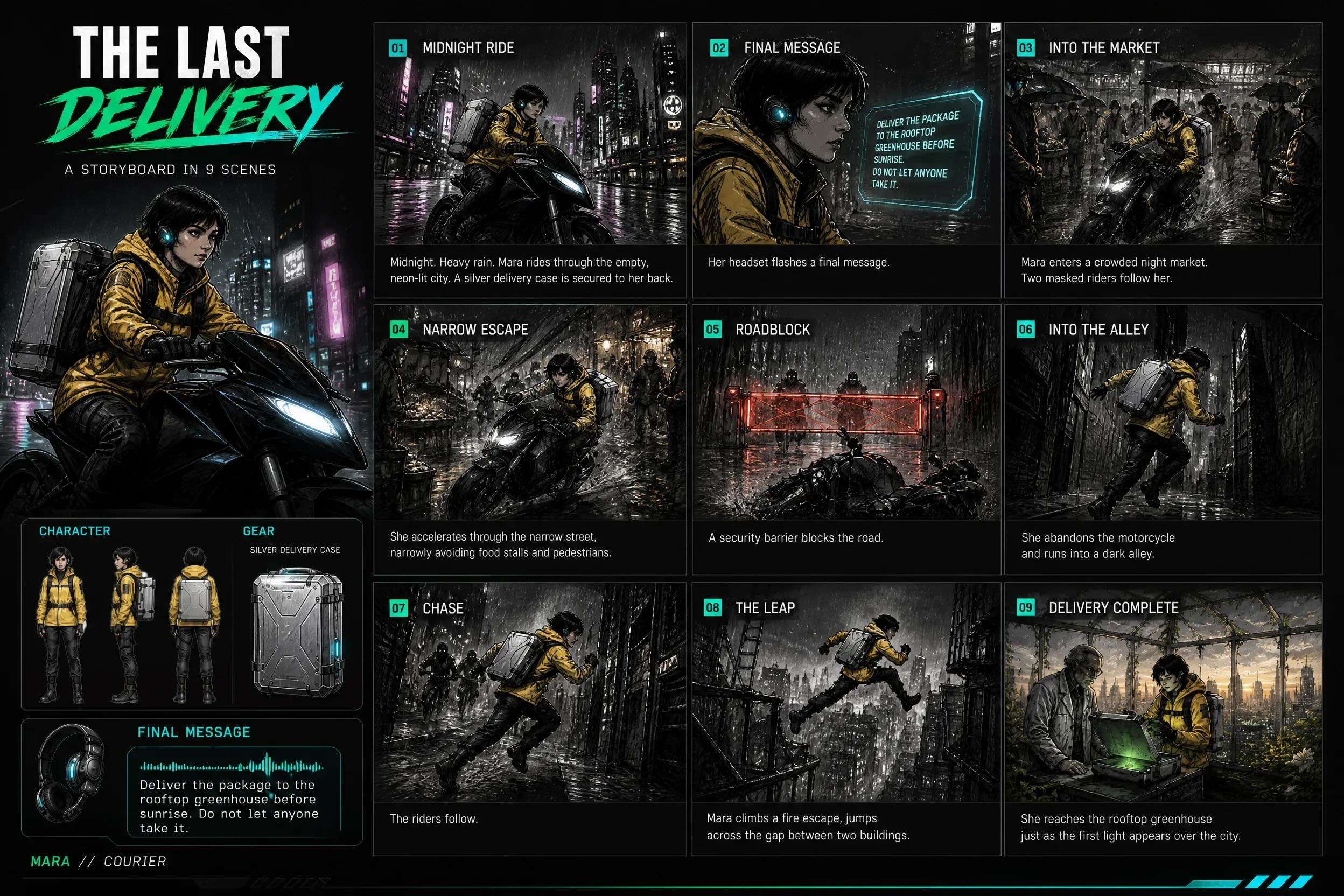
Loova AI combines an AI storyboard generator online with an infinite canvas. It can read a script, identify scenes, characters, actions, and camera directions, then create matching storyboard sketches that you can refine and develop into videos.
Best For: Storyboard Creation with an Infinite Canvas
Key Features
- Script-to-storyboard generation
- Automatic scene and shot breakdown
- Character and visual consistency
- Camera direction and composition
- Individual frame refinement
- Infinite Canvas workspace
- AI image and video generation
- Storyboard-to-video workflow
- AI Agent for creative planning
- Strong script understanding and scene breakdown
- Flexible infinite-canvas workflow
- Connects storyboarding with AI video generation
- Good for experimenting with multiple visual directions
- Features and generation limits vary by plan and model
- The platform covers a wide range of AI creation tools beyond storyboarding
Pricing:
- Lite: $15/month with 300 credits
- Pro: $49/month with 1,200 credits
- Max: $99/month with 3,000 credits
- Ultimate: $229/month with 8,000 credits
Annual billing offers lower effective monthly prices on paid plans
Why We Recommend It
Loova is useful if you want to view your entire storyboard on a single canvas. You can expand the board, compare shots, refine individual frames, and carry selected visuals into video generation.
4. Katalist
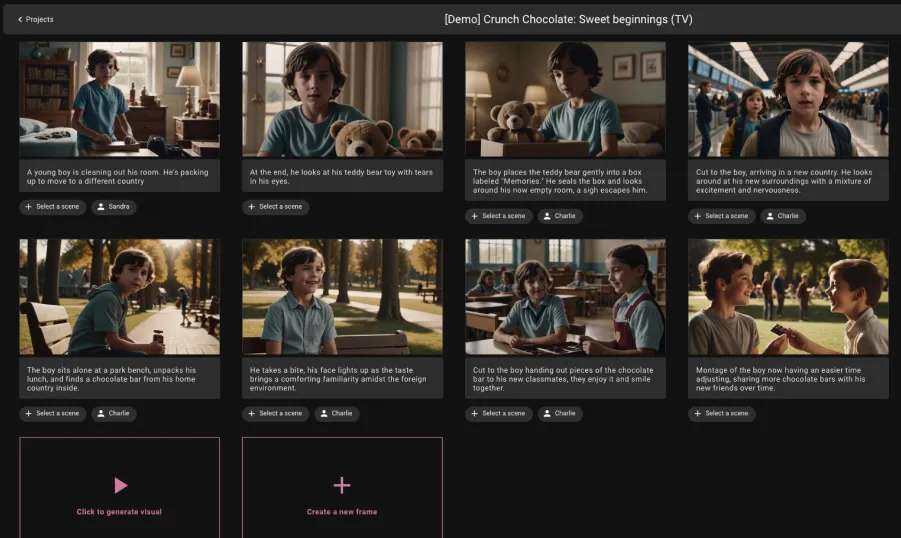
Katalist is an AI storyboard generator from a script with a strong focus on consistent characters. It can turn scripts into visual storyboards, refine individual frames, and maintain recurring characters across a sequence.
Best For: Storyboards with consistent characters
Key Features
- Script-to-storyboard generation
- AI Script Assistant
- Character consistency, with custom character creation support
- AI video and image generation
- Camera angle adjustments
- AI voiceover and lip-sync
- Adobe Premiere Pro integration
- Real-time collaboration on Unlimited
- ZIP and PPT export
- Strong character consistency
- Combines storyboarding with image and video generation
- Supports several major AI video models
- Premiere Pro integration helps with production handoff
- Image and video generation use separate credit allowances on paid plans
- More advanced collaboration features require higher plans
Pricing:
- 7-day free trial
- Essential: $19/month with 200 image credits and 700 video credits
- Pro: $39/month with 700 image credits and 1,500 video credits
- Unlimited: $99/month with unlimited image generations and 3,000 video credits
- Enterprise: Custom pricing
Why We Recommend It
Character consistency is one of the key strengths of Katalist AI storyboard generator, with tools to maintain character consistency across frames and adjust poses, camera angles, and individual storyboard images.
5. Boords
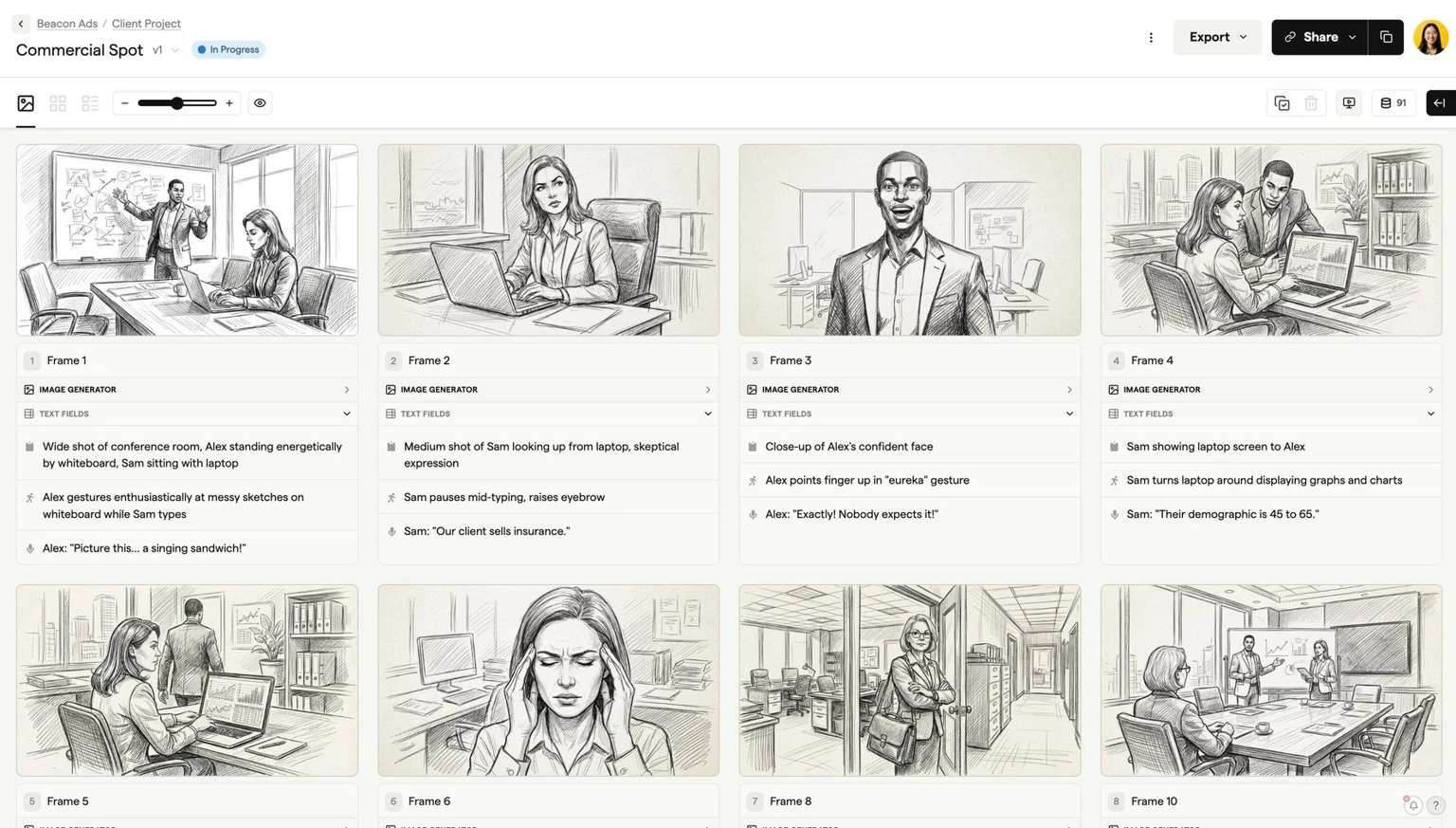
Boords is an AI video storyboard generator designed around storyboarding, pre-production, and client review. It can turn scripts into structured storyboards, generate frames, explore camera angles, and save feedback tied to specific versions.
Best For: Collaborative storyboard review
Key Features
- Script-to-storyboard generation
- AI-generated storyboard frames
- Camera-angle exploration
- AI frame refinement
- Comments and client review
- PDF, image, shot-list, and MP4 exports
- Real-time collaboration
- Excellent client review and approval workflow
- Effective script-to-storyboard creation tool
- Character consistency across frames
- Built specifically for production and pre-production teams
- More focused on storyboarding than full AI video generation
- Advanced team features require paid plans
Pricing:
- Solo: $39/month with 250 AI images/month
- Pro: $75/month with 1,000 AI images/month and up to 5 users
- Team: $125/month with 2,000 AI images/month and up to 10 users
- Agency: $250/month with 3,000 AI images/month and up to 30 users
Why We Recommend It
Boords’ workflow focuses on storyboard review and pre-production, with features for client feedback, version history, animatics, comments, and presentation-ready exports.
6. Topview
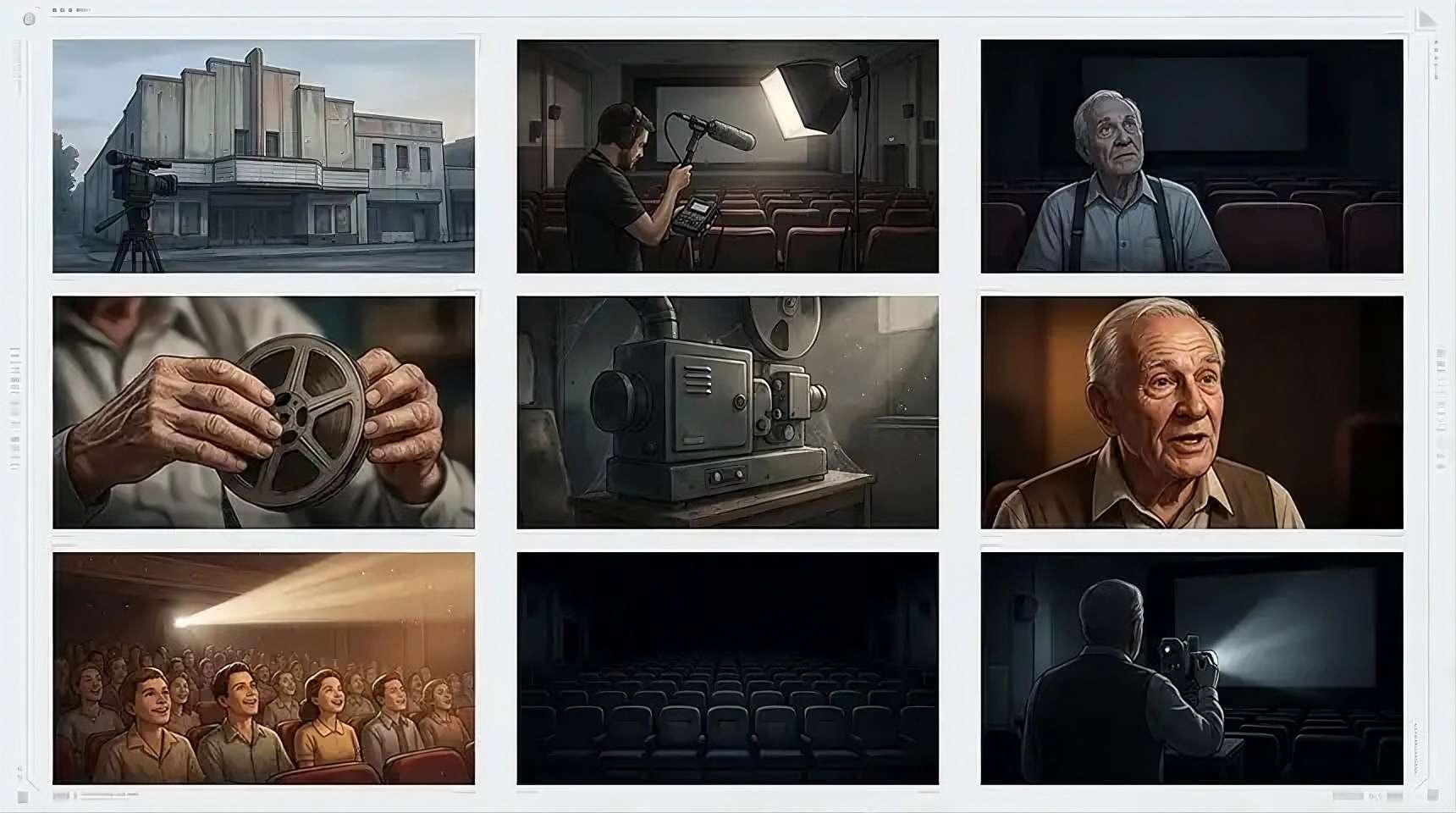
Topview provides an AI storyboard generator that turns scripts or scene ideas into visual frames. It identifies key story beats, plans shots, and lets creators explore camera angles, visual styles, and scene structure before moving into AI video production.
Best For: Quick script-to-storyboard generation
Key Features
- AI storyboard generation from scripts or scene ideas
- Scene and shot planning
- Camera angle and movement controls
- Visual style and cinematic direction
- AI image and video generation
- AI Video Agent
- Editable Canvas and storyline
- Built-in video editor
- Real-time collaboration on Team plans
- Fast workflow from script to visual concept
- Connects storyboarding with AI video generation
- Useful for ads, social content, and short-form storytelling
- Supports broader cinematic and short-drama workflows
- Its wide range of AI video features can be more than needed for basic storyboarding
- Generation costs and model access vary by feature
Pricing:
- Pro: $29/month with 80 credits/seat/month
- Business: $75/month with 250 credits/seat/month
- Ultra: $120/month with 500 credits/seat/month
- Team: $130/month with 500 credits/seat/month
Why We Recommend It
Topview makes it quick to turn a script or scene idea into visual frames, then use those storyboard concepts as a starting point for AI video generation.
7. M Studio
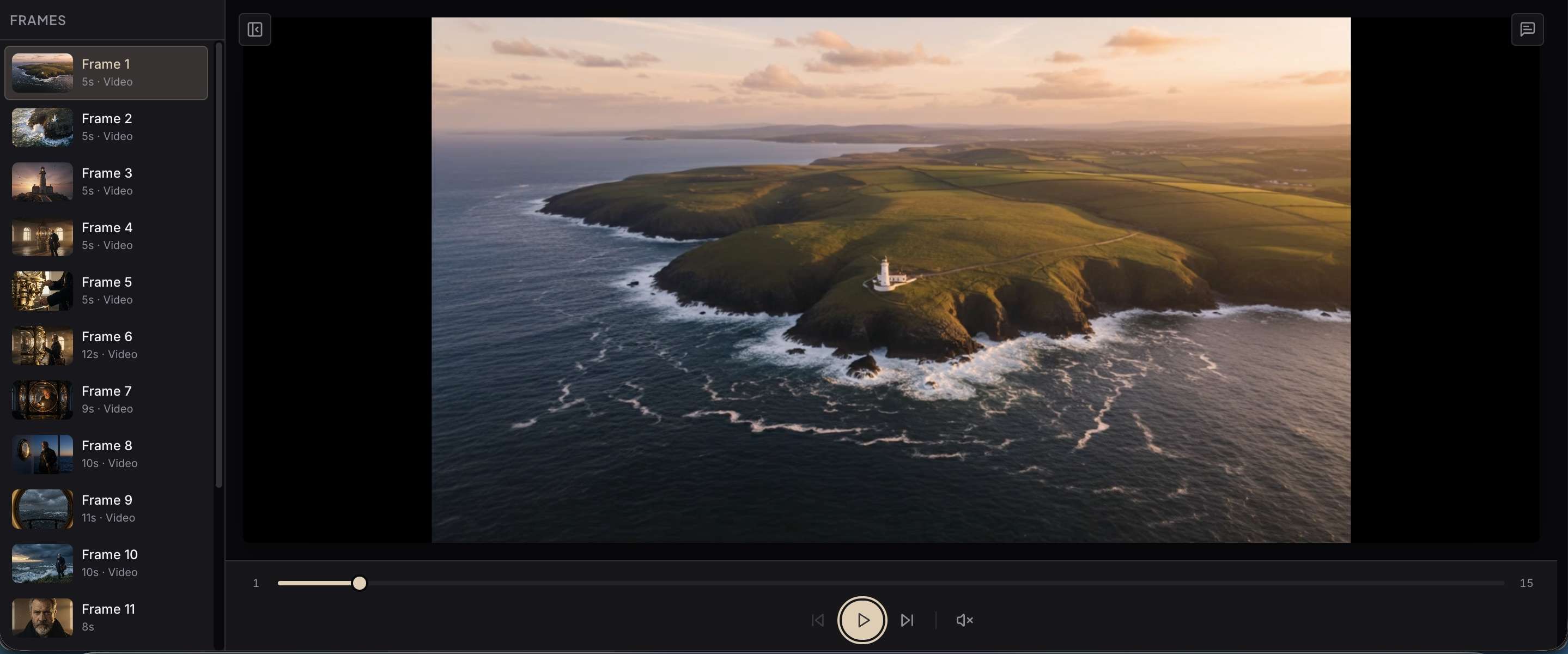
M Studio is an AI storyboard generator that connects story development with AI filmmaking. It can break down a script into shots, generate storyboard frames, and continue into video, voice, music, sound, VFX, and timeline editing.
Best For: Storyboard-to-Video Production
Key Features
- AI script and shot breakdown
- AI storyboard generation
- Music and sound effects
- AI VFX and CGI
- Real production timeline
- Production Vault for project assets
- Team collaboration on Professional and Studio plans
- Covers the workflow from script to final video
- Keeps storyboard frames and video production connected
- Supports up to 4K resolution, depending on the plan
- Storyboard frames and film clips draw from the same monthly generation budget
- Higher plans are needed for larger projects and teams
Pricing:
- Starter: $27/month with ~100 storyboard frames and 40 film clips/month
- Professional: $99/month with ~500 storyboard frames and 150 film clips/month
- Studio: $199/month with ~1,500 storyboard frames and 450 film clips/month
Why We Recommend It
M Studio extends the storyboard workflow into full production, connecting script and shot breakdowns with video, voice, music, sound effects, VFX, and timeline editing.
Conclusion
AI storyboard generators can transform a script beyond words and show how its scenes could work on screen. From framing and camera angles to character continuity and visual direction, these tools help creators test ideas before committing to production.
Some tools focus mainly on generating storyboard frames, while others extend the process into asset creation, AI video generation, editing, and collaboration. When choosing one, consider how much of your workflow you want to handle in the same platform, along with its creative controls, generation limits, and pricing.
FAQs
-
Can AI generate a storyboard from a script?
Yes. An AI storyboard generator from a script can break a script into scenes and shots, then create visual frames with characters, settings, and camera directions.
-
Is there a free AI storyboard generator?
Yes. Some tools offer free plans or credits, but limitations can apply to generations, exports, features, or commercial use. Check the plan details before starting a project.
-
Can I turn an AI storyboard into a finished video?
Yes, with tools that support AI video generation or editing. You can use storyboard frames as references for video clips, then add them to a timeline with audio and other elements.