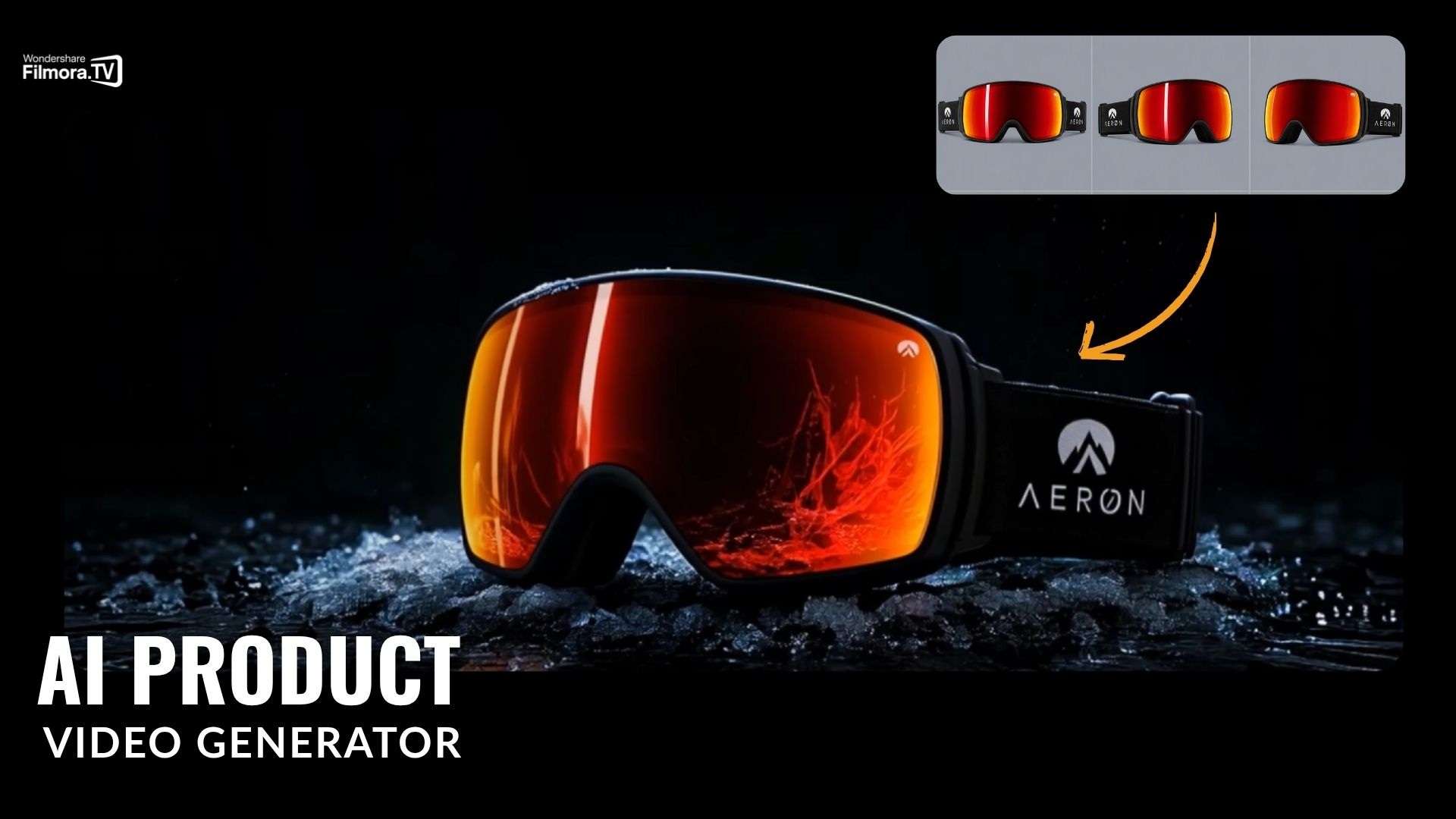
Unboxing videos are still everywhere online, and for brands, they’re a simple way to show off products, build curiosity, and turn viewers into potential buyers. So naturally, plenty of AI unboxing video makers now promise to create polished product videos without all the filming and editing work.
The latest one to join the crowd is Filmora.TV, a new AI video platform with capabilities as an AI unboxing video generator. But does it actually work, and is it any good for creating product content? Let’s find out!
What Makes an AI Unboxing Video Maker Actually Good?
There’s a big difference between asking AI to make a random product clip and asking it to create an actual unboxing video. Anyone can prompt a model to show a box opening, but if the packaging changes color mid-clip or the hands look like floating alien appendages, your viewers will scroll right past.
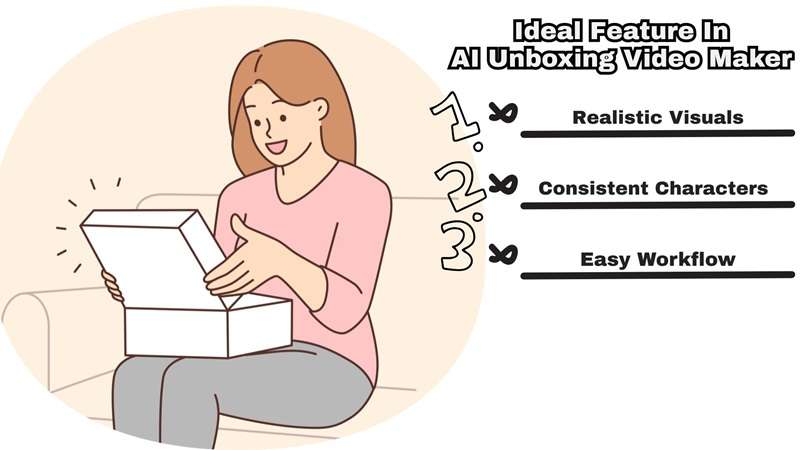
That gap is exactly where most AI unboxing video ad makers fall apart. So before judging any tool, it's important to recognize the features that actually separate a low-effort AI generator from something you could genuinely use for ad content:
- Realistic Product Visuals: The product itself needs to look like the product: correct shape, logo placement, packaging texture, and color, not a vaguely box-shaped approximation.
- Consistent Characters, Hands, and Products: A top-tier AI unboxing video ads maker keeps the person's hands natural, the product design identical across every angle, and the logo completely readable from scene to scene.
- Multi-Scene Generation: A real unboxing (package reveal, first look, close-up, reaction, etc.) has a rhythm. A tool that can only generate one isolated clip at a time can't build that flow.
- Creative Control: You should be able to adjust angles, lighting, pacing, and style rather than just accepting whatever the AI hands back on the first try.
- Easy Workflow: The setup process should feel smooth, fast, and accessible even if you aren't an expert animator.
Meet the New AI Unboxing Video Maker: Filmora.TV
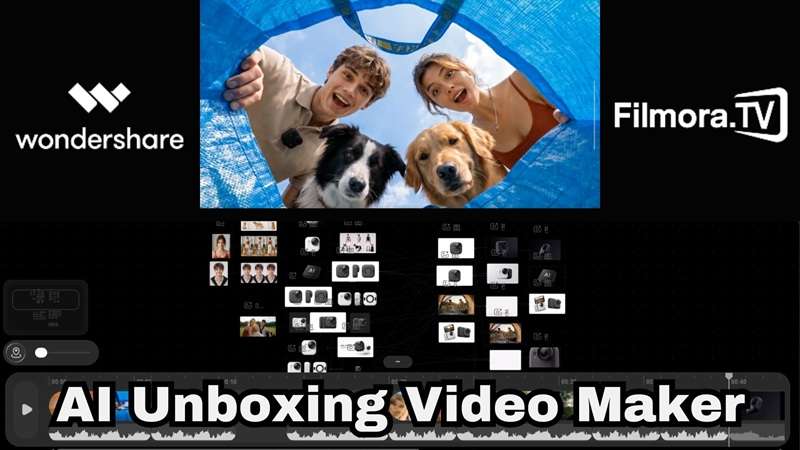
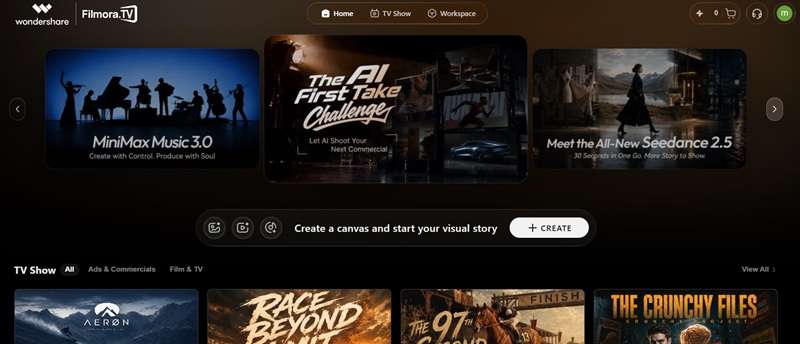
Judging from all the criteria above, Filmora.TV can genuinely be a good option as an AI unboxing video creator. This latest platform from Wondershare operates as a browser-based creative hub centered around a massive infinite canvas, bringing your entire video creation process onto a single screen.
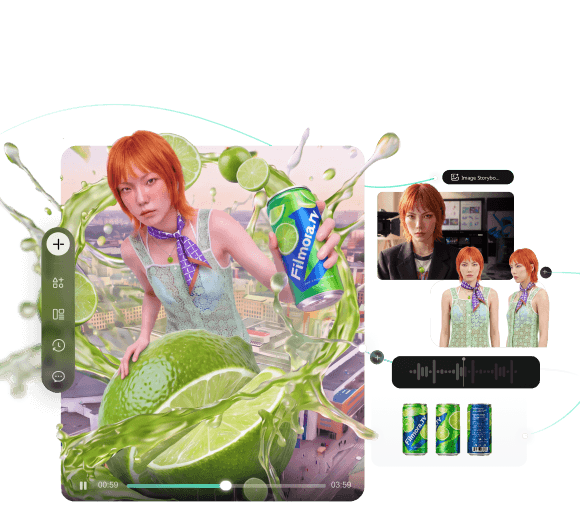
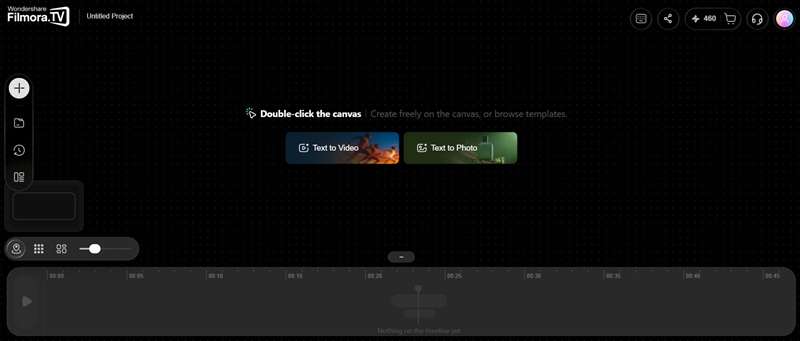
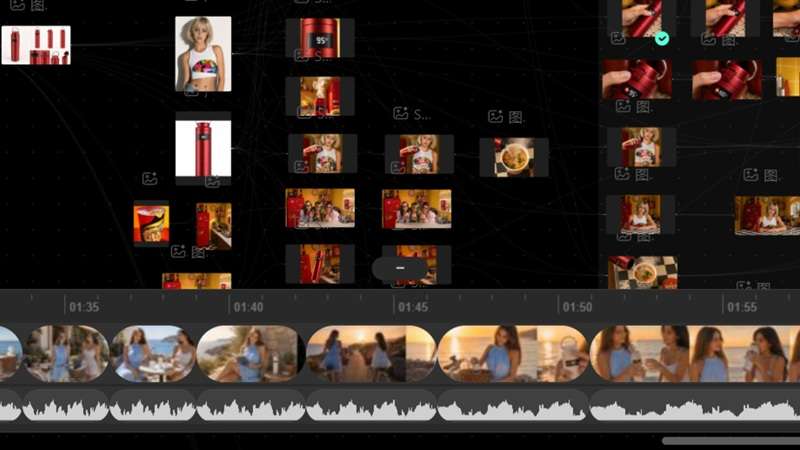
You map out your ideas on the board, generate assets side by side using top-tier underlying models, and drag your winning takes directly into a full-fledged video timeline at the bottom of your screen.
Why Choose Filmora.TV as Your AI Unboxing Video Creator?
AI Canvas for Planning Product Videos
You can lay out your whole concept on the canvas first, be it script beats, reference shots, or product angles. So, the AI has actual context before it generates anything.
All Your Favorite AI Engines in One Hub
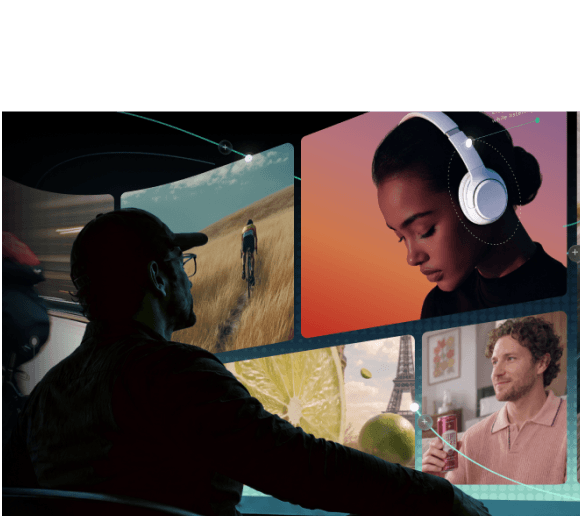
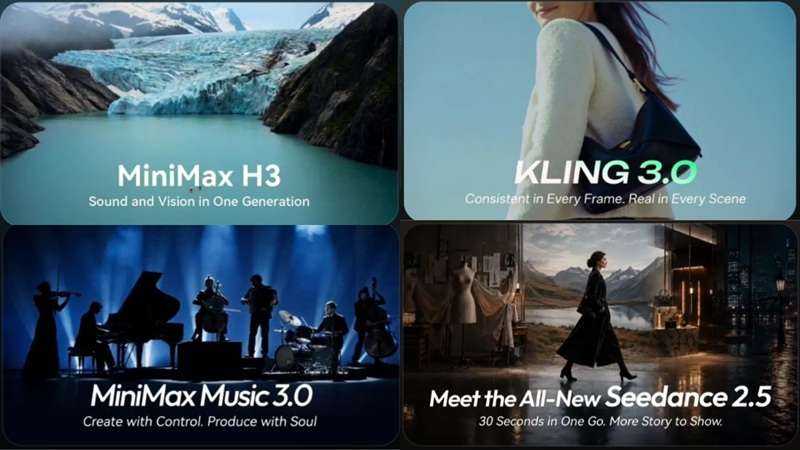
Filmora.TV builds major models directly into the canvas. You can write scripts using GPT 5.6 or DeepSeek v4 Pro, generate storyboards with GPT Image 2, render video scenes using Seedance 2.5, VEO 3.1, or Kling 3.0, and add voiceovers via ElevenLabs—all under one roof.
Build More Than One Unboxing Shot
Because the canvas supports multiple scenes side by side, you're not stuck with a single isolated unboxing clip. You can generate the box reveal, the first look, a close-up, and a reaction shot as separate scenes, then arrange them into an actual sequence.
Useful for Product Ads, Not Just Unboxings
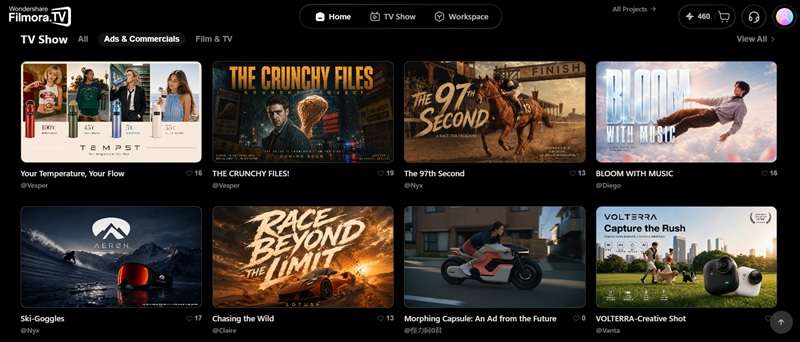
Because it's built around scenes, storyboards, and product-focused generation rather than one-off clips, the same canvas works just as well for broader product ads, demo videos, or social promos.
Built With Team Workflows in Mind
Shared credit pools, assignable access rights, and the ability to leave feedback directly on specific frames make it realistic for agencies or social teams producing unboxing content at scale, not just solo creators.

How Much Does Filmora.TV Cost? Is It Worth It?
Like pretty much every AI unboxing video ad maker on the market right now, none of this comes free. Filmora.TV operates on a flexible credit system where actions like generating images, running video renders, or cloning voices consume a specific number of points depending on the underlying model you choose.
To get those credits, you can sign up for one of their subscription plans:
| Feature | Basic | Plus | Pro | Premium |
|---|---|---|---|---|
| Price | $20/month | $100/month | $200/month | $500/month |
| Monthly Credits | 200 | 1,060 | 2,160 | 5,750 |
| Approximate Output | ~200 images / 100 videos | ~1,060 images / 530 videos | ~2,160 images / 1,080 videos | ~5,750 images / 2,875 videos |
| Cloud Storage | 5GB | 50GB | 150GB | 500GB |
| Team Seats | 3 | 10 | 20 | Unlimited |
Every plan includes the infinite canvas, one-click templates, AI video breakdown, watermark-free exports, and commercially licensed assets, so you're not missing core functionality by starting small.
If a monthly plan doesn't fit your workflow, you can also just buy credits on their own:
| Price | Total Credits Included |
|---|---|
| $20 | 200 credits |
| $100 | 1,000 credits |
| $200 | 2,040 credits |
| $500 | 5,200 credits |
| $2,000 | 21,200 credits |
| $5,000 | 55,000 credits |
| $10,000 | 115,000 credits |
How to Create an AI Unboxing Video With Filmora.TV
There’s no better way to judge an AI unboxing video generator than to put a product concept through the workflow yourself. So, that's exactly what we did. Here's the process from a blank canvas to a finished unboxing video.
Step 1 Start a New Canva
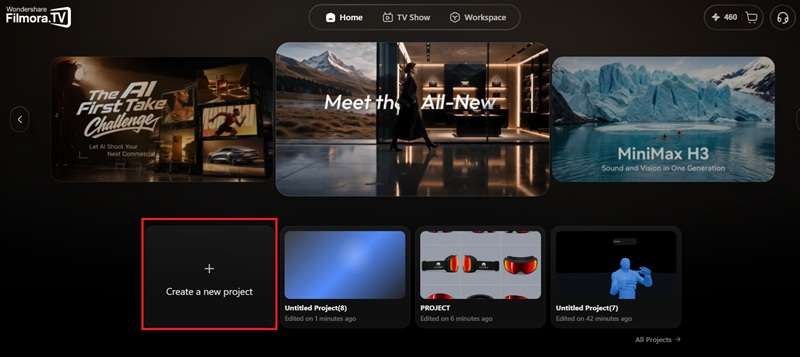
Sign in to Filmora.TV and select Create a new project to open the canvas. This blank board is where the whole video comes together.
Step 2 Draft Your Script
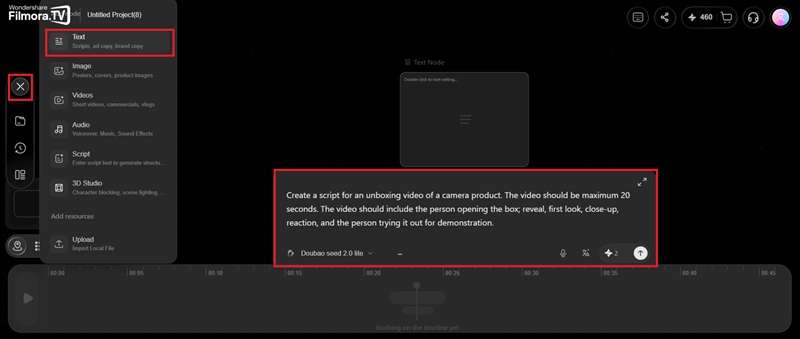
Add a text node to draft your script by hitting the Add (+) icon and selecting Text. Write down the concept of your unboxing video in the description box and hit Enter.
Step 3 Upload Reference Shots
Hit the + icon once again and select upload. Import reference photos that would be useful. In this case, it can be a product photo and the subject. Drag the uploaded photos below the AI script from earlier.
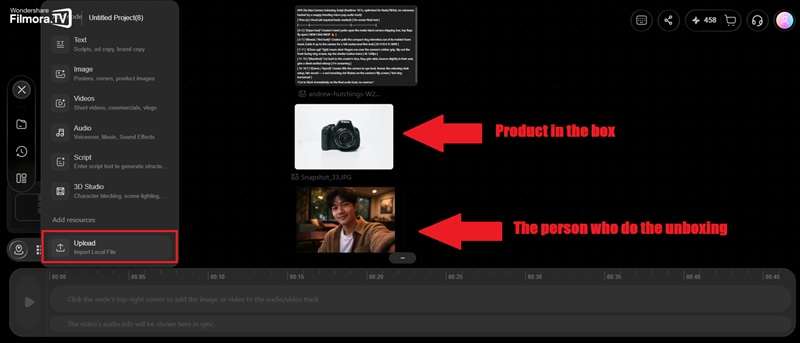
Step 4 Generate AI Video
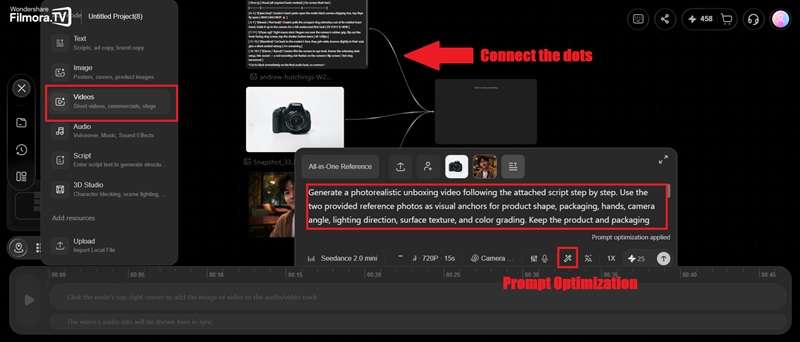
Add a Video node and connect the AI scripts and reference photos into the video tab. Write the prompt as descriptively as possible or use the prompt optimization feature to help you. After making sure the duration, aspect ratio, and resolution match your needs, start generating.
Step 5 Assemble on the Timeline
When it’s done generating, drag the result to the editing timeline below. You can make further edits like trimming clips and adjusting timing between scenes. Then, simply hit the export button to save the video to your device.
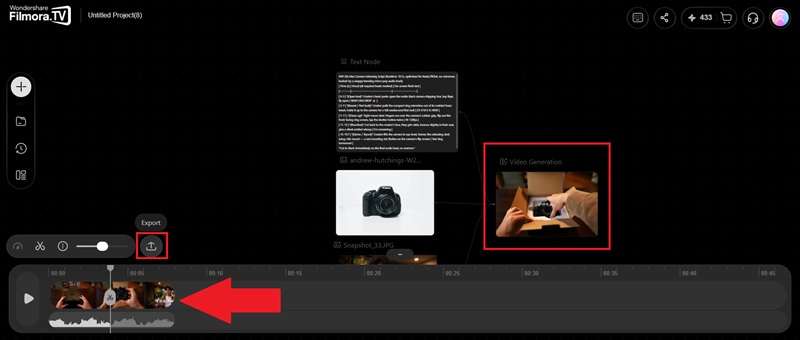
As you can see, Filmora.TV is designed to keep the creation and editing stages connected, so you don't need to move the project through several different websites just to get from generated clips to a finished product video. Now, see the result below:
Filmora.TV Pros and Cons: Is It Good for Product Videos?
After actually going through that whole process ourselves, we've got a much clearer picture of Filmora.TV as an AI unboxing video maker and where it genuinely delivers and where it still has some rough edges.
- One workspace, Start to Finish: You genuinely don't need to jump between separate AI sites and a video editor.
- Real Multi-Scene Planning: Because the canvas is built for laying out several scenes at once, unboxing videos actually get a beginning, middle, and end instead of one random clip.
- Seamless Timeline Transition: The ability to drag generated assets straight down into an editing timeline for further edits completely bridges the gap between raw AI generation and polished post-production.
- Commercial Peace of Mind: All assets created on paid plans come fully licensed for commercial use, making it safe to run your generated clips directly in paid social ad campaigns.
- Learning Curve for Canvas Navigation: If you are used to traditional, linear video editors, getting comfortable with navigating an infinite whiteboard with side-by-side nodes takes a bit of practice.
- Credit Consumption Adds Up: High-resolution video models eat through credits quickly, so testing multiple prompt variations can burn through lower-tier monthly credit allowances faster than expected.
- Still a Newer Platform: As a fresh release, Filmora.TV hasn't built up the years of user feedback and community troubleshooting that more established AI video tools have.
Conclusion
If you want to produce clean product content without the massive overhead of traditional video production, turning to an AI unboxing video maker is one of the smartest shortcuts you can take today. While AI motion isn't 100% perfect every single time, the quality gap between generated clips and real-world studio footage is closing faster than ever.
Filmora.TV stands out from the crowded market by solving the biggest workflow pain point creators face. Instead of forcing you to juggle six different subscriptions and constant file downloads, it gives you a complete, all-in-one studio where you can brainstorm, render, assemble, and polish your product reveals on a single screen.
FAQs
-
Can AI unboxing videos use a real product photo?
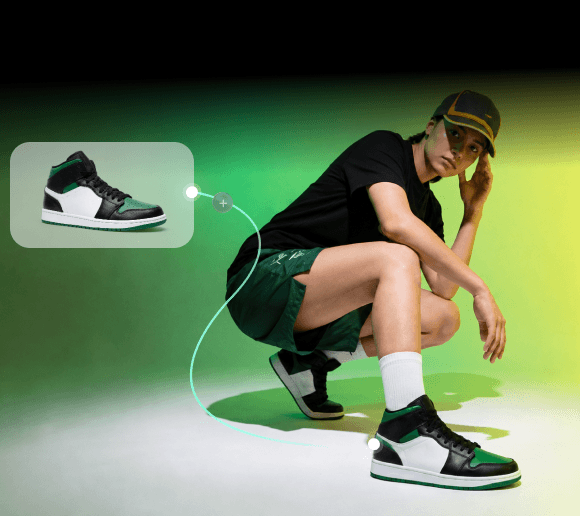
Yes, and honestly, it's the better approach. Uploading an actual photo of your product as a reference gives the AI something accurate to work from, instead of trying to describe your packaging, logo, and colors in words and hoping it guesses right.
-
How long should an AI unboxing video be for social media?
For platforms like TikTok, Instagram Reels, and YouTube Shorts, keeping your videos between 15 and 30 seconds works best. Hook the viewer with the box opening within the first 3 seconds, show off 2 or 3 key product features, and end with a clear call-to-action link.
-
What products work best for AI-generated unboxing videos?
Products with clear shapes and simple physical interactions are usually easier to present convincingly. Good examples include tech gadgets, skincare bottles, cosmetics, packaged shoes, and boxed accessories, which render the best results with minimal motion artifacts.