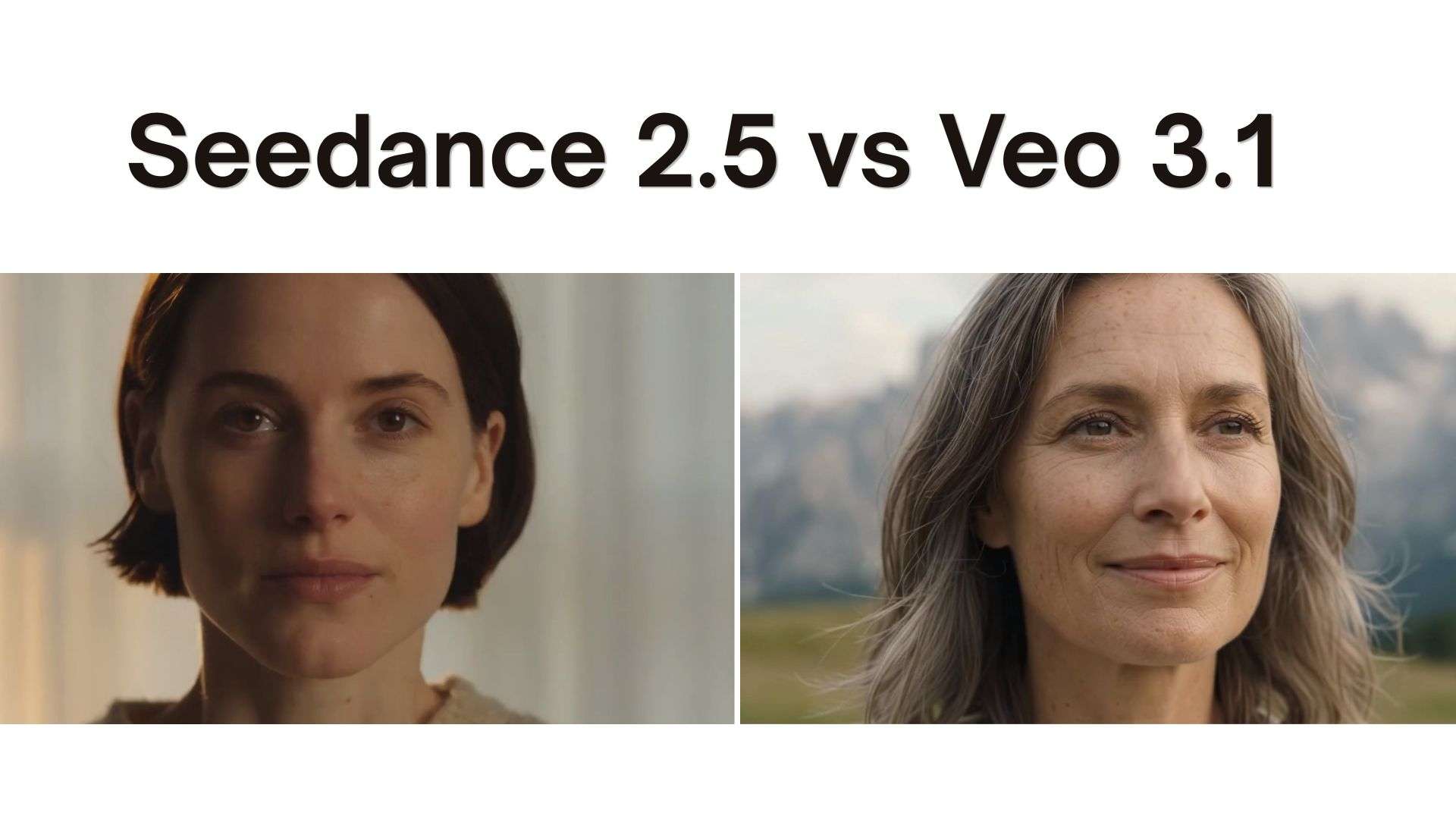
Not long ago, ByteDance released its latest AI video model, Seedance 2.5, and it quickly sparked plenty of debate in the industry. With its impressive video generation capabilities, many creators have started asking how it stacks up against big names like Google’s Veo 3.1.
While a few creators have already weighed in on the Seedance 2.5 vs Veo 3.1 debate, we wanted to throw our two cents into the ring. Read along as we deep-dive into how both models perform!
About Seedance 2.5: ByteDance’s Latest AI Video Model
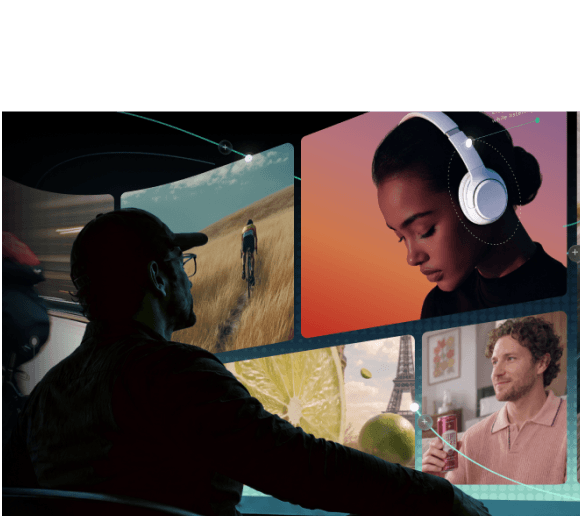
Released on July 31, 2026, Seedance 2.5 is built around one core idea: video generation should feel less like stitching short clips together and more like actually directing a scene. It handles video and audio simultaneously while letting you feed in massive amounts of reference material, which is why it caught everyone's attention overnight.

Key Features
ByteDance built the model around longer storytelling, richer references, joint audio-video generation, and more detailed editing control. Let's have a look at their key features:
- 30-Second Single-Pass Generation: Generates long, continuous takes without awkward seam cuts or character drift.
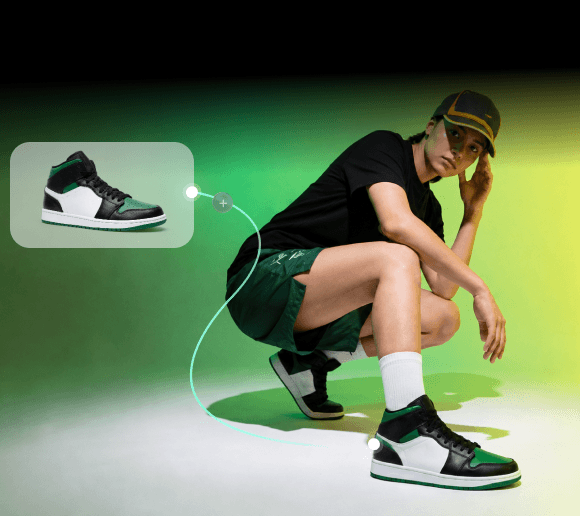
- 50 Multimodal References: Accepts up to 50 image, video, and audio slots to lock character identity, camera motion, and brand assets.
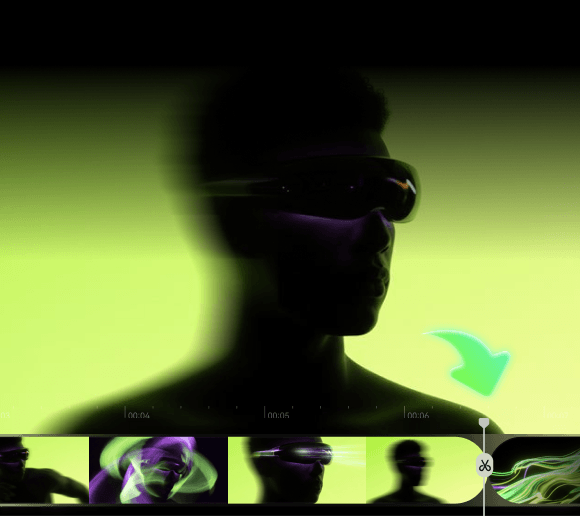
- In-Video Region Editing: Allows users to edit specific areas or fix details without re-rendering the whole clip.
- Native Joint Audio-Video: Generates sound effects, ambiance, and background music in the exact same render pass.

Ideal Use Cases
Seedance 2.5 makes sense for projects where the story matters as much as the individual shot. Some good examples include:
- Short Films: Build longer narrative sequences with multiple connected shots.
- Product Advertisements: Combine product references, environments, camera movement, and audio.
- Character-Based Videos: Use multiple references to keep characters and supporting elements consistent.
- Music Videos: Combine visual references, movement, and audio into a single generation workflow.
- Concept Videos: Turn detailed visual ideas into more complete sequences.

About Veo 3.1: Google’s Cinematic AI Video Model
On the other side of the ring is Veo 3.1, Google DeepMind's latest video generation model. Where Seedance 2.5 leans into scale and reference control, Veo 3.1 leans hard into raw picture quality, realistic camera physics, and razor-sharp resolution. It's built for creators who care as much about how a shot looks and moves as they do about what's happening in it.

Key Features
If your main goal is making a video look like it was shot on an expensive cinema camera with crisp audio to match, this is the engine designed for the job. And here are some of its standout features:
- Native 4K Output: Delivers crisp 3840×2160 resolution rendering natively.
- Precise Lip-Sync Dialogue: Focuses on accurate lip movement matching text prompts or speech tracks.
- First & Last Frame Control: Enables exact keyframing to pin down start and end states for seamless timeline transitions.
- Cinematic Camera Direction: Built-in preset motion tracking (pans, orbits, dollies) with tight prompt adherence.
Ideal Use Cases
If your priority is getting the strongest individual shot possible, Veo 3.1 deserves serious consideration. It's a strong match for:
- Cinematic Shots: Create detailed scenes with controlled framing and camera movement.
- Short-Form Video: Generate polished clips for social platforms.
- Film Previsualization: Explore shots before committing to a real production.
- Action Scenes: Its reported physics performance makes it interesting for movement-heavy prompts.
- Product Visuals: Create polished product-focused scenes with controlled composition.

Seedance 2.5 vs Veo 3.1: Deep Dive Comparison
Now that you know a bit more about both models, it’s time for the actual Veo 3.1 vs Seedance 2.5 comparison. Below, we'll see how the two models compete in the areas that matter most to creators.
| Aspect | Seedance 2.5 | Veo 3.1 |
|---|---|---|
| Max Shot Length | 30 seconds (single continuous pass) | 8 seconds (single shot base) |
| Max Resolution | 1080p native (4K upscale support) | Native 4K rendering |
| Reference Slot Capacity | Up to 50 reference files | Up to 3 reference images through its Ingredients-to-Video feature |
| Audio Engine | Joint SFX, ambiance, & soundtrack | Lip-synced dialogue & vocal tracks |
| Editing Control | Timestamp-level and reference-based editing | First and last frame control, plus video extension for longer sequences |
| Availability | Volcano Engine, BytePlus ModelArk, Dreamina, and select third-party platforms | Gemini API, Google AI Studio, Vertex AI, Google AI Pro/Ultra subscriptions, and select third-party platforms |
Video Result Comparison
The comparison above talks about the specs on paper, but they don't tell you which model actually feels better to use. If you really want to compare Seedance 2.5 vs Veo 3.1, the fairest approach is to give both models the same creative brief.
To keep it fair, we’ll use the same set of prompts and apply them using both Seedance 2.5 and Veo 3.1:

Seedance 2.5 Result
Veo 3.1 Result:
Seedance 2.5 vs Veo 3.1: Pros, Cons, and Ideal Users
Another crucial aspect in the Veo 3.1 vs Seedance 2.5 debate is the importance of recognizing their ups and downs, so you can decide if you’re the type of user that would fit these models. After all, these AI models are both great, and there are certain aspects in which they are better than the other, and vice versa.
Seedance 2.5 Pros & Cons
- Longer Render Times: It can generate continuous 30-second clips without chopping scenes into tiny cuts.
- Huge Reference Capacity: You can use up to 30 images, 10 videos, and 10 audio clips in one generation.
- Strong Editing Controls: There are timestamp-level editing, reference-based editing, green-screen tools, and camera perspective controls give creators more ways to refine results.
- Built Around Storytelling: The model is designed to handle multiple connected moments inside a longer generation.
- Less Precise Lip-Sync: Great for environmental sounds and background noise, but dialogue lip-matching isn't as tight as Veo's.
- Higher Prompt Complexity: Managing up to 50 reference slots can take extra time to set up properly.
- Results Can Still Vary: Longer generations and complex references do not guarantee perfect consistency every time.
- Less Mature Ecosystem: Google offers Veo through several products and developer tools, while Seedance access depends more heavily on the platform being used.
Veo 3.1 Pros & Cons
- Realistic Physics: Veo 3.1 performs strongly on prompts involving visually realistic physical behavior in Google's internal testing.
- Spot-on Lip Syncing: Handles direct spoken dialogue and matches mouth movements cleanly to speech tracks.
- Precise Frame Control: Pins down exact first and last frames to make clean transitions between different shots.
- Native 4K Clarity: Renders stunning, razor-sharp imagery ready for big screens right out of the gate.
- Shorter Clip Limits: Basic generation caps out at 8 seconds, requiring timeline extensions for longer takes.
- Fewer Reference Slots: Doesn't support massive multi-reference stacks like Seedance 2.5.
- No Direct Regional Edits: Changing a tiny detail usually means re-rolling the prompt for the whole frame.
- Higher Credit Usage: 4K rendering eats up processing power and generation credits much faster.
Creator Breakdown
So, which one should you actually pick? Well, after judging all of that, see the guide below to see which one fits for you:
| Go with Seedance 2.5 If | Go with Veo 3.1 If |
|---|---|
| You want longer single-generation clips | You want high-resolution output |
| Your project needs lots of reference assets | You need strong prompt adherence |
| You want to fix small details in a shot without re-rendering everything | Your video relies heavily on clear, lip-synced character dialogue |
| You're building narrative or multi-shot sequences | You need exact first-and-last frame keyframing for seamless edits |
| You're making product stories, social content, or longer AI sequences | You're creating cinematic shots, previsualization, or polished visual concepts |
Want to Try Seedance 2.5 & Veo 3.1? Create With Them in Filmora.TV
Now, you know all about both models. You know the expected results, their pros & cons, as well as ideal use cases. What’s left is for you to take that info and try it all on yourself. And if you want to have easy access to both models, there’s no better option than Filmora.TV.

It is a unified website built by Wondershare that combines an AI workspace built around an infinite visual canvas with a full multi-track video editor. Its AI model hub includes Seedance 2.5 and Veo 3.1 for video generation, alongside other models for scripting, image creation, voice, and audio.
What Makes Using Seedance 2.5 & Veo 3.1 in Filmora.TV Different?
The fact that both models are available in this one platform makes it useful for a comparison like this because you're not only testing two video generators. You're testing how they fit into an actual production process.

Other than that, Filmora.TV also brings you tons of advantages:
- A More Visual Generation Workflow: Run your prompts on an infinite whiteboard canvas, generating video clips side by side so you can compare looks in seconds.
- Keep References and Ideas in One Place: Organize all your reference photos, character notes, scripts, and generated clips together without cluttering your desktop.
- Build More Than a Single AI Clip: Draft scripts with GPT-5.6 or DeepSeek v4 Pro, generate images, turn them into videos with Seedance 2.5 or Veo 3.1, and add voiceovers, all on one board.
- Direct-to-Timeline Export: Drag your favorite AI generations directly down to the built-in timeline editor at the bottom of your screen to cut, trim, and arrange immediately.
- On-Canvas Image & Lighting Tweaks: Adjust lighting, expand image borders, or clean up backgrounds right on your canvas notes before turning images into video assets.
- Real Multi-Track Timeline Control: Stack audio layers, add automatic captions, apply color grades, and edit clip speeds without ever closing your browser window.
- Seamless Project Handoffs: Export your entire setup cleanly into Wondershare Filmora whenever you need advanced desktop editing tools.
Conclusion
Both of these models bring something fantastic to the table. Veo 3.1 gives you unmatched 4K clarity, realistic physics, and precise lip-synced speech for cinematic shots. On the flip side, Seedance 2.5 gives you long 30-second continuous takes, massive reference options, and targeted region editing that saves tons of time on daily edits.
If you want to test both without constantly jumping between different tools, Filmora.TV gives you a practical place to experiment. You can generate with Seedance 2.5 or Veo 3.1, compare different results on the visual canvas, then bring your favorite clips into the timeline. That makes the comparison less about specs and more about finding the model that actually works for your creative process.
FAQs
-
Should beginners use Seedance 2.5 or Veo 3.1?
For beginners, Veo 3.1 may be easier to approach if you mainly want polished short clips and cinematic visuals. Seedance 2.5 becomes more attractive when you want longer generations, multiple references, or more detailed storytelling.
-
Is native 4K output strictly necessary for social media short-form video?
No, native 4K isn't strictly necessary for mobile platforms like TikTok, Instagram Reels, or YouTube Shorts. Most mobile apps compress uploaded files to 1080p anyway, making both Veo 3.1 and Seedance 2.5's standard HD output more than enough for daily social posts.
-
Can Seedance 2.5 extend an existing AI-generated video?
Yes, Seedance 2.5 allows you to feed in existing video clips as reference files, allowing you to extend motion, keep character consistency, and continue narrative scenes across longer sequences.