The way creators make videos has shifted dramatically with the rise of the AI canvas, moving production away from traditional, clunky timelines and into spatial visual workspaces. And with Filmora.TV entering the scene, many creators may wonder how it compares with established options like LibTV.
So, let’s put Filmora.TV vs LibTV side by side and see how their approaches differ. We’ll look at their AI video creation tools, workflows, features, pricing, and which platform makes the most sense for different types of creators.
Inside Filmora.TV: How Wondershare Approaches the AI Canvas
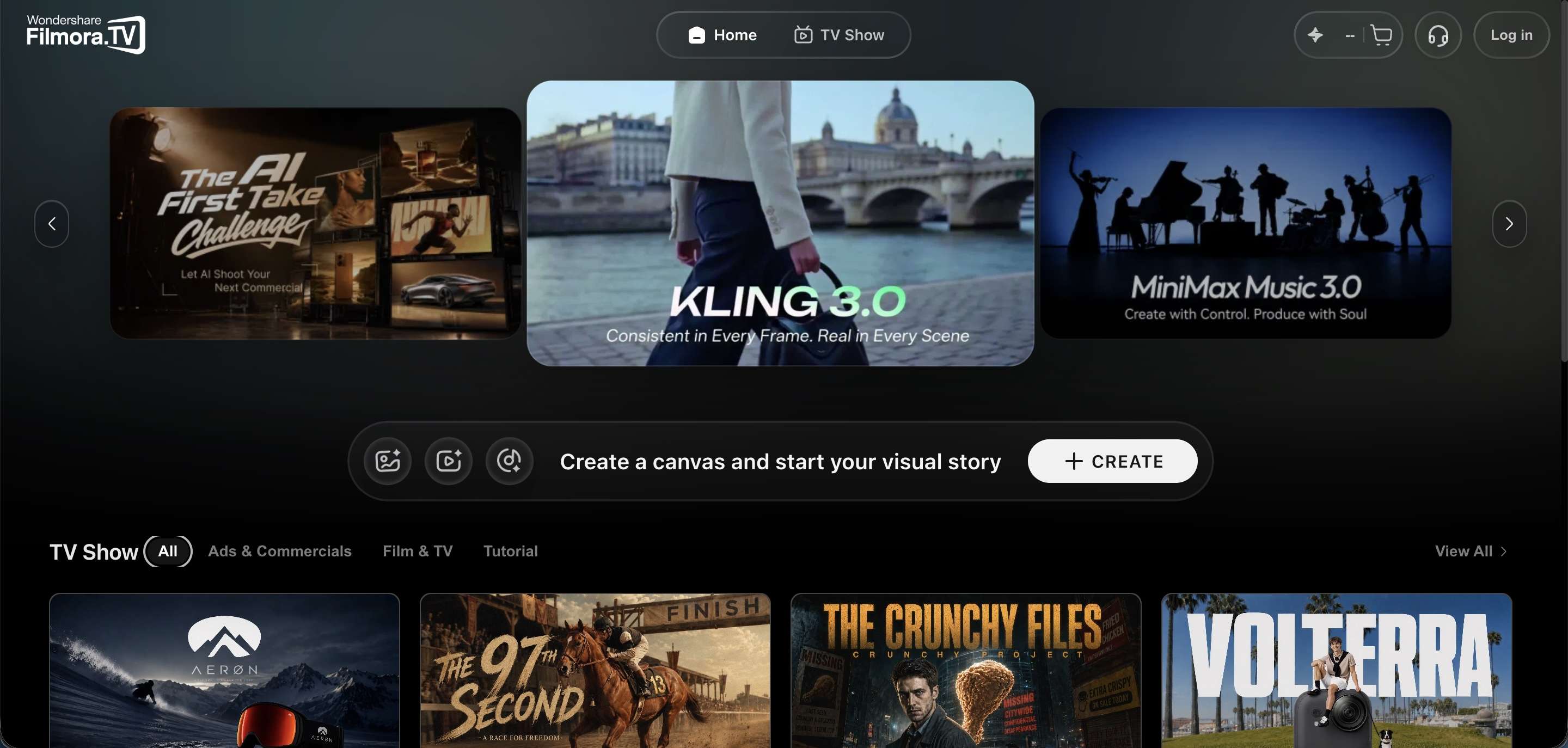
Let's begin our Filmora.TV vs LibTV debate with a deeper look at the newer name. Filmora.TV comes from Wondershare, the same company behind the Filmora editor that a lot of creators already know from their YouTube and social workflow. But Filmora.TV isn't a replacement for that editor. It's simply an option for users to try out an AI video canvas and node-based workflow.

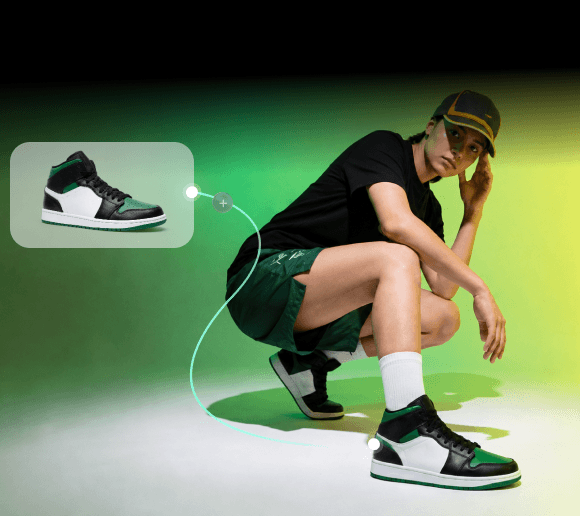
The canvas is the main attraction of Filmora.TV. You can place notes, images, prompts, and generated media around the workspace, then compare different versions without constantly downloading files or opening another website.
Key Features
Although Filmora.TV just got released, it’s definitely stable enough for you to create a project. Below are some core advantages of using Filmora.TV:
- Infinite Visual Canvas: A spatial whiteboard where you pin scripts, generate imagery, run prompt tests, and organize visual references without switching browser tabs.
- Script-to-Storyboard Generation: Feed in raw video scripts to auto-build ordered scene blocks, keyframe visuals, and voiceover prompts in seconds.
- Multi-Model Side-by-Side Comparison: Generate up to 20 different takes side-by-side on the board, letting you spot lighting glitches, awkward character motion, or off-prompt details immediately.
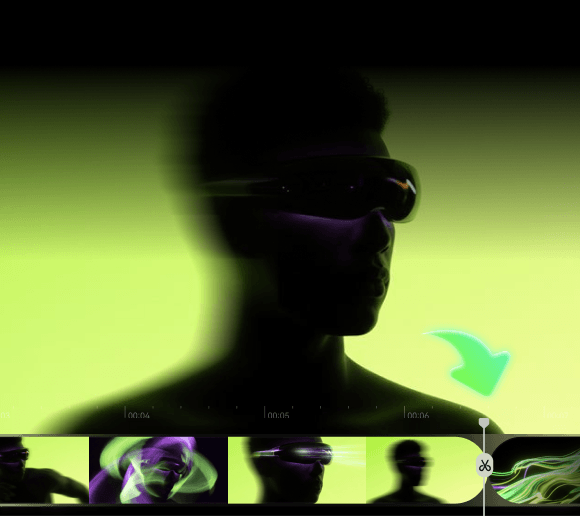
- Seamless Timeline Integration: Pick your winning video takes on the canvas and drop them straight down onto a multi-track NLE timeline situated at the bottom of your screen.

Practical Target Use Cases
Given how tightly it links generation with a real editing timeline, Filmora.TV lands especially well for projects where creators need to generate and compare lots of visual options quickly. Examples include:
- Commercial and TVC production.
- Social media marketing.
- Product advertisements.
- YouTube content.
- Short-form ad campaigns.
- AI filmmaking.
- Creative teams producing multiple video variations.

Basically, if you need fast asset turnarounds with quick voiceovers, auto-subtitles, and polished cuts without leaving your web browser, this workspace delivers immense speed.
LibTV Explained: LiblibAI's Approach to AI Video Production
To continue our LibTV vs Filmora.TV comparison, let's go to the other side of the ring. LibTV comes from LiblibAI (also styled Liblib AI), the company behind Liblib AI, one of China's largest AI creator communities and model-sharing hubs. Compared to other competitors, it takes a noticeably different route to the same general idea of an AI canvas.

While Filmora.TV focuses heavily on merging spatial generation with post-production timeline editing, LibTV treats the canvas as an open, programmable orchestration layer. It is built from the ground up to support human directors working hand-in-hand with autonomous AI agents.
Key Features
LibTV was launched a few months earlier than Fimora.TV, and during that time, they have introduced some interesting features. Let’s have a look:
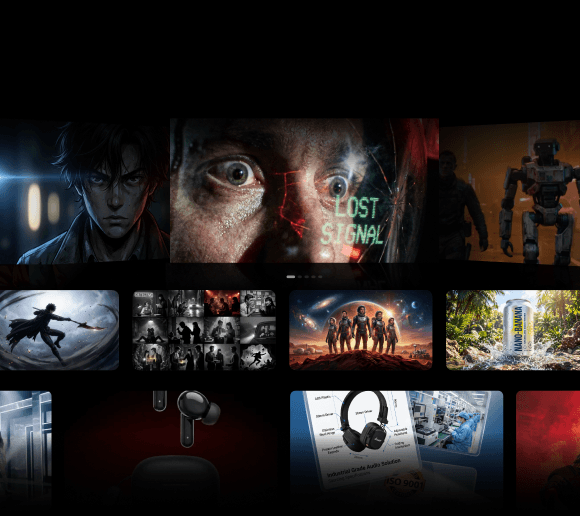
- Modular Node Canvas: Connect modular nodes across 5 core types: Text, Image, Video, Audio, and Script to map out deep shot-by-shot branching logic.
- Multi-Model Ecosystem: Access top-tier underlying generation engines under one roof, including Kling 3.0, Seedance 2.0, and Wan 2.6.
- A Dual-Entry Design: The same project can be built manually on the canvas or handed off to an agent that calls LibTV's skills to generate scripts, storyboards, and finished clips on its own.

Practical Target Use Cases
LibTV seems designed for creators who want deep, granular control over each generation step and are comfortable thinking in pipelines rather than a single flat timeline. And because of that, it can make sense for:
- AI filmmakers.
- AI short-film creators.
- Narrative video projects.
- AI animation and drama production.
- Commercial concept development.
- High-volume AI video production.
- Creators experimenting with AI production workflows.
- Teams that want reusable workflows.

Filmora.TV vs LibTV: Comparing the Creative Workflows and Features
Now that you know both platforms a little bit better, it's time to face LibTV vs Filmora.TV heads on. But instead of just counting up feature checkboxes, it's more useful to look at how each one actually approaches the creative process, and where each fits into a real creator's workflow.
| Category | Filmora.TV | LibTV |
|---|---|---|
| Primary Focus | AI creative workspace combined with video editing | AI video production workspace built around models, and specialized tools |
| Canvas Structure | Free-form whiteboard: notes, prompts, images, and clips placed and compared spatially | Node graph: text, image, video, audio, and script nodes wired together into a visual pipeline |
| Automation & Agents | Built-in Smart AI Nodes workflow, with team members generating and reviewing together on shared boards | Strong emphasis on AI Agents and 100+ Director Skills |
| Model Integration | 40+ AI models across text, image, and audio including Seedance 2.5, Minimax H3, and Kling 3.0 | 30+ AI models including Kling 3.0, Seedance 2.0, Wan 2.6, and more |
| Post-Production | Built-in multi-track timeline at the bottom of the screen | Focuses on generation nodes; complex timeline assembly requires external software |
| Creative Asset Management | Storyboards and presets for anime frames, commercial storyboards, and consistent character designs | Storyboard breakdowns, reference video analysis, and asset auto-linking across nodes |
| Best For | Video editors, social media teams, YouTubers, and commercial agencies | AI storytellers, filmmakers, and narrative creators |
Filmora.TV vs LibTV Pricing: Which Offers Better Value?
Features aside, cost is a big part of the decision too, especially if you're watching your budget. For our next Filmora.TV vs LibTV criteria, we will break down what each platform actually charges.
LibTV Pricing
Worth flagging upfront: LibTV's official pricing so far is only published in Chinese, and the currency is yuan (¥), which can make direct comparisons a bit more work for international creators. There are five main membership levels, with annual pricing ranging from the Standard tier to the Supreme tier.
| Feature | Standard | Advanced | Premium | Deluxe | Supreme |
|---|---|---|---|---|---|
| Price | ¥939/year | ¥2,799/year | ¥9,399/year | ¥16,999/year | ¥34,999/year |
| Monthly Credits | 1,500 | 4,600 | 16,300 | 32,800 | 50,500 |
| Concurrent Tasks | 8 | 12 | 20 | Unlimited | Unlimited |
| Cloud Storage | 3TB | 10TB | 50TB | 130TB | 300TB |
LibTV also uses a points-based system, so the number of videos you can make depends heavily on the model and generation settings you choose. Meaning, 1,500 credits does not equal a fixed number of finished videos.
Filmora.TV Pricing
Filmora.TV, on the other hand, already has an English version live with pricing listed in dollars, which is naturally a lot easier for international users to parse at a glance. Instead of per-seat annual billing, it runs on a monthly credit-based system where each plan unlocks a set number of credits to spend on image and video generation.
| Feature | Basic | Plus | Pro | Premium |
|---|---|---|---|---|
| Price | $20/month | $100/month | $200/month | $500/month |
| Monthly Credits | 200 | 1,060 | 2,160 | 5,750 |
| Approximate Output | ~200 images / 100 videos | ~1,060 images / 530 videos | ~2,160 images / 1,080 videos | ~5,750 images / 2,875 videos |
| Cloud Storage | 5GB | 50GB | 150GB | 500GB |
| Team Seats | 3 | 10 | 20 | Unlimited |
Also, keep in mind that all four plans include infinite canvas creation, one-click templates, AI Video Breakdown, watermark-free exports, and commercially licensed assets.
Creators Guide: Which One Should You Pick?
By now, you can probably see that when weighing Filmora.TV vs LibTV, there is no universal winner here. As we said earlier, both platforms use an AI canvas, but their approaches are different enough that one will naturally suit certain creators better than the other, and vice versa. Here's a simple way to sort it out.
| Choose Filmora.TV If You Are | Choose LibTV If You Are |
|---|---|
| A video editor who wants AI tools without abandoning a traditional editor | Interested in AI filmmaking |
| Already working inside the Wondershare Filmora desktop ecosystem | Building multi-scene narrative projects that require deep node connections |
| Creating YouTube videos, social content, ads, or marketing videos | Interested in visual node-graph workflows where you wire inputs directly into outputs |
| Looking for a workflow that moves smoothly from ideas into actual editing | Experimenting with AI agents and specialized AI skills |
| More comfortable with timeline-based editing than complex node systems | Comfortable managing more complex AI production pipelines |
Conclusion
The battle between LibTV vs Filmora.TV highlights just how fast generative video software is maturing in 2026. Rather than forcing creators to work inside rigid tracks, both platforms use spatial visual canvases to make concepting and asset generation vastly more natural. If your primary focus is narrative depth, custom model pipelines, and leveraging AI agent scripting, LibTV offers an unmatched node-based playground.
However, if you want an all-in-one workspace that eliminates site-hopping and lets you take an idea from prompt to final timeline cut on a single screen, Filmora.TV is hard to beat. Its combination of an infinite virtual desk, smart AI nodes, and built-in multi-track editing makes it one of the most practical commercial creative tools available today.
FAQs
-
Can you use multiple AI video models in Filmora.TV and Libtv?
Yes, both platforms take a multi-model approach, although the exact models available can change over time. -
Can I import a completed node project from Lib.TV into Filmora.TV for final editing?
There's no direct one-click import between the two platforms since they're built by different companies with different project structures. What you can do is export your finished clips from LibTV as standard video files, then bring those files into Filmora.TV's timeline (or Wondershare Filmora) for final editing, music, and subtitles. -
Which platform handles character visual consistency better across multiple scenes?
There is no simple winner since both platforms have tools built specifically for this. Filmora.TV offers storyboard presets and grids designed to keep character designs consistent across scenes. Meanwhile, LibTV offers character three-view generation, letting you lock down how a character looks from multiple angles before generating scenes with them.