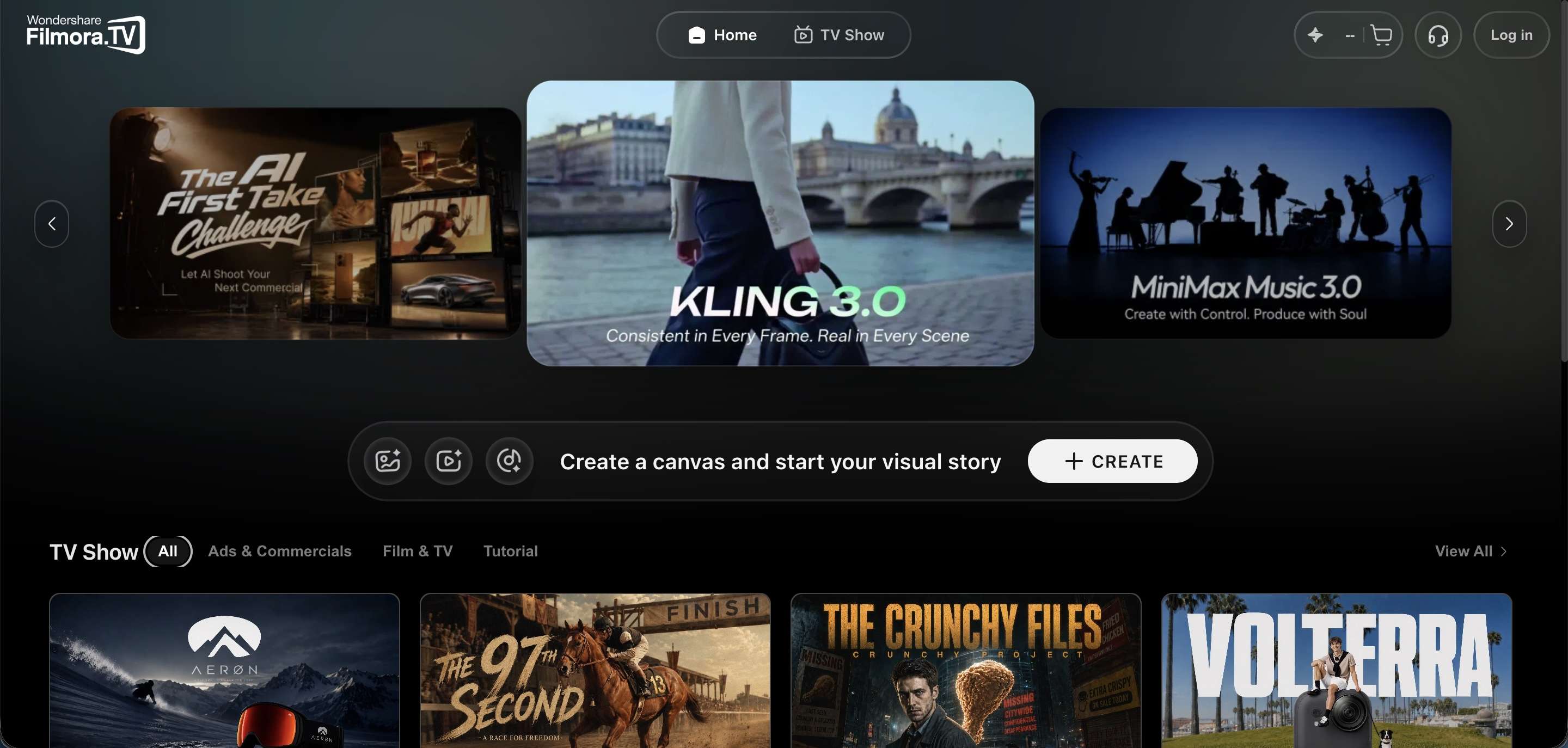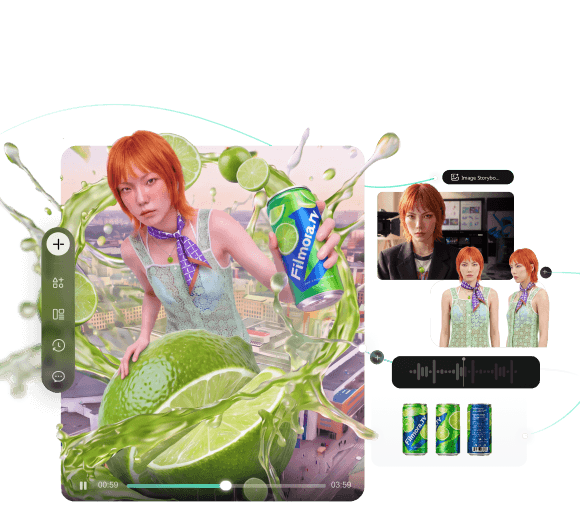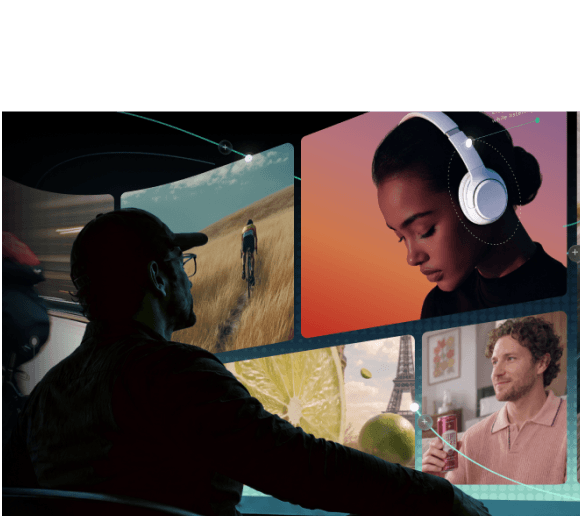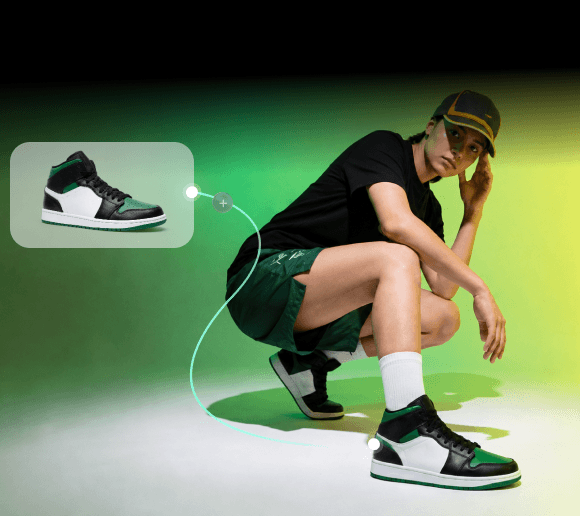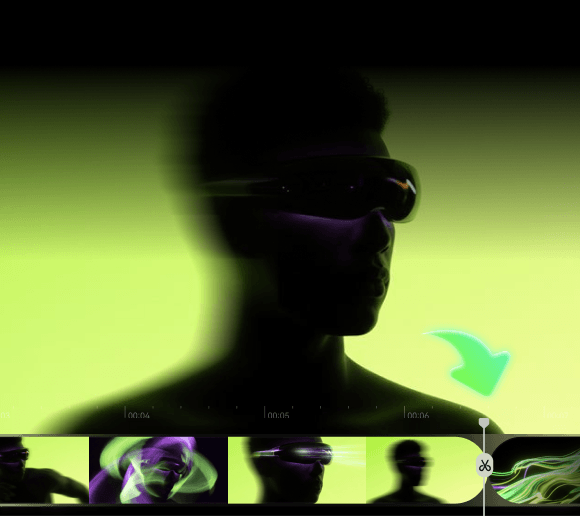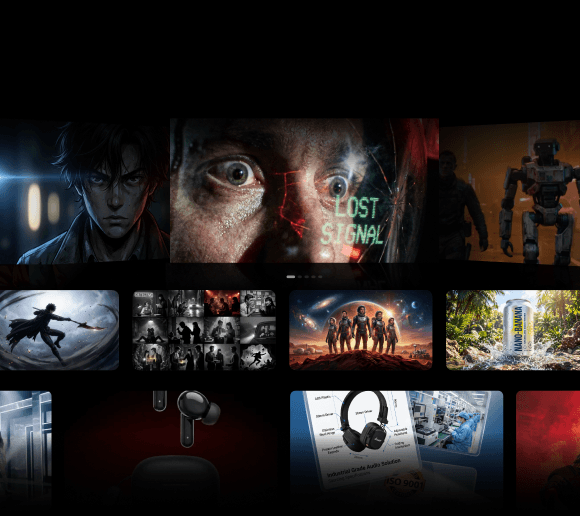
Unlike most AI video tools, which stop at generation, Filmora.TV and TapNow put both generation and editing in the same workspace, just with different ideas about how that workspace should work.
Filmora.TV pairs an AI canvas with a full timeline editor. TapNow, by contrast, is less about finishing a cut and more about organizing the creative process itself. So, which one fits your creative process better? Let's compare Filmora.TV vs TapNow.
Filmora.TV vs TapNow Quick Comparison
Both Filmora.TV and TapNow combine AI generation with a visual canvas, but they serve different needs. Filmora.TV connects AI exploration directly to video editing, while TapNow focuses on flexible, multi-model creation and iteration on its canvas.
| Feature | Filmora.TV | TapNow |
|---|---|---|
| Platform | Web-based workflow | Web, Windows and macOS |
| Workspace | Infinite canvas + multi-track timeline | Creative canvas |
| AI image generation | ||
| AI video generation | ||
| AI models | Seedance, HappyHorse, MiniMax, Kling, Gemini, Veo, Vidu, Wan | Seedance 2.5, MiniMax H3, Wan 3.0, FLUX 3 |
| Asset organization | Ideas, images, videos, and assets on canvas | Connected creative assets and nodes |
| Storyboarding | Storyboard and continuity grids | Canvas-based planning |
| AI image editing | Inpainting, outpainting, object removal, background removal, upscaling | AI image generation and editing |
| AI video tools | Text-to-video, image-to-video, multi-reference generation | Video generation, reshoot, and extension |
| Timeline editing | Multi-track timeline | Timeline editor, currently in Beta |
| Final output | Edit and export finished videos | Export generated content |
| Collaboration | Team spaces, shared assets, permissions, comments | Shared canvases and team spaces |
| Community Library | ||
| Best for | Exploring ideas and turning selected assets into finished videos | Multi-model AI exploration and iteration |
TL;DR
- Filmora.TV moves from the canvas through side-by-side comparisons, into a curated selection of best shots, and onto a full multi-track timeline for a polished, exportable video.
- TapNow prompts and generations link together as connected nodes, refined through reshoots, extensions, and object swaps, then pulled into a Playlist for final assembly.
- Filmora.TV favors structured production, such as storyboards, continuity grids, and a dedicated editing workflow suited to TVCs, ads, and branded content.
- TapNow favors open-ended exploration, including multiple AI models and reference types spanning video, image, voice, and music.
- Filmora.TV runs on monthly credits with optional top-ups, plus storage and team seats on higher plans; TapNow runs on monthly Tapies that cover every media type in one pool.
How Filmora.TV and TapNow AI Video Creation Works
Filmora.TV and TapNow use AI to turn ideas and references into video content, but their creative processes are different. Filmora.TV takes creators from visual exploration to a finished edit, while TapNow focuses on generating, connecting, and refining assets on its canvas.
Filmora.TV
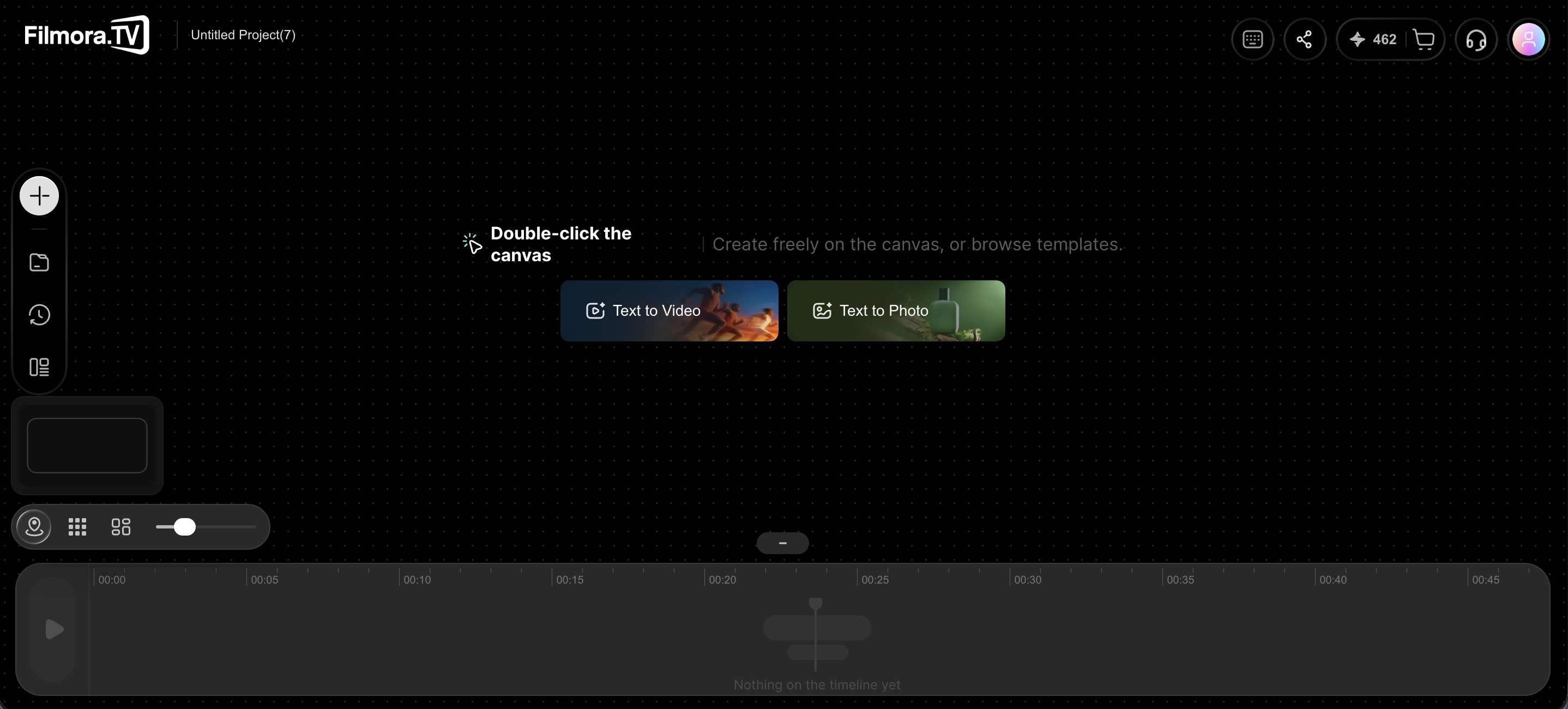
Filmora.TV follows a workflow that integrates AI generation with video production:
- Start with an idea: Add scripts, references, images, and other creative elements to the visual canvas.
- Generate and explore: Create AI images and videos, then compare different results on the canvas.
- Select the best assets: Organize the shots and visuals that fit the concept.
- Move into production: Bring selected assets into the built-in multi-track timeline.
- Finish the video: Arrange clips, add audio and subtitles, refine the edit, and export the final video.
This workflow lets creators move from exploring an idea to building the final cut. For a practical example, explore this
AI video creation workflowto see how a product concept develops through shot planning, AI generation, and timeline editing.
Tapnow
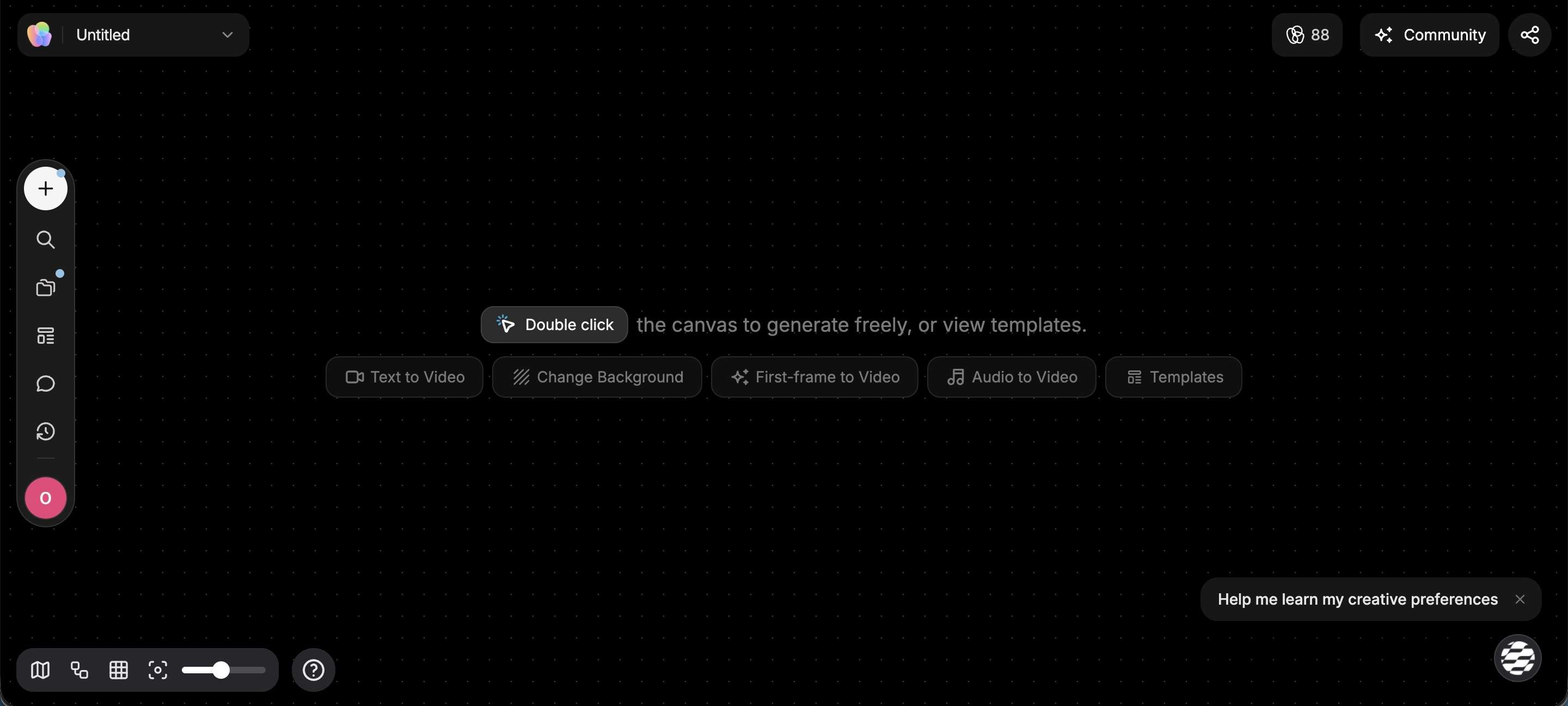
TapNow uses its canvas as the main workspace for AI video creation:
- Build the canvas: Add prompts, images, videos, audio, and other references as connected nodes.
- Generate video: Choose an AI model, add a text prompt, and use connected assets as references.
- Iterate on results: Trim clips, reshoot shots, extend footage, or replace and remove objects.
- Connect new versions: Generated results stay connected to their source assets, making different creative iterations easier to track.
- Assemble clips: Use TapNow's Playlist to reorder, trim, split, and combine multiple video clips into one sequence.
- Export: Download the merged video or send the result back to the canvas for further work.
Filmora.TV vs TapNow Workflow
Both platforms use a canvas to explore and generate content, but their workflows emphasize different stages of production.
- Filmora.TV: Canvas > Generate > Select > Timeline > Final video
- TapNow: Canvas > Generate > Connect > Iterate > Playlist > Final video
A key difference between the two lies in how creators refine their work during the editing process. Filmora.TV connects its canvas to a multi-track timeline, while TapNow uses connected nodes and AI tools such as reshoot and video extension, with Playlist currently available in beta for assembling clips.
TapNow also supports AI agent and chat-based tasks, giving creators another way to interact with their projects.
AI Video Generation and Model Selection
The AI model behind a video can shape its motion, visual style, and ability to follow references. Filmora.TV and TapNow both offer multiple AI video models, but they give creators different ways to choose and refine the generated results.
Filmora.TV
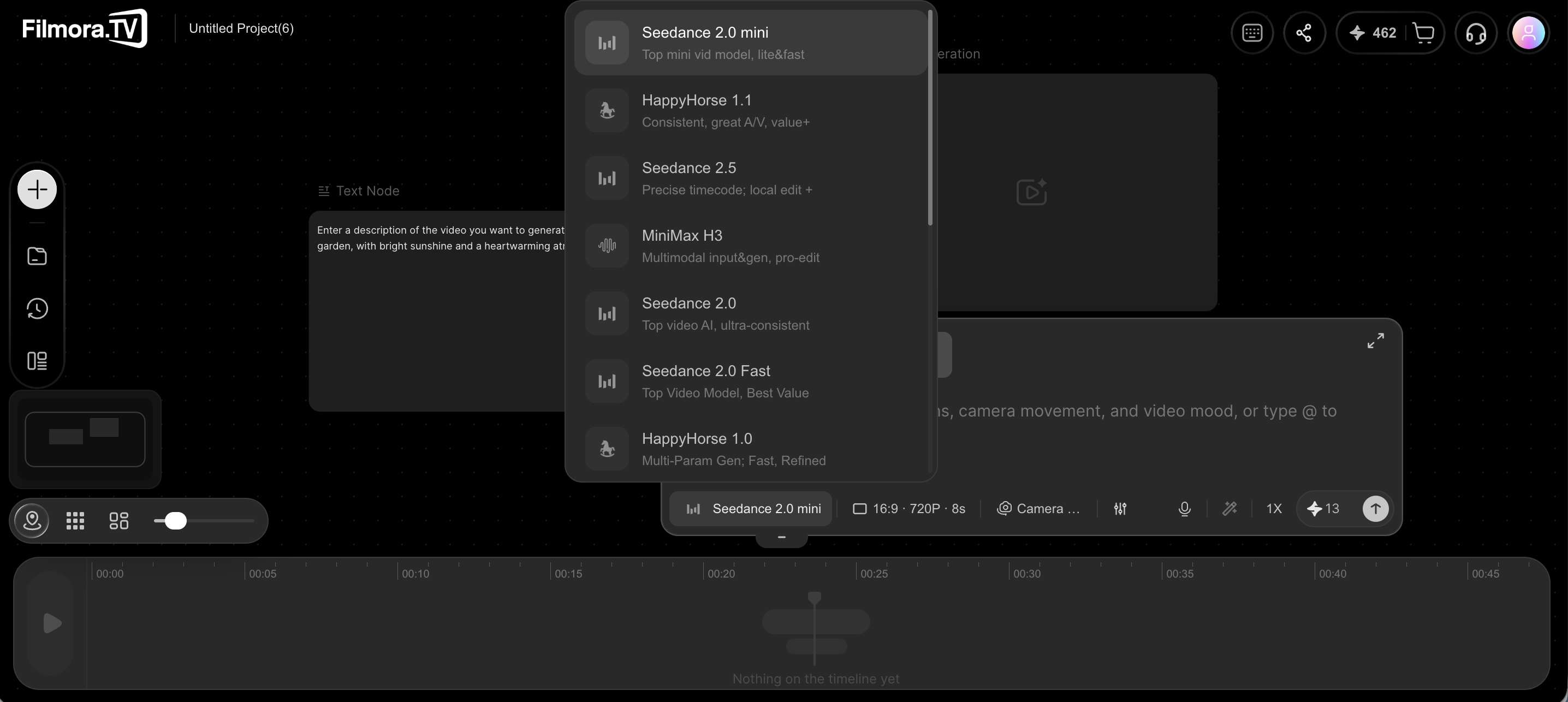
- Multiple AI video models. Filmora.TV currently offers models including Seedance, HappyHorse, MiniMax, Kling, Gemini, Veo, Vidu, and Wan.
- Generate from the canvas. Start with a prompt, idea, or visual reference and generate video directly from the visual workspace.
- Explore different models. Try different models to find results that fit the project's visual style, movement, or direction.
- Use AI generation with storyboards. Generated videos can be developed alongside scripts, storyboard grids, continuity frames, character references, and other visual assets.
- Move selected clips into the timeline. Once the desired output is selected, the clips can be added to Filmora.TV’s built-in multi-track timeline for editing.
- Continue to final delivery. Creators can refine the edit, add audio and subtitles, and export the finished video. Filmora.TV can also export XML project files for further work in Wondershare Filmora.
Tapnow
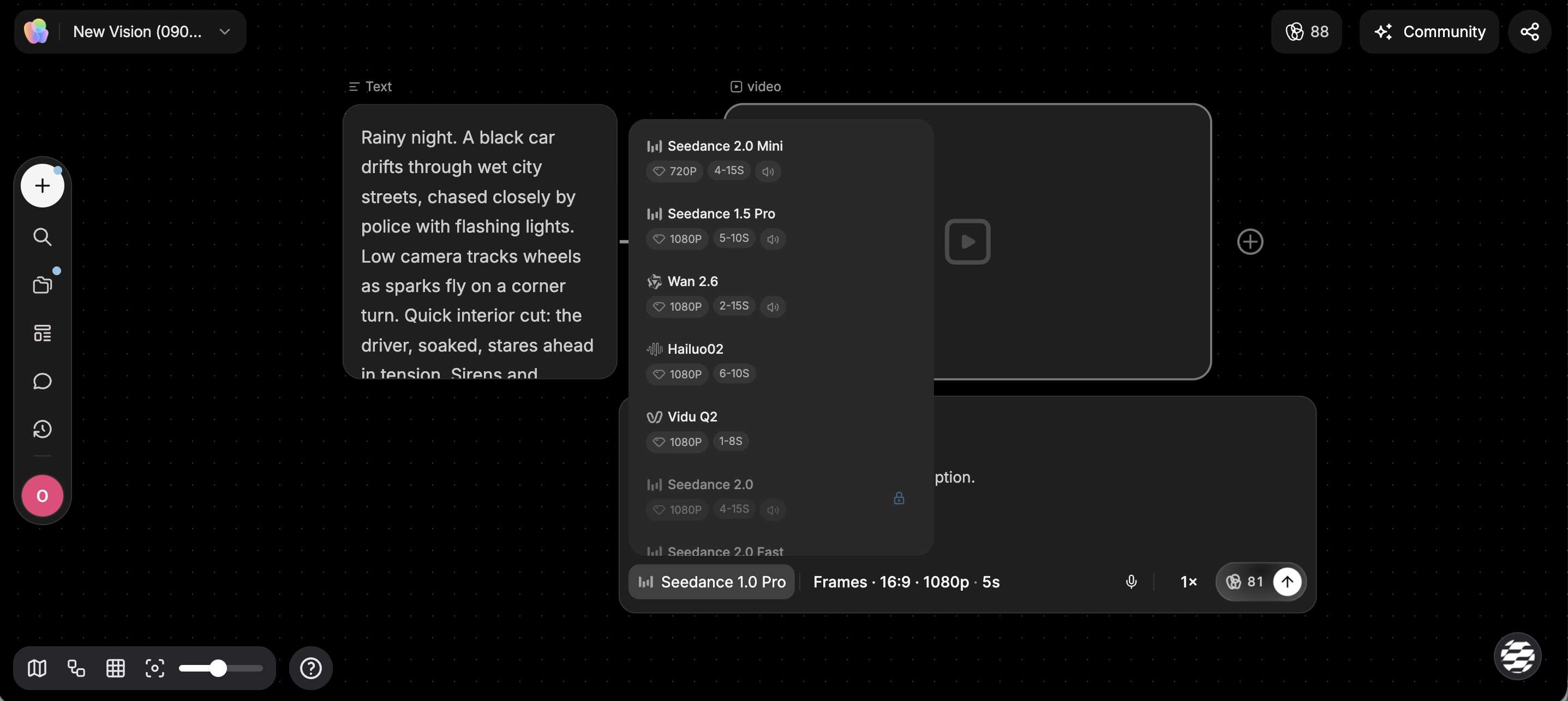
- Multiple AI models. TapNow offers models such as Seedance 2.0, Seedance 2.5, MiniMax H3, and Kling O3. The selection can change as new models are introduced.
- Generate from text or references. Create videos from text prompts or use images, videos, and audio as references.
- Use multiple references. For example, Seedance 2.5 supports up to 30 images, 10 videos, and 10 audio clips in Omni Reference mode.
- Adjust model-specific settings. Depending on the model, you can set options such as duration, resolution, aspect ratio, and generation method.
- Generate through Agent: TapNow's Agent can create videos through chat. In Ask mode, users can review and adjust the model and generation settings before creating the video.
- Iterate on videos: TapNow offers Video Retake and Continue Video to refine or extend generated clips. Both features are currently in beta.
Canvas, Storyboarding and Asset Organization
A visual canvas provides AI video projects room to develop before the final edit. Scripts, references, generated assets, and various creative directions can stay visible in one workspace.
Filmora.TV
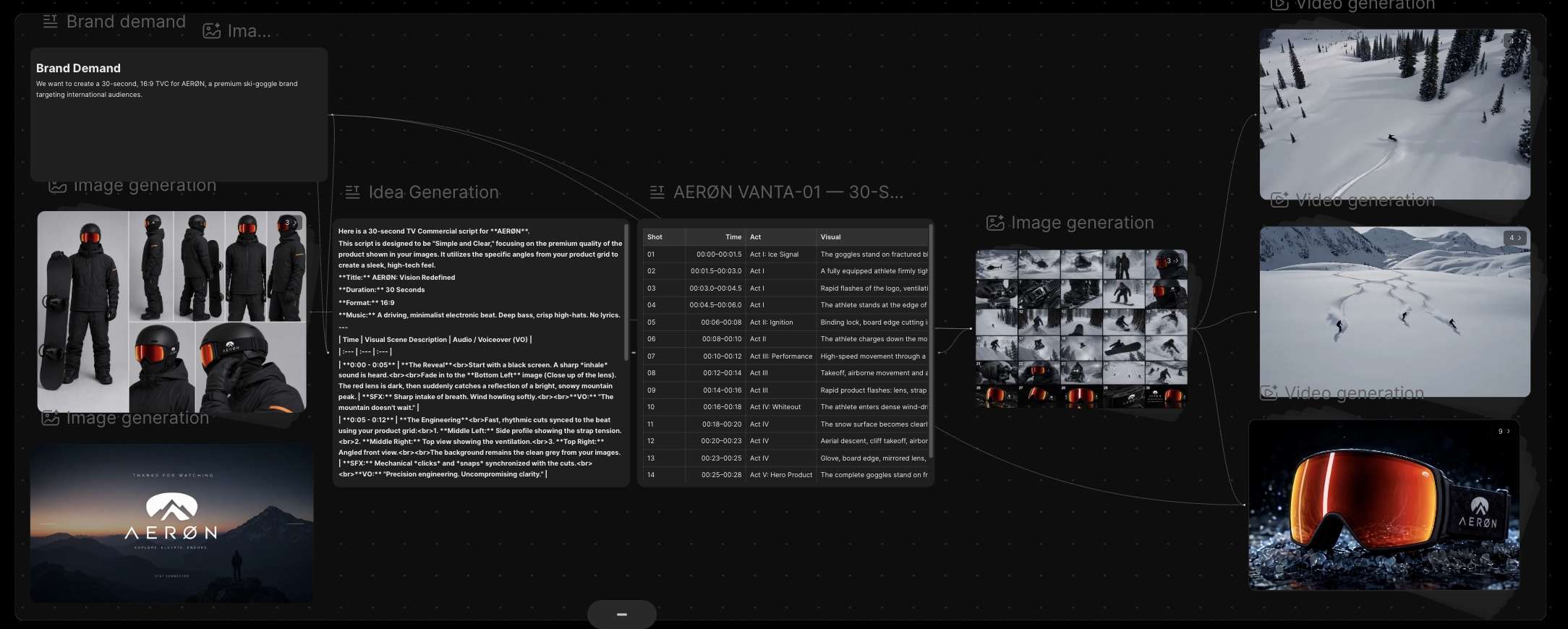
In Filmora.TV vs Tapnow, Filmora.TV stands out with an infinite canvas designed for ideation, visual planning, and asset organization.
- Arrange ideas freely: Place scripts, prompts, images, videos, references, and other assets anywhere on the canvas.
- Explore creative directions: Generate different visual options and keep variations side by side for easy comparison.
- Create storyboards: Use 9-grid storyboards, 25-grid continuity frames, character turnaround sheets, and product multi-view sheets to plan visuals.
- Character and product references: Create character turnaround sheets and product multi-view sheets for different angles and visual references.
- Organize creative assets: Keep scripts, references, AI-generated images, and videos together on the canvas.
- Move from ideas to editing: Bring selected assets from the canvas into the multi-track timeline when the concept is ready for production.
Tapnow
- Visual canvas: Arrange images, videos, audio, scripts, and other content in one workspace.
- Connected nodes: Keep generated results connected to the source material used to create them.
- Elements: Group references for the same person, product, or character and reuse them in supported video models.
- Templates: Use reusable canvas layouts, node groups, and production workflows. TapNow also provides public templates for different creative projects.
- Agent: Use TapNow Agent to organize content, work with selected canvas nodes, and handle creative tasks through chat.
- Playlist timeline: Arrange video clips, reorder shots, trim or split them, and export the finished sequence.
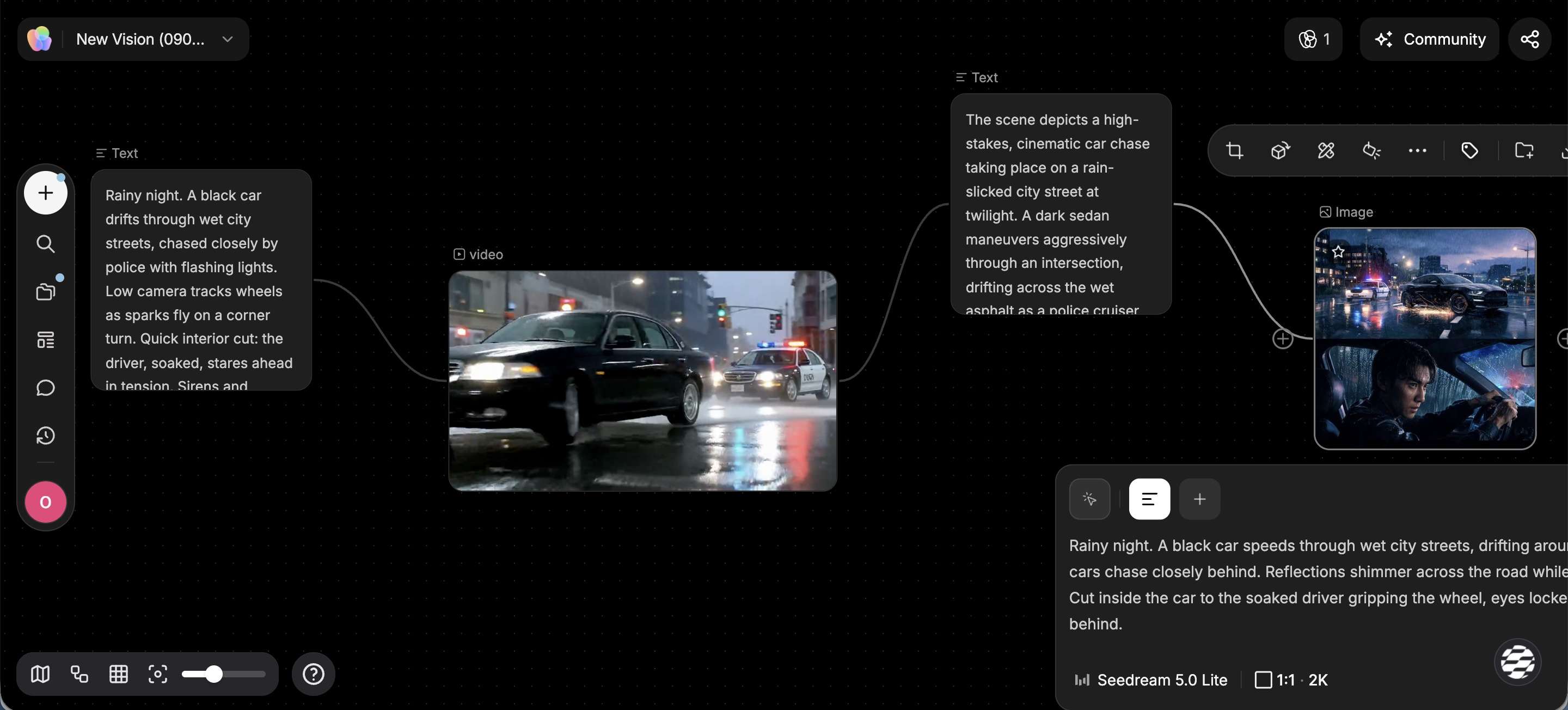
Filmora.TV and TapNow both use a visual canvas to organize ideas, references, and AI-generated content. Their canvas workflows are similar, but the tools they offer for planning and organizing projects are different.
- Add different assets: Use images, videos, audio, prompts, scripts, and references on the canvas.
- Connect assets: Link source materials with generated results to show how an idea develops.
- Build from existing content: Use previous generations and references as inputs for new creations.
- Use Elements: Group references for the same person, product, or character and reuse them in supported generations.
- Organize projects: Use the Asset Library, Templates, pins, and search to manage creative content.
- Use templates: Start with ready-made canvas layouts and creative workflows from TapNow's template and community library.
Why Canvas Creation Matters
AI video creation often involves many versions before a final direction is chosen. A canvas keeps useful references, ideas, and generated content within view, making it easier to compare results and design a narrative flow.
In the Filmora.TV vs. TapNow comparison, both platforms offer a similar canvas-based workflow. TapNow focuses on connected nodes, reusable references, and flexible canvas workflows, while Filmora.TV adds more structured storyboarding and visual planning tools for production projects.
Pricing, Credits, and Usage
AI video costs can quickly add up when a project requires multiple generations, model testing, and creative variations. Filmora.TV and TapNow use a credit system, but their pricing structures are different.
Filmora.TV Pricing
Filmora.TV offers four monthly plans, with higher tiers adding more AI credits, storage, and team capacity.
| Plan | Price | Credits/Month | Approx. Generation | Storage | Team Seats |
|---|---|---|---|---|---|
| Basic | $20/month | 200 | Up to 200 images / 100 videos | 5GB | 3 |
| Plus | $100/month | 1,060 | Up to 1,060 images / 530 videos | 50GB | 10 |
| Pro | $200/month | 2,160 | Up to 2,160 images / 1,080 videos | 150GB | 20 |
| Premium | $500/month | 5,750 | Up to 5,750 images / 2,875 videos | 500GB | Unlimited |
Note: The Pro and Premium plans also include team usage controls, while Premium lists the Bring Your Own API Key feature as coming soon. The generation figures are approximate, as actual credit usage can vary by AI feature and generation type.
Filmora.TV Credit Top-Up Packs
Filmora.TV also offers additional credit packs for users who need more credits during their subscription period. Top-ups start at $20 for 200 credits. These credits are added to the plan's existing balance and remain valid for one year.
TapNow Pricing
TapNow uses Tapies for AI generation across images, video, voice, and music.
Free plan: New users can try TapNow with 200 free Tapies. This gives you a chance to test its AI generation features before choosing a paid plan. The free allowance may change over time, so the amount shown in your TapNow account is the most reliable reference.
For users who need more generation capacity, TapNow offers these paid plans:
| Plan | Price | Monthly Tapies | Approx. Usage |
|---|---|---|---|
| Basic | $9/month | 1,500 | Up to 750 images / 250s video / 1,127s voice / 9,202s music |
| Pro | $51/month | 6,000 | Up to 3,000 images / 1,000s video / 4,511s voice / 36,811s music |
| Ultimate | $306/month | 36,000 | Up to 18,000 images / 6,000s video / 27,067s voice / 220,867s music |
| Max | $612/month | 72,000 | Up to 36,000 images / 12,000s video / 54,135s voice / 441,734s music |
The usage figures are estimates. Actual Tapie consumption depends on the AI model, generation type, and settings used. Video generation can consume a different amount of Tapies for image, voice, or music generation.
Filmora.TV vs Tapnow: Pricing and Credits
In Filmora.TV vs. TapNow, the main difference is how each platform handles AI credits. Filmora.TV uses monthly credits with optional top-ups, while TapNow uses monthly Tapies based on each plan.
Filmora.TV vs. TapNow: Which One Should You Choose?
The right platform depends on how you want to create and finalize your AI videos.
Choose Filmora.TV if you:
- Want a canvas-to-timeline workflow to develop ideas and finalize videos in one place
- Need to generate, compare, organize, and edit multiple AI video assets
- Work on TVCs, ads, or branded content that require storyboards and visual variations
- Need team collaboration, shared assets, and usage controls for creative projects
Choose TapNow if you:
- Prefer a node-based canvas for connecting prompts, references, and generated assets.
- Want to work with AI video, image, voice, and music in one creative workspace
- Need custom model settings and reference controls for AI content creation
- Prefer an iterative workflow with tools such as reshoot, video extension, and object replacement
Conclusion
The choice between Filmora.TV vs. TapNow depends on what you want to do after generating your AI assets. Filmora.TV maintains an integrated workflow from visual exploration and storyboarding to multi-track editing and export, making it well suited to structured video production.
TapNow emphasizes connected AI creation, with model controls, reference inputs, and tools for refining generated clips. For creators building ads, TVCs, or complete videos, Filmora.TV offers a more production-focused workflow. For AI experimentation across different media and models, TapNow provides more creative flexibility.
FAQs
-
1. What is the difference between Filmora.TV and TapNow?
Filmora.TV and TapNow have a similar canvas-based workflow for generating and organizing AI content. Filmora.TV adds structured storyboarding and connects the canvas to a multi-track timeline for final editing. TapNow focuses more on connected nodes, reusable references, templates, and AI creation through its Agent. TapNow also offers beta timeline editing for assembling generated clips.
-
2. Does TapNow support AI Image generation?
Yes. TapNow supports AI image generation and editing. You can create images from prompts, then use tools such as redraw, relight, outpaint, cutout, and enhance to refine them. These images can also be used as references for further AI video creation.
-
3. Which is better for AI video generation, Filmora.TV or TapNow?
For a complete video workflow, Filmora.TV has an advantage because its canvas connects directly to a multi-track timeline. TapNow may be a better fit for creators who spend more time experimenting with AI models, reference inputs, and iterative tools such as reshoot, extend, and object replacement.