As more industries now bring in AI tools to make work easier, faster, and more efficient, a shift is happening in how people actually use these tools. AI isn't showing up as a support feature added on top of an existing process anymore. It's becoming the core that the process runs on.
This shift is what’s then called an AI-native workflow, and the term has picked up real traction as generative AI has gotten capable enough to carry a task from start to finish instead of just speeding up one step in the middle. To learn more about it, this article will break it down for you.
What Does “AI-Native Workflow” Mean?
An AI-native workflow is a process designed around artificial intelligence as a core component, rather than adding AI to an existing workflow as a separate feature. According to IBM, “AI native” describes a product, company, or workflow designed so that AI sits at the core of how it operates. If you removed the AI, the workflow would stop being useful.
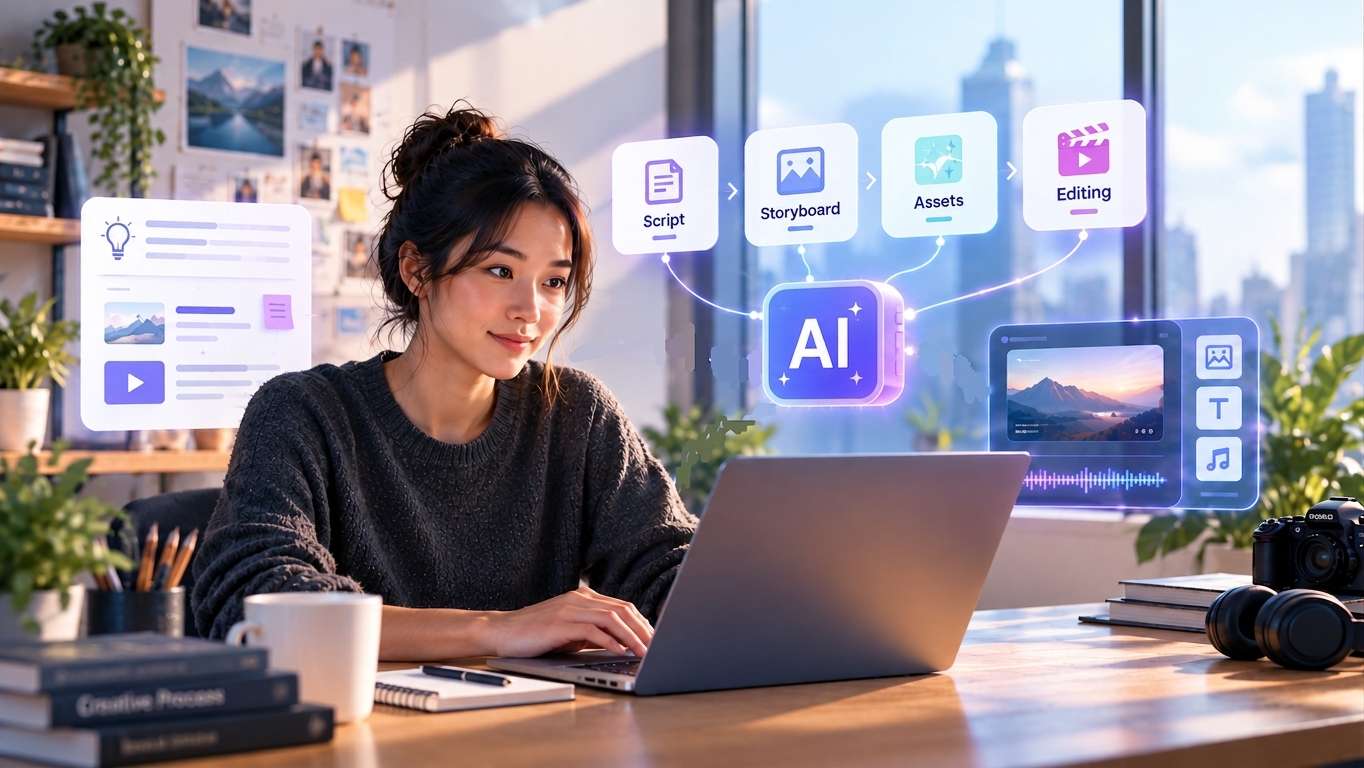
This is different from what we usually see with AI-powered tools, which add AI to an existing process as an additional feature. A simple example is using AI to generate a video script inside a traditional video editor. The editing process still follows the same steps as before, with AI helping with one part of the workflow (generating a script).
AI-native workflow, by contrast, would start with AI as part of the core process, such as using AI to develop the idea, generate the script, create a storyboard, produce visual assets, and suggest how the scenes should be arranged. You only give it instructions, review the results, and make the final decisions.
AI-Powered vs AI-Native Workflow
| AI-Powered Workflow | AI-Native Workflow |
|---|---|
| Adds AI to an existing workflow as an extra feature. | Builds the workflow around AI from the start. |
| Keeps the traditional process and adds AI to specific steps. | Redesigns the process around what AI can handle. |
| AI helps with one or a few tasks. | AI supports multiple stages of the process. |
| AI is a feature within the workflow. | AI is the foundation of the workflow. |
Lately, the AI-native workflow has picked up steam for a few reasons:
- AI agents can now handle more steps on their own. Instead of generating one piece of content that a human then assembles, agents can now plan, execute, and hand off multiple steps in sequence.
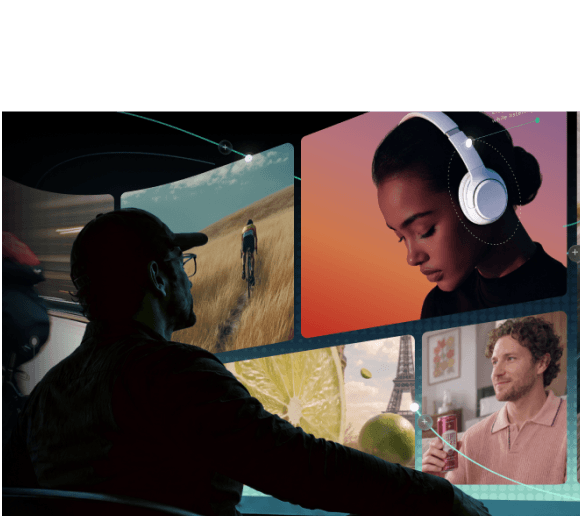
- Multimodal AI can work across different types of content. Text, images, video, and audio once required separate tools. Now, a single platform can generate and work with several formats within the same process.
- Relying on too many separate AI tools is not efficient. Using different apps for different steps means constantly exporting, uploading, and reformatting files between them. Meanwhile, AI-native workflows can bring more of the work into one connected process.

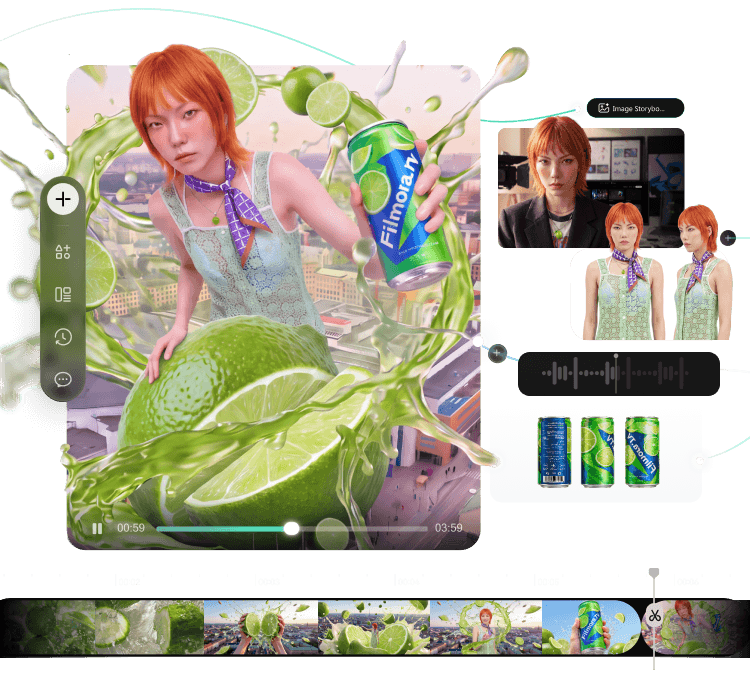
- Explore ideas on an infinite canvas
- Compare AI results and keep your best assets together
- Turn ideas into finished videos in one workflow
- Collaborate with your team in one shared workspace
Key Characteristics of AI Native Workflow
So, what makes a workflow AI-native? There are several key characteristics that show how AI is built into the process from start to finish.
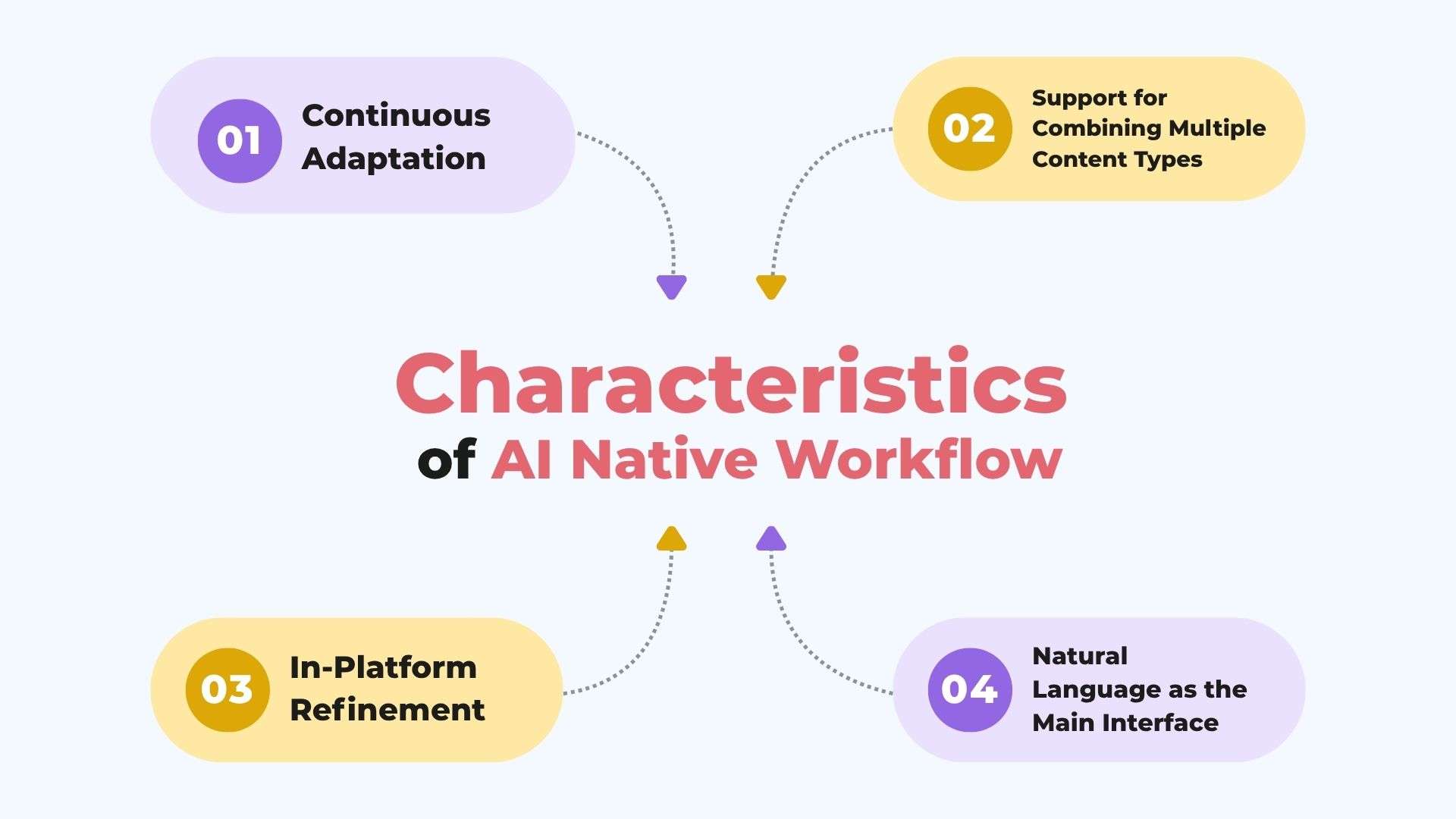
1. Continuous Adaptation
An AI-native workflow can adjust as you use it. It can take new inputs, respond to feedback, and change its output based on what happens at each step. Over time, this usually means fewer manual corrections for repeat tasks.
2. Support for Combining Multiple Content Types
An AI-native workflow can work with different types of content in the same process. You don’t always need to move the text, images, video, and audio you are working on between separate apps. For example, a script can become a storyboard, which can then be used to create visuals and video within the same workflow.
3. In-Platform Refinement
Creating something with AI usually involves several rounds of changes. An AI-native workflow lets you make those changes within the same environment instead of exporting the work to another tool. You can refine the content, compare different versions, and continue working without having to manage multiple files across different apps.
4. Natural Language as the Main Interface
A lot of AI-native workflow automation platforms are controlled through prompts and conversational input rather than dense menus and manual settings. It lowers the skill floor for people who aren’t specialists in a particular software, though it doesn’t remove the need for a trained eye during review.
Benefits of Using AI Native Workflow
Compared to workflows that use AI for individual tasks, an AI-native workflow automation can make the overall process more efficient and connected. Some of the main benefits include:
- Fewer handoffs between tools. A traditional workflow often requires several tools for different tasks. Meanwhile, an AI-native workflow can bring more of these steps into one connected process.
- Less time spent exporting and re-uploading. By keeping related assets and outputs in the same environment, it reduces the number of times you need to move files around just to continue working.
- Faster iteration. AI can generate multiple versions of an idea in less time than creating each version manually. You can test different scripts, visuals, layouts, or edits, then refine the version that works best.
- Easier review and course correction. When different stages of a project stay connected, it becomes easier to see how one change affects the rest of the work. Teams can review drafts, give feedback, and make changes before the project moves too far ahead.
Example of AI Native Workflow for Video Generation
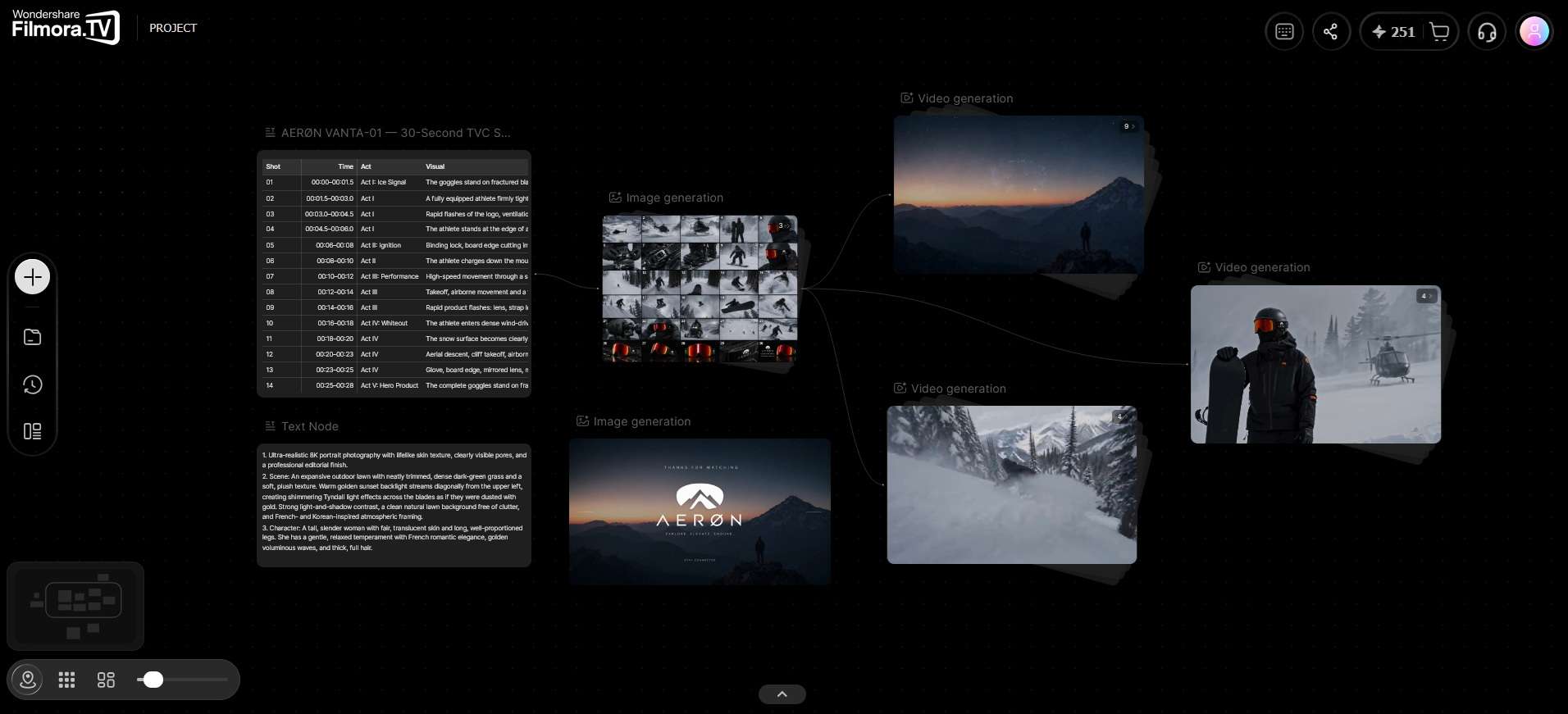
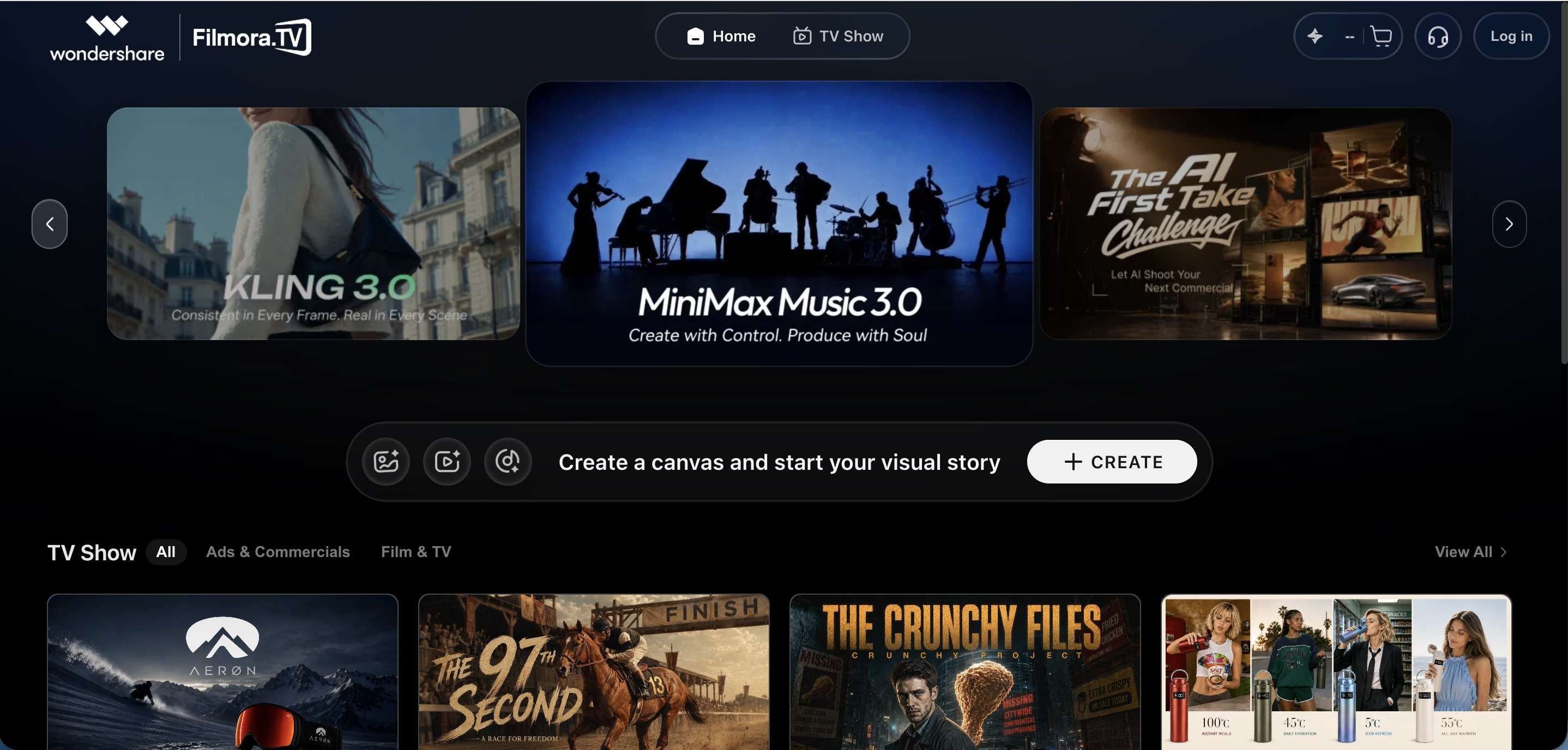
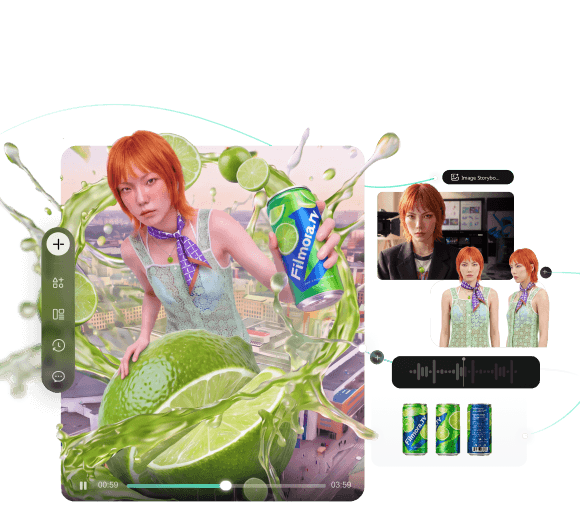
Filmora.TV is one example of what an AI-native workflow for video production looks like. It's a web-based app built by Wondershare as a workspace for commercial and brand video teams, structured around what it calls a visual canvas, where different stages of production sit as connected nodes instead of separate files passed between apps.
Inside Filmora.TV, a project can move through different stages of video production in the same workspace, with AI supporting the process. The AI video generation workflow includes collecting references and assets, developing scripts and storyboards, and generating visuals with AI. But the later stages put more control in your hands, such as assembling the timeline and reviewing the work as a team. The overall process looks like this.
1. Idea and Asset Collection
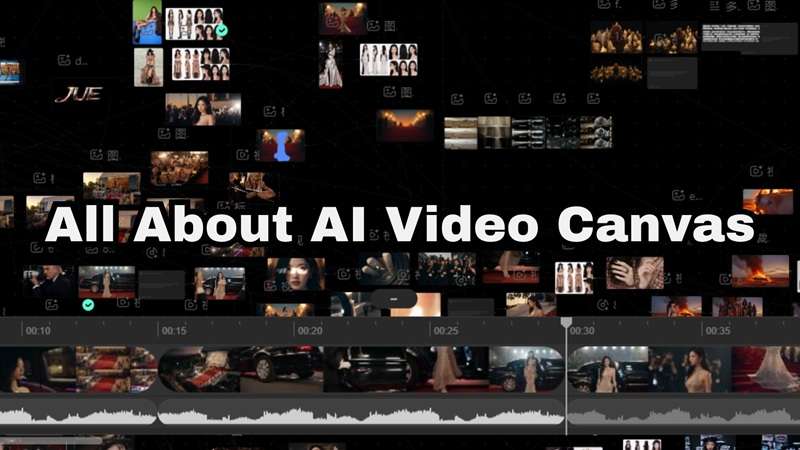
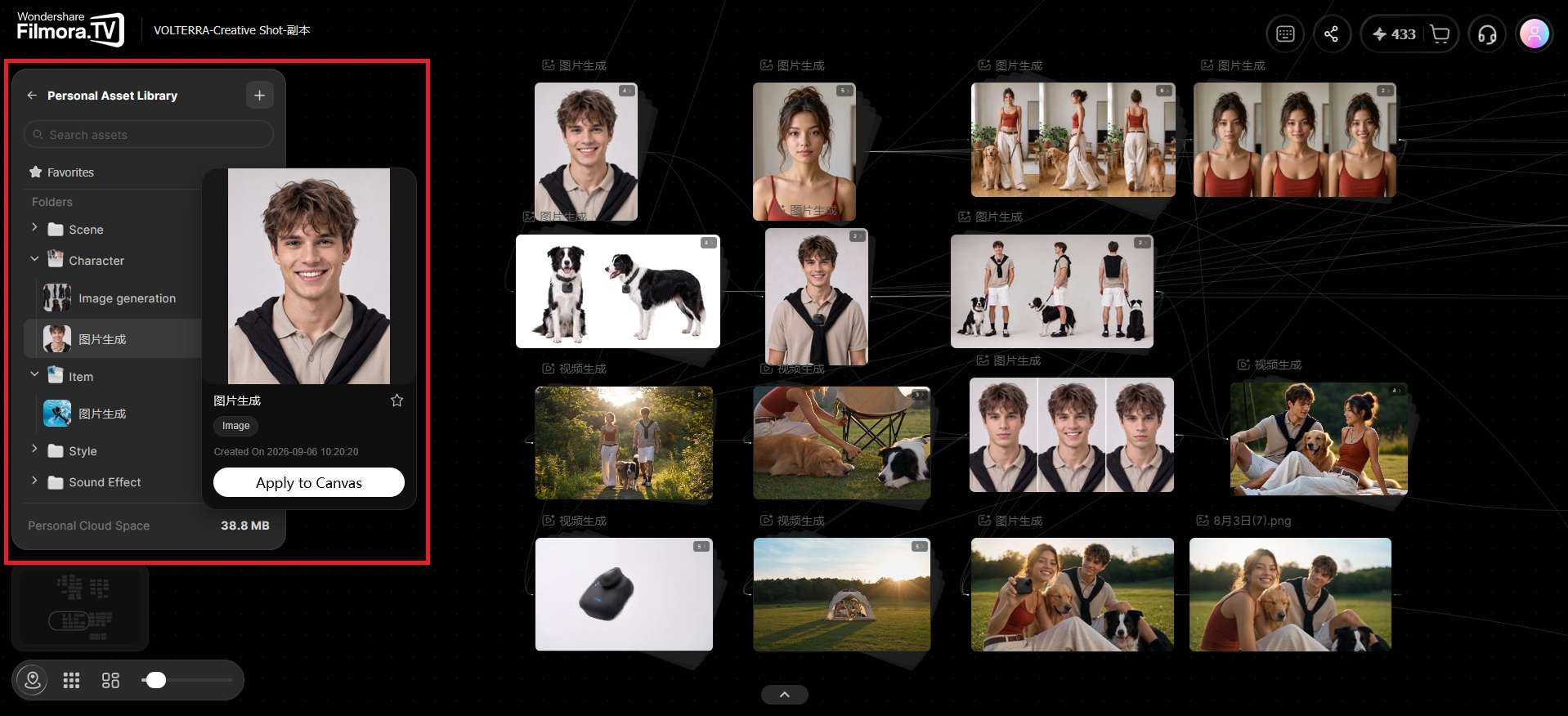
You can start by collecting ideas, references, images, video clips, and other assets on the infinite visual canvas. The canvas gives you or a team a workspace to organize materials, shape the creative direction, and provide context for AI-assisted production.
2. Script and Storyboard Development
The initial idea can then be developed into a script and storyboard. AI can help develop the script, expand ideas, describe scenes, and create different versions of the story. What you need to do is review those drafts, pick the direction that fits the concept, and refine the details.
3. Visual Generation
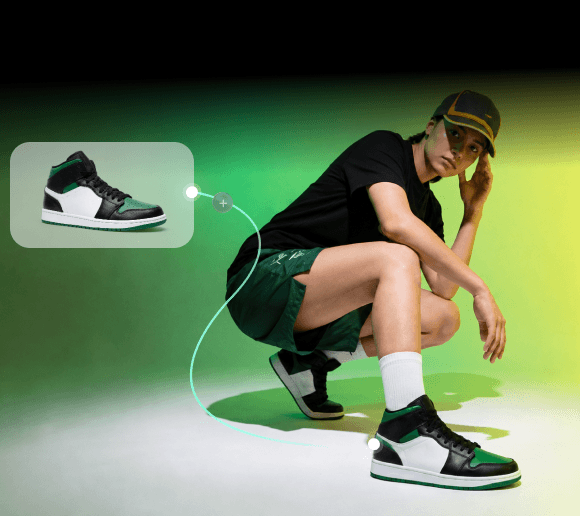
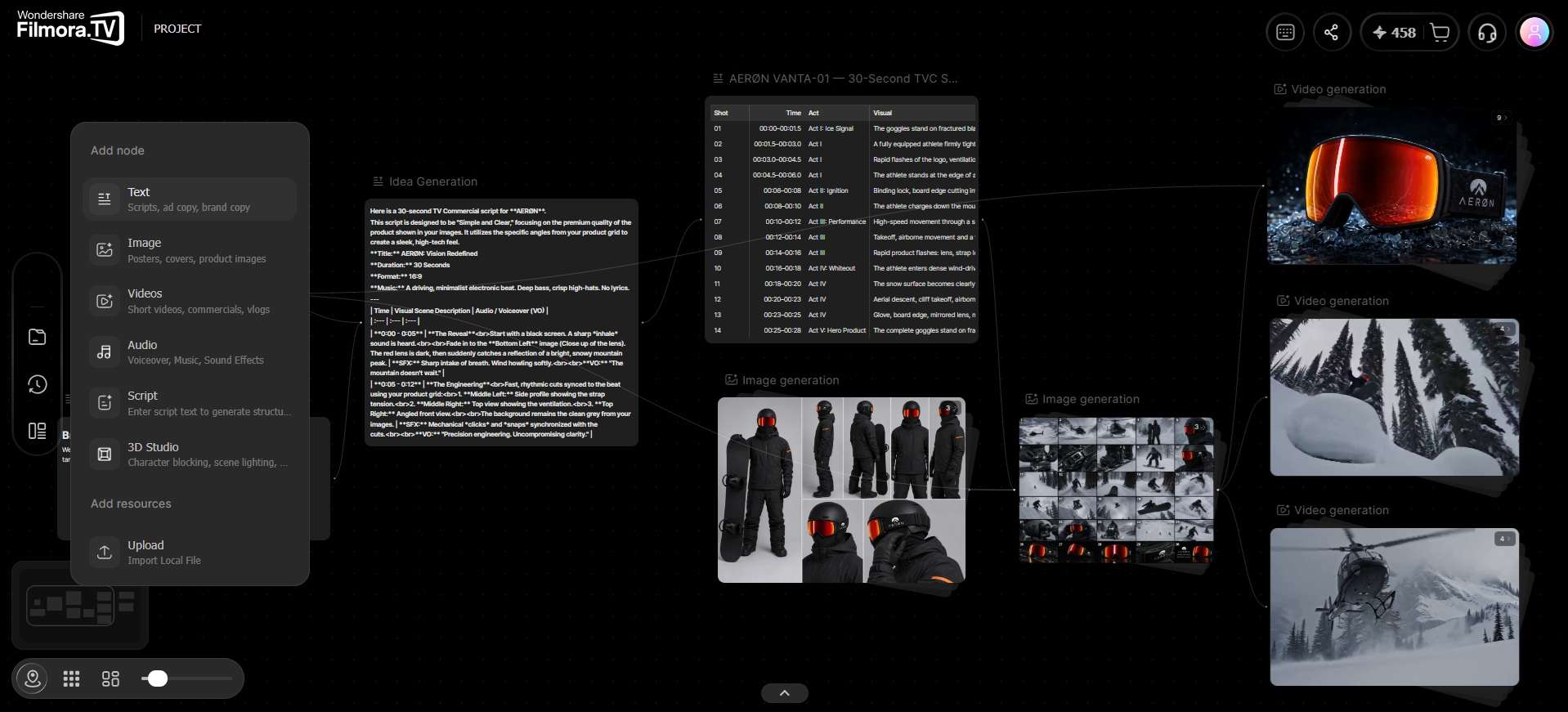
With the storyboard in place, you generate the visuals for each scene. Filmora.TV's script or storyboard nodes can be connected directly to image and video nodes on the canvas, so each scene description feeds straight into generation. And since you can generate multiple versions of the same shot, it's easy to compare options and pick what actually fits the concept.
4. Multi-track Editing and Team Review
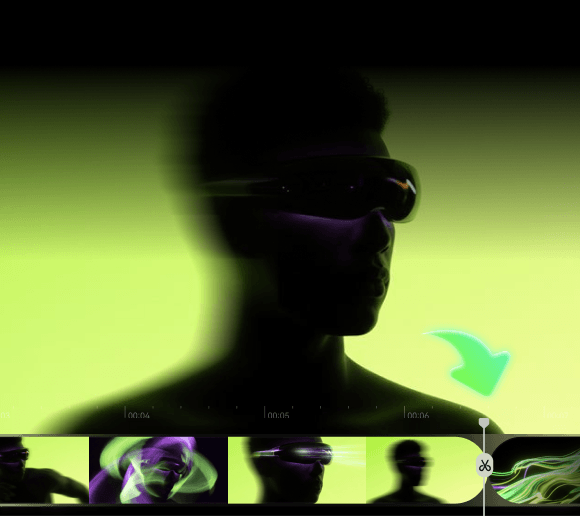
Once you have the visuals, they move into the built-in timeline editor for assembly. If you are working on a team project, you can also leave comments directly on the canvas, so feedback happens in context and doesn’t get lost in a separate thread.
5. Final Delivery
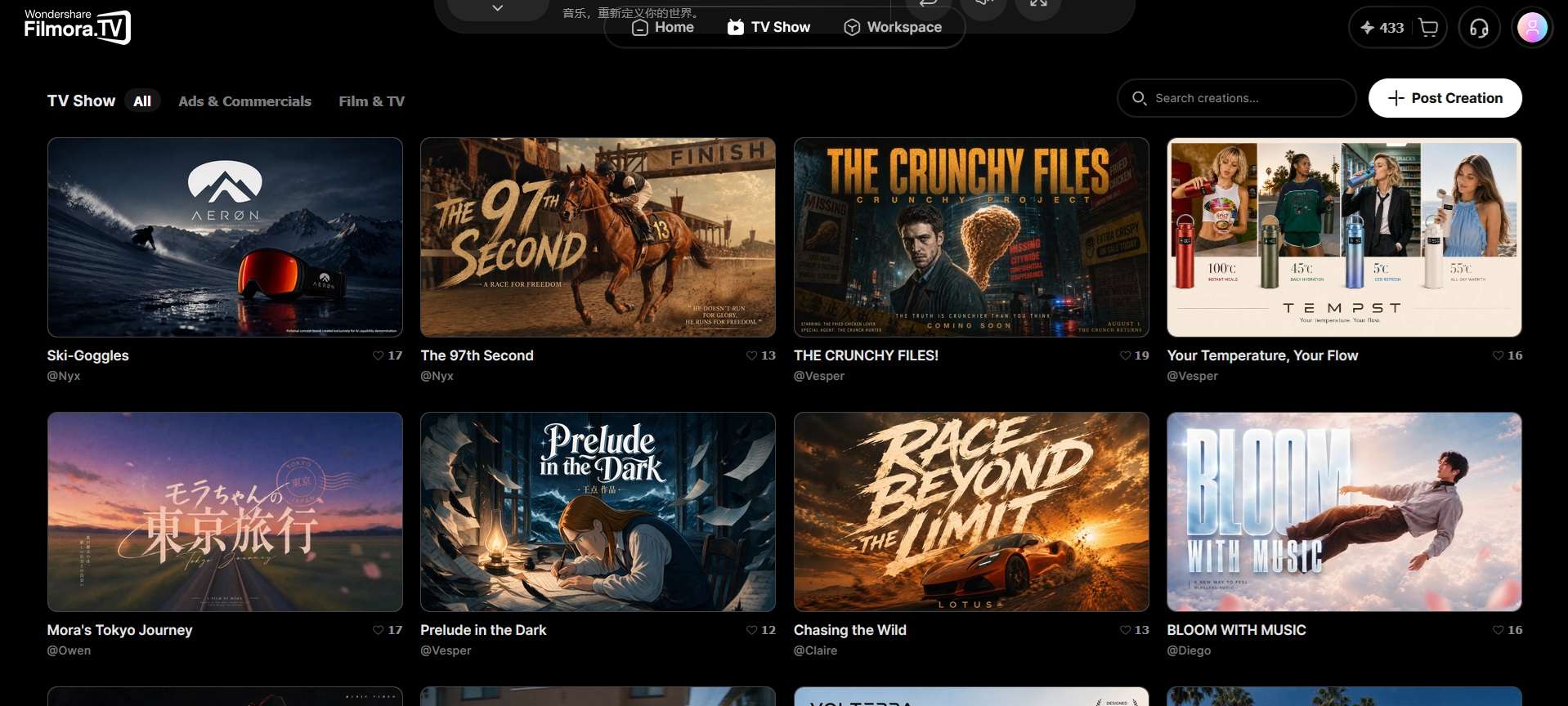
For final delivery, Filmora.TV lets you publish finished videos through its “TV Show” feature, export them as standard video files, or transfer projects to compatible software such as Wondershare Filmora using XML export to carry over the timeline.
Want to see an AI-native video workflow in action? Explore this
AI video creation workflowto follow a real-world creative example, from the initial product brief and shot planning to AI-generated scenes, timeline editing, and final delivery.
Challenges of Using AI Native Workflow
This AI-native workflow may speed things up and suit certain teams and use cases well, but it comes with tradeoffs worth knowing before you build your whole process around it. Some of the challenges of using this kind of setup are:
- Output still needs human review. Generative AI is probabilistic, meaning it can produce results that look right but contain factual errors, inconsistent details, or off-brand tone. Skipping the review step is where most AI-native workflows go wrong.
- Learning curve for new interaction patterns. Prompt-based, node-based, or canvas-based interfaces don’t work like the software most people are used to. Teams usually need some ramp-up time before they’re moving faster than they would with familiar tools.
- Cost can scale with usage. A lot of AI-native platforms run on credits or usage-based pricing for generation tasks. Heavy use, especially for video or image generation, can get expensive faster than a flat-rate traditional tool would.
Conclusion
An AI-native workflow puts AI at the center of the process instead of adding it on top. That shift shows up as fewer tools to juggle, faster drafts, and less time spent moving files around, though it still needs human review and comes with its own learning curve and costs.
Filmora.TV is one example of what this looks like for video, where you can take a project from idea to final export on a single canvas. For teams exploring workflow AI video production, this approach can reduce the number of separate steps and tools involved in getting from an initial idea to a finished video.
FAQs
-
What industries use AI-native workflows?
AI-native workflows are often used in video and content production, software development (AI-native IDEs and coding agents), customer support, marketing and ad creative, and data analytics.
-
Is “agentic workflow” the same thing as “AI-native workflow”?
Agentic workflow specifically refers to AI agents that plan and execute multi-step tasks with some autonomy. AI-native workflow is the broader idea that AI is the foundation of the process. It can include agentic elements, but a workflow can also be AI-native without full agent autonomy.
-
Is Filmora.TV free to use?
Filmora.TV runs on a credit-based model, with subscription plans starting at $20/month or $200/year. You can also top up credits separately when you run out, starting at $20 for 200 credits, valid for one year.
-
How to build AI native applications?
At a high level, building an AI-native application starts with understanding the data, systems, and workflows you already have, then identifying where AI can take on meaningful parts of the application’s core workflow rather than simply being added as a feature.
From there, the teams can design the architecture around the AI capabilities the product needs, such as data pipelines, models, tools, or AI agents. Feedback and evaluation loops can then be built into the product so teams can monitor performance, learn from real-world usage, and continuously improve the system after launch.