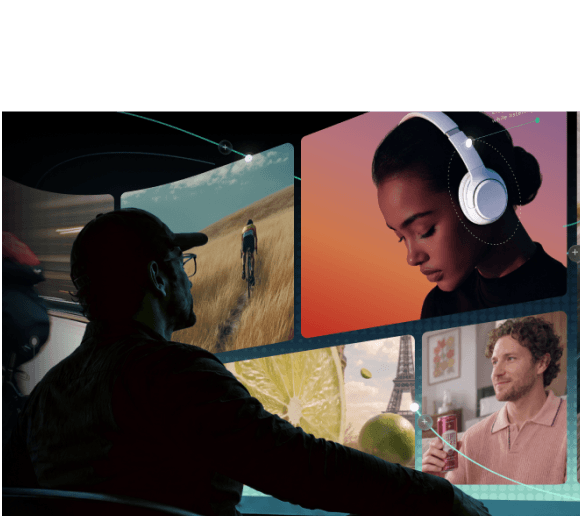
Making a video used to mean spending endless hours brainstorming ideas, writing scripts, shooting footage, and grinding through painstaking edits. Luckily, adopting a modern AI video workflow completely changes the game by letting smart automation handle the heavy lifting.
For example, by leveraging an efficient AI image-to-video workflow, you can transform simple prompts into polished clips in a fraction of the time. Now, let's break down how it works, what to look for in an AI video workflow tool, and some of the best options to try.

AI Video Workflow Explained: What Does It Actually Mean?
An AI video workflow is a connected production process that uses artificial intelligence to assist with planning, scripting, video generation, editing, and delivery. Unlike a standalone AI video generator that primarily creates individual clips, an AI video workflow connects multiple production stages, helping creators turn ideas into complete videos while maintaining control over creative decisions.
A typical chain looks like this:
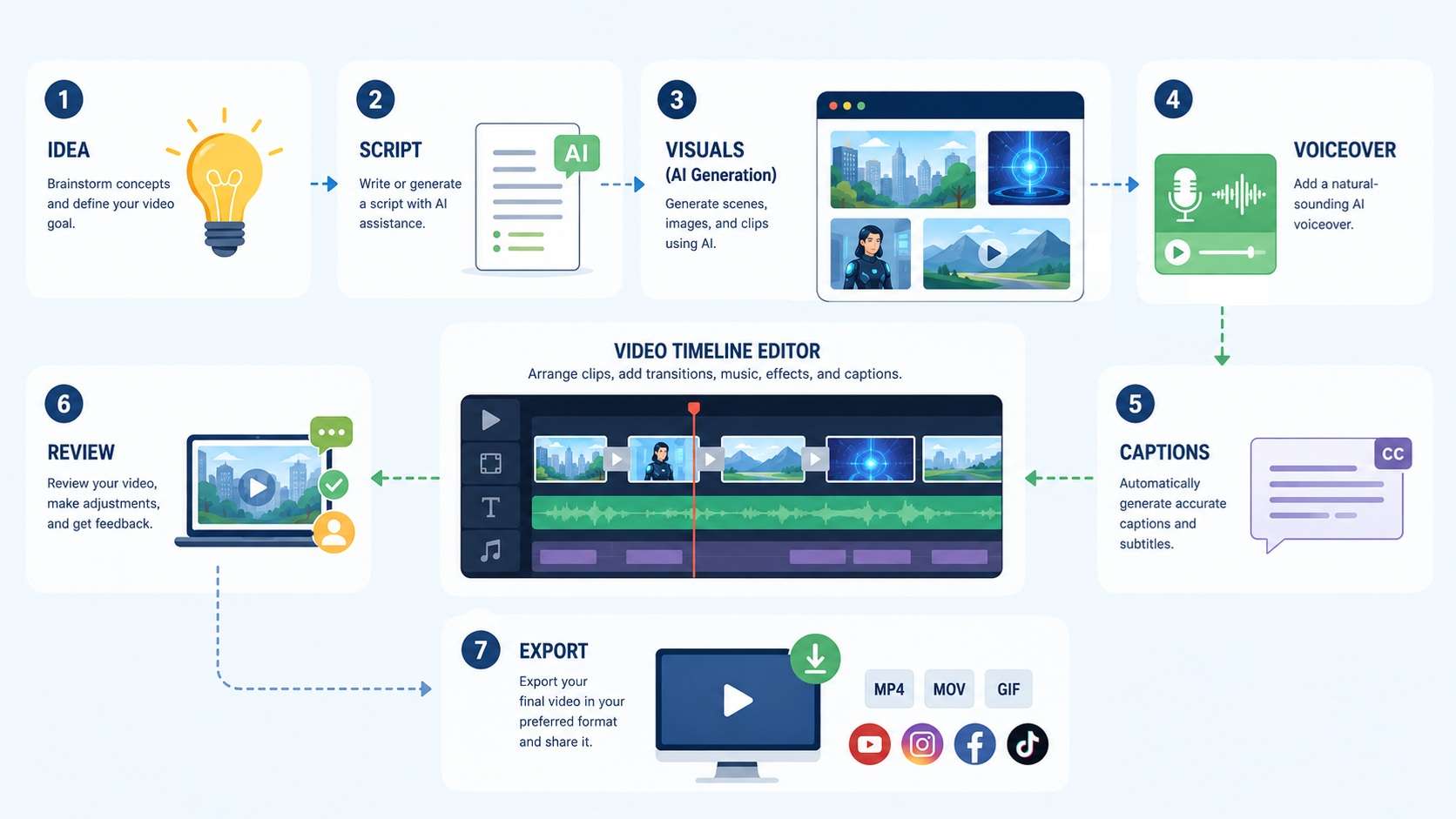
However, the workflow is there to speed things up and cut out busywork, not to take the wheel completely. You can still write parts of the script yourself, hand-pick which generated clips make the final cut, nudge the pacing during editing, or just sit down and review everything AI spits out before it goes live.
AI Video Generator vs. AI Video Workflow
This mix-up trips up a lot of beginners, but they are not quite the same. See the table below for the key differences:
| Feature | AI Video Generator | AI Video Workflow |
|---|---|---|
| Main Purpose | Turns one prompt into one clip | Chains prompts, edits, and tools into a full production line |
| Scope | Handles a single step (usually generation) | Covers idea, script, visuals, voice, edit, and export |
| Control | Limited, you mostly react to what comes out | High, you steer every stage and swap pieces as needed |
| Output | A raw video file | A finished, polished video ready to publish |
| Best For | Quick one-off clips or fast experiments | Repeatable production, series content, or client work |
What Makes the Best AI Video Workflow Tool?
When looking for the best AI video workflow, you really want a setup that fits your personal creative rhythm. But before jumping into specific software, there is a core standard that makes an AI video workflow tool truly worth your time and energy.
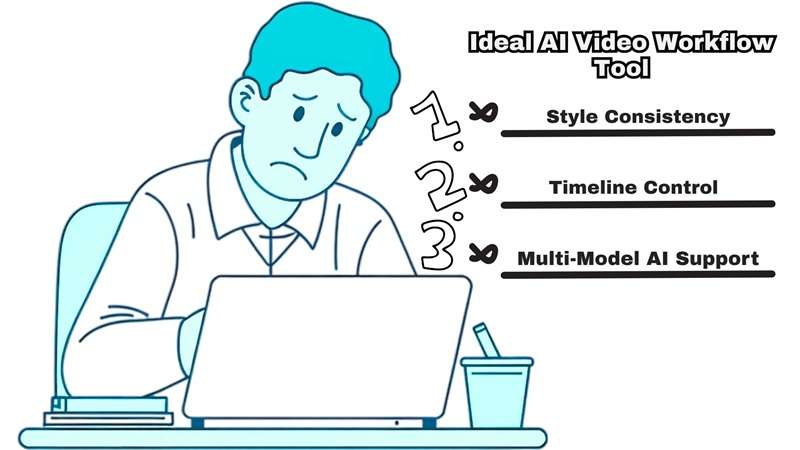
Check out these features before you commit:
- Multi-Model Integration: Ability to switch between top underlying models (like Sora 2, Kling, or Seedance) depending on scene needs.
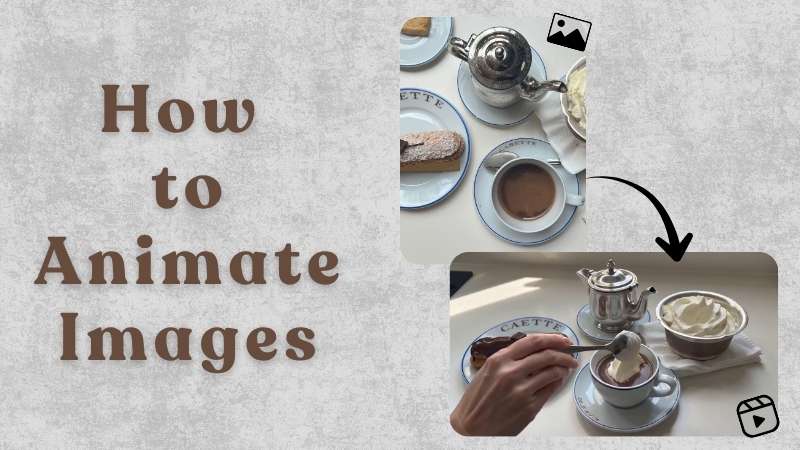
- Text-to-Video and Image-to-Video Support: This one's especially important if you're working from AI-generated visuals or existing product photos. A tool that only does text-to-video means you start from scratch every time.
- Character & Style Consistency: Look for frame-to-frame reference locks so your characters don't randomly morph into someone else halfway through a scene.
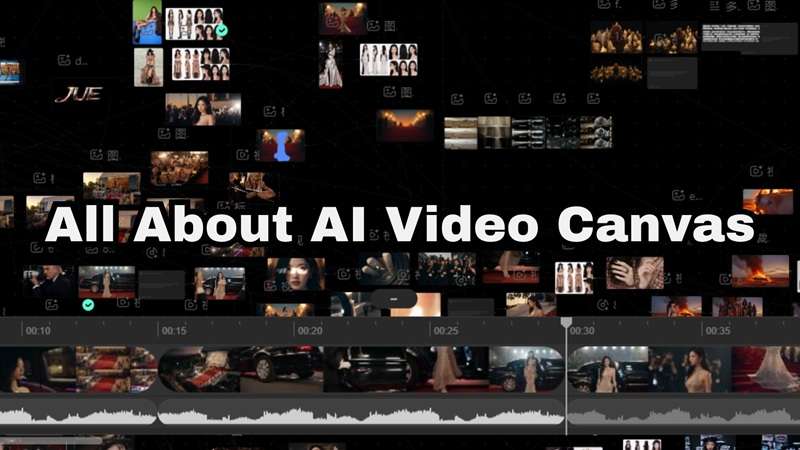
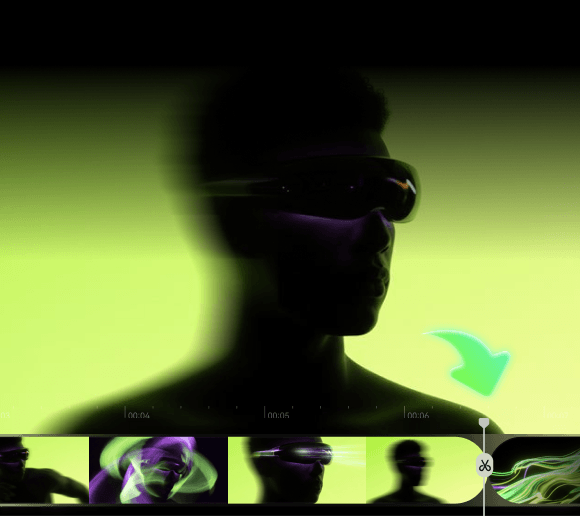
- Timeline & Asset Control: Proper multi-track canvas or timeline editor where you can slice clips, layer visuals, adjust audio, and move beyond standard text prompts.
- Audio & Sync Features: Built-in lip-syncing engines, automated caption generators, and clean text-to-speech tools that keep you from jumping across five different web apps just to finish one audio track.
The Best AI Video Workflow Generators to Streamline Production
Now, let's look at some of the best AI video workflow generator tools that take different approaches to AI-powered workflows.
1. Filmora.TV
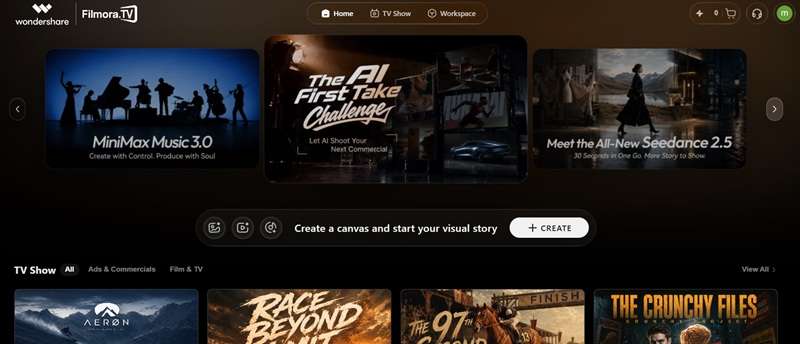
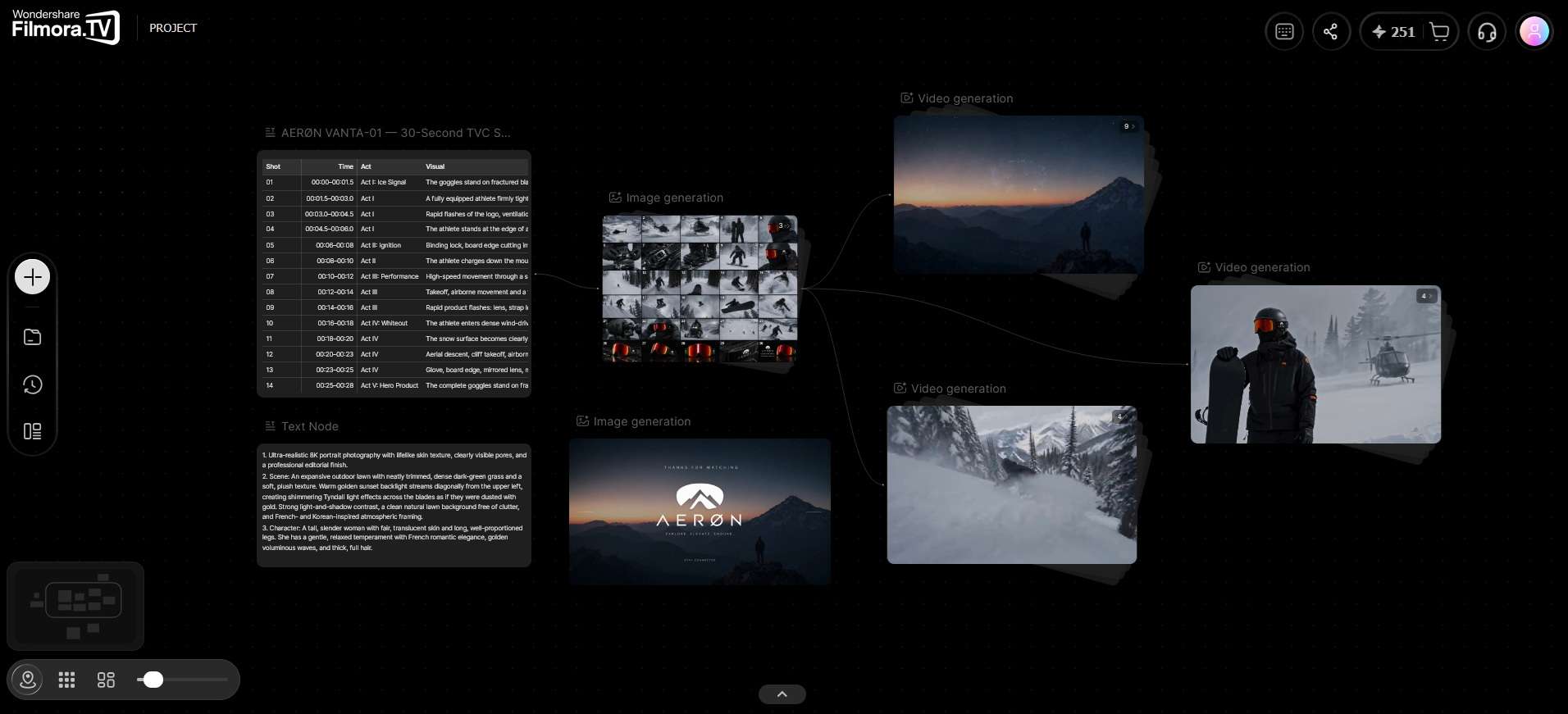
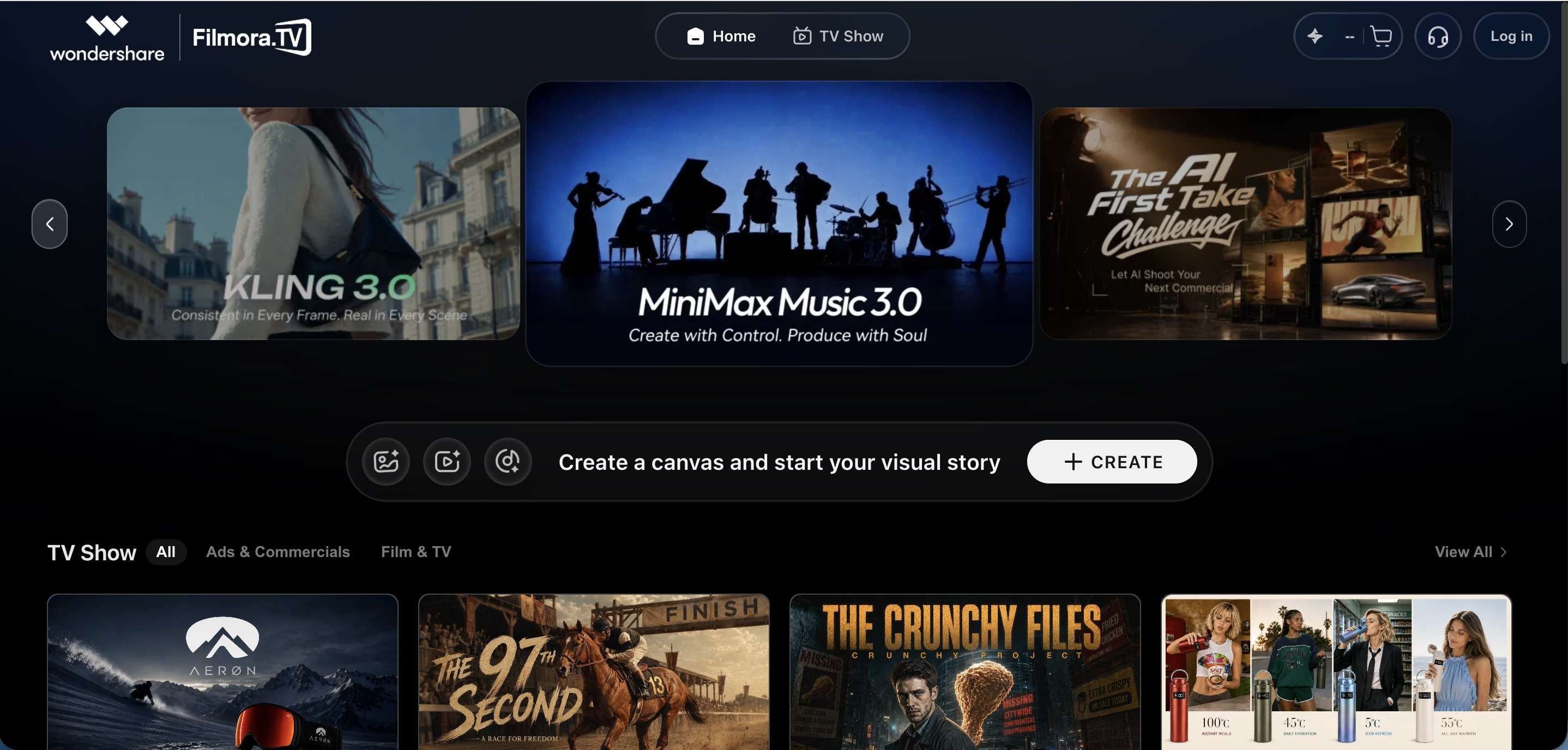
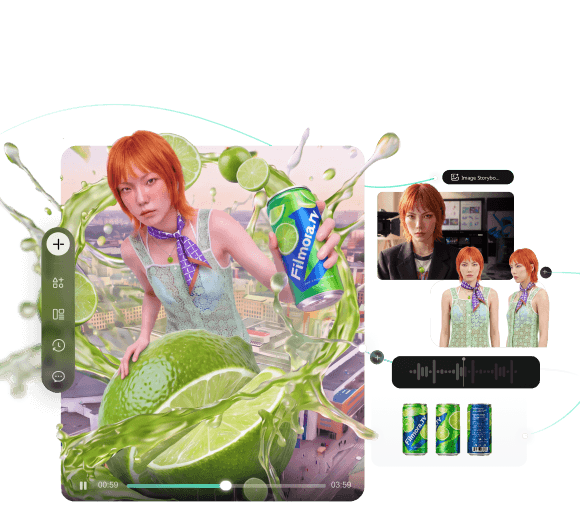
Starting with the newest AI video workflow tool on the list, Filmora.TV is an all-in-one platform from Wondershare that puts an AI idea board and a full video editor on the same screen. The setup is built around two connected pieces. First, there's a giant infinite canvas where you drop notes, reference images, and AI video prompts, generate media, and more. Second, sitting right at the bottom of that same screen, is a real video timeline.
Key Features:
- Smart AI Nodes: Turn text into scripts, generate images, erase backgrounds, adjust camera angles, and fix scene lighting directly on the canvas.
- Side-by-Side Comparisons: Keep multiple generated versions visible so you can compare shots before choosing one.
- Built For Teams: Multiple people can work on the same board, share generation points, and drop comments directly on specific scenes.
- Storyboards and Presets: Use ready-made layouts for planning commercial storyboards, anime frames, character designs, and other visual sequences.
2. Wireflow
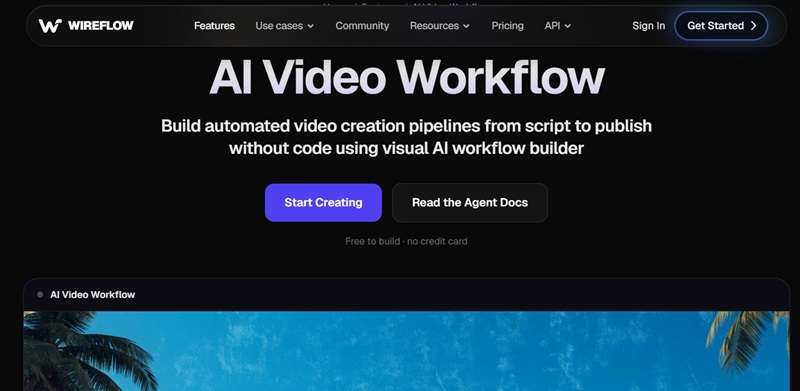
If you're on a budget and looking for an AI video workflow free version, Wireflow can be your option. This one takes a more developer-leaning, node-based approach to the same idea. Instead of a single locked-in tool, you get a visual canvas where you drag and connect nodes; script, image, video, voice, lip sync, and wire them into a repeatable pipeline.
Key Features:
- Node-Based Workflow Canvas: Connect scripts, image generation nodes, and motion branches visually to see how every scene flows into the next.
- Dynamic Asset Organization: Easily group prompt variations, camera movements, and generated clip options into organized visual clusters.
- Collaborative Storyboarding: Work alongside teammates in real-time to plan multi-scene campaigns and interactive video logic.
- Batch Processing: You can run multiple video jobs from a reusable workflow.
3. Picsart Flow
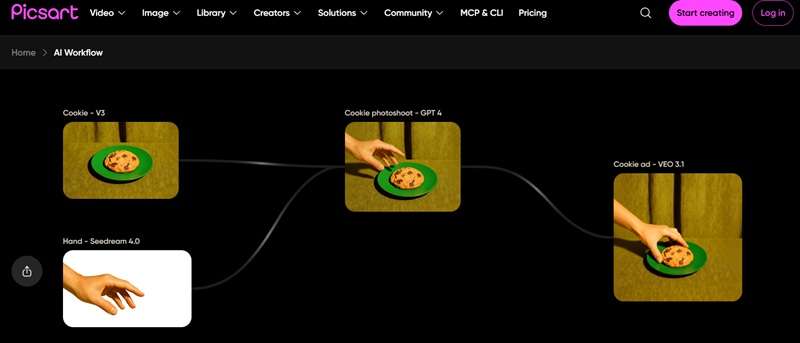
Our last recommendation for an AI video workflow tool would be from Picsart. You can build no-code workflows on a visual canvas and connect AI models and creative actions into a repeatable process. What makes it stand out is how far it stretches beyond just video.
The same canvas handles image generation, design work, and full workflow automation, and it comes with real-time collaboration baked in, so a team can build on the same board together instead of passing files back and forth.
Key Features:
- Workflow Templates: Start with community-built templates and adapt them for your own projects.
- Batch Workflows: Apply repeatable creative processes across multiple assets.
- Scene Continuity: Picsart Flow includes tools designed to keep elements such as lighting, character states, and audio consistent across scenes.
- Creative Automation: Connect generation, editing, enhancement, and export steps.
How Creators Can Use AI Video Workflows
Those three are the best of the best. And once you've actually got a tool that can do the job, it's time to start creating. And thankfully, you don't need a Hollywood-sized production to make your AI video workflow useful. Below are some practical ways creators can use one.
| Use Case | How It Works | Common Workflow |
|---|---|---|
| Short-Form Content | Produce TikToks, Reels, and YouTube Shorts without burning a full day per clip | Topic → Hook → Script → Visuals → Voiceover → Captions → 9:16 Edit → Export |
| Faceless Storytelling Channels | Turning written research into automated mystery, history, or documentary channels | Research → Script → AI Images/Video → Narration → Music → Captions → Editing |
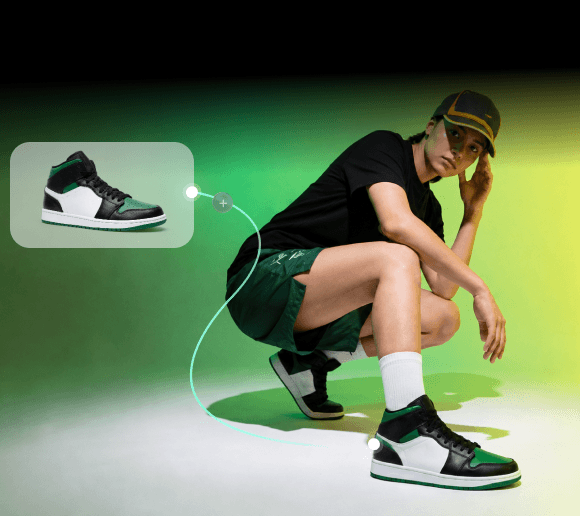
| E-Commerce & Product Visuals | Transform flat product photography into dynamic video ads | Product Photo → AI Background → Camera Motion → Product Animation → Text → Music → Ad |
| Corporate & Pitch Pre-Vis | Built animated storyboards for agency clients before greenlighting live shoots | Creative Brief → Script → Storyboard → Reference Images → AI Video Shots → Rough Sequence |
| Repurposing Existing Content | Turn long-form videos, articles, podcasts, or presentations into shorter, platform-ready pieces | Long Video → Key Moments → Short Scripts → New Visuals → Captions → Vertical Versions |
Conclusion
Setting up an AI video workflow completely changes how you make content. It strips away technical frustration, cuts down on repetitive tasks, and leaves you with more time to focus on actual storytelling. If you are looking for an all-in-one workspace that lets you brainstorm, generate, compare, and edit without juggling tabs, check out Filmora.TV.
Filmora.TV connects idea planning, AI video generation, shot comparison, and timeline editing in one visual workspace. Instead of treating each generated clip as a separate output, creators can organize their assets, compare different takes, and assemble selected shots into a coherent video sequence.
To see how this works in practice, explore this
AI video creation workflow, which follows a product video concept from the initial brief and shot planning to AI-generated scenes, a rough cut, and final delivery.
FAQs
-
Can I create an AI video workflow without coding?
Yes. Most of today's popular tools, including Filmora TV and Picsart Flow, are built around a drag-and-drop, no-code canvas. Wireflow leans more technical since it's designed for API and agent use, but even there, building a basic workflow doesn't require writing code. -
Are free AI video workflow tools good enough for beginners?
They can be. A free AI video workflow tool is useful if you're learning how AI generation works or only creating videos occasionally. However, free tiers are usually capped on generation limits, resolution, or access to premium models, so keep that in mind. -
Do I need a high-end PC to run a modern AI video workflow?
Not at all. Most AI video workflow tools run the heavy generation work on cloud servers rather than your own hardware, so a decent laptop with a stable internet connection is usually all you need. -
Is an AI-generated video workflow suitable for commercial use and client work?
Generally yes, though the exact commercial usage terms vary by platform and by which underlying models you're using inside the workflow. It's worth double-checking the specific licensing terms of whichever tool and model combination you land on before using the output in paid client work.