

How to Manage Team Projects and Assets
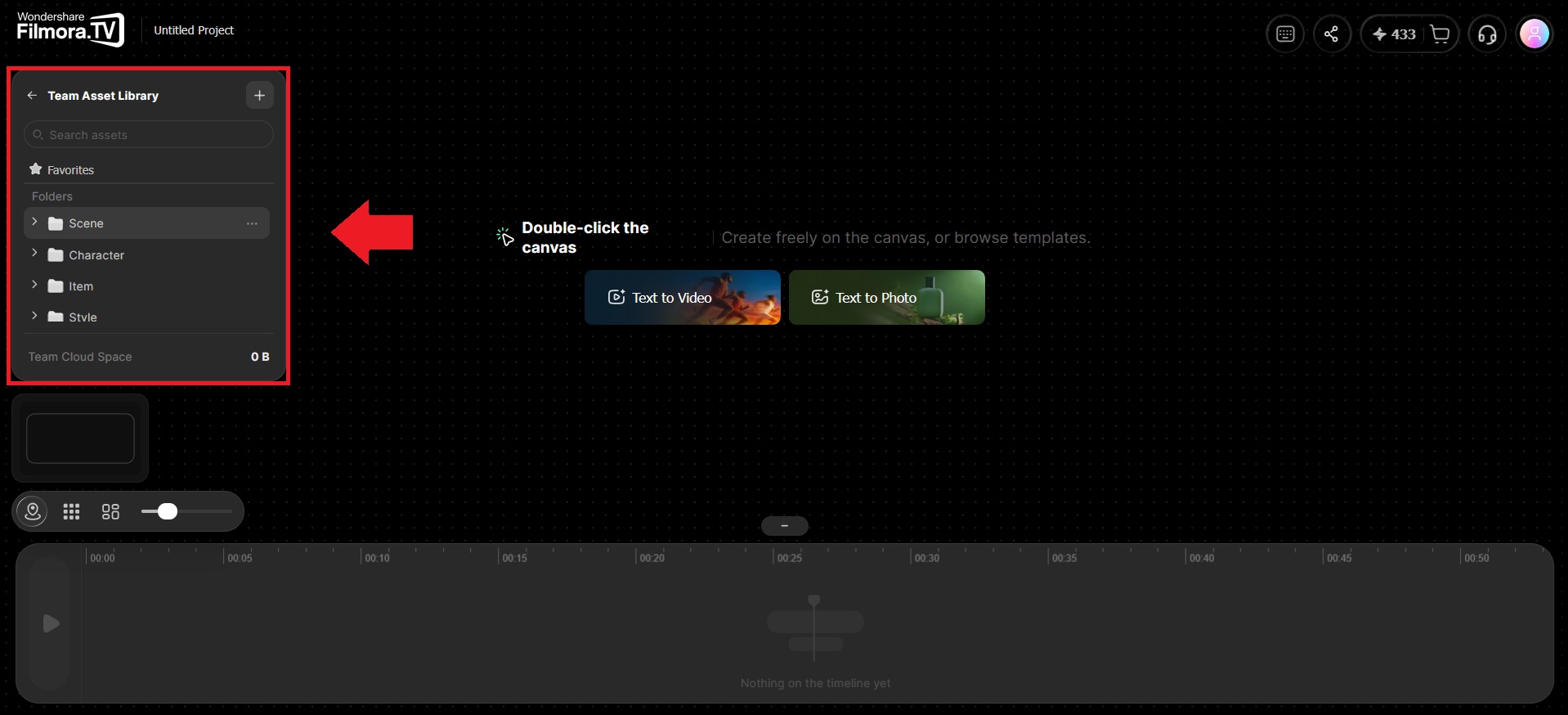
Once you're working in a Team Project, you can manage shared projects and creative assets in one workspace. Filmora.TV lets team members access shared content and work from the same project resources, making it easier to keep collaborative work organized.

Try It in Filmora.TV

AI Video Creative Studio
Follow along in your workspace
Practice the steps in this guide directly in Filmora.TV.
Aside from your own personal projects and assets, Team Projects give members a shared place to store and manage projects and creative assets. You can keep team files organized, access shared content, and work from the same project resources instead of keeping everything in individual accounts.
Was this guide helpful?