

How to Switch Workspaces and Manage Teams
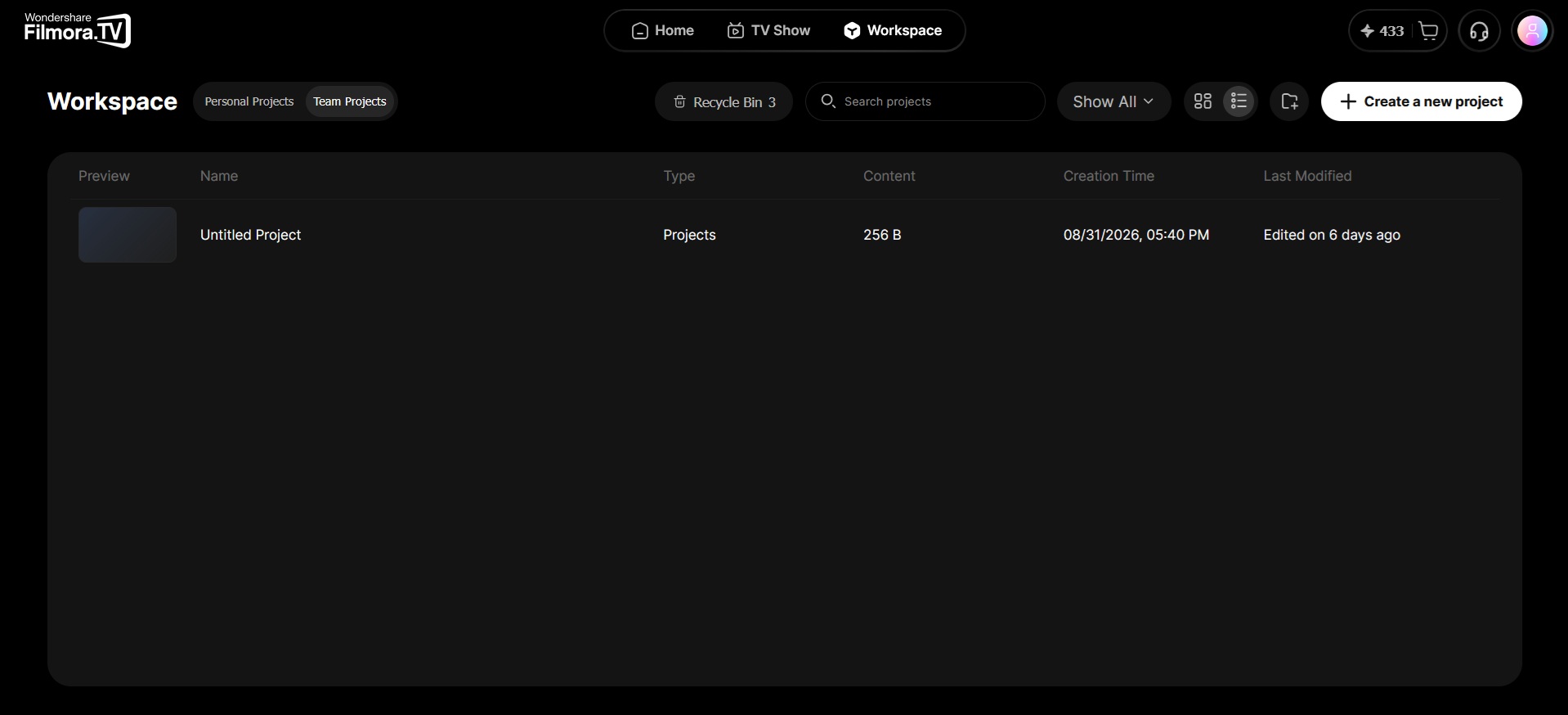
Filmora.TV lets you switch between your Personal Projects and Team Projects from the workspace and organize your work across different teams. You can create teams for different projects or groups, invite members, and manage team settings to keep your collaborative work organized.


Practice the steps in this guide directly in Filmora.TV.
In this article
Switch Between Personal and Team Projects
Since Filmora.TV supports team collaboration, you can switch between your Personal Projects and different Team Projects from the workspace. Your personal space is for your own projects and assets, while team spaces provide a shared environment for collaborating with other members.
Create and Manage Teams
Within Team Projects, you can create separate teams and organize your work across different projects, clients, or departments, with each team having its own members, projects, assets, and settings to keep different types of work separate. You can also invite new members, manage team settings, and control who has access to each team.
Was this guide helpful?