

Adjust Aspect Ratio and Export Your Video
Once your video is ready, you can adjust the project aspect ratio to match the format you need and export the finished result. Filmora.TV supports multiple aspect ratios and lets you export the video directly or save the project as an XML file for further editing in a compatible editor.


Practice each step from this guide directly in Filmora.TV.
In this article
Change the Format
Filmora.TV also lets you change the aspect ratio of your project to fit different platforms and content formats. Play the video and select the aspect ratio that works for your project. Currently, Filmora.TV supports 9:16, 3:4, 1:1, 4:3, 16:9, and 21:9.
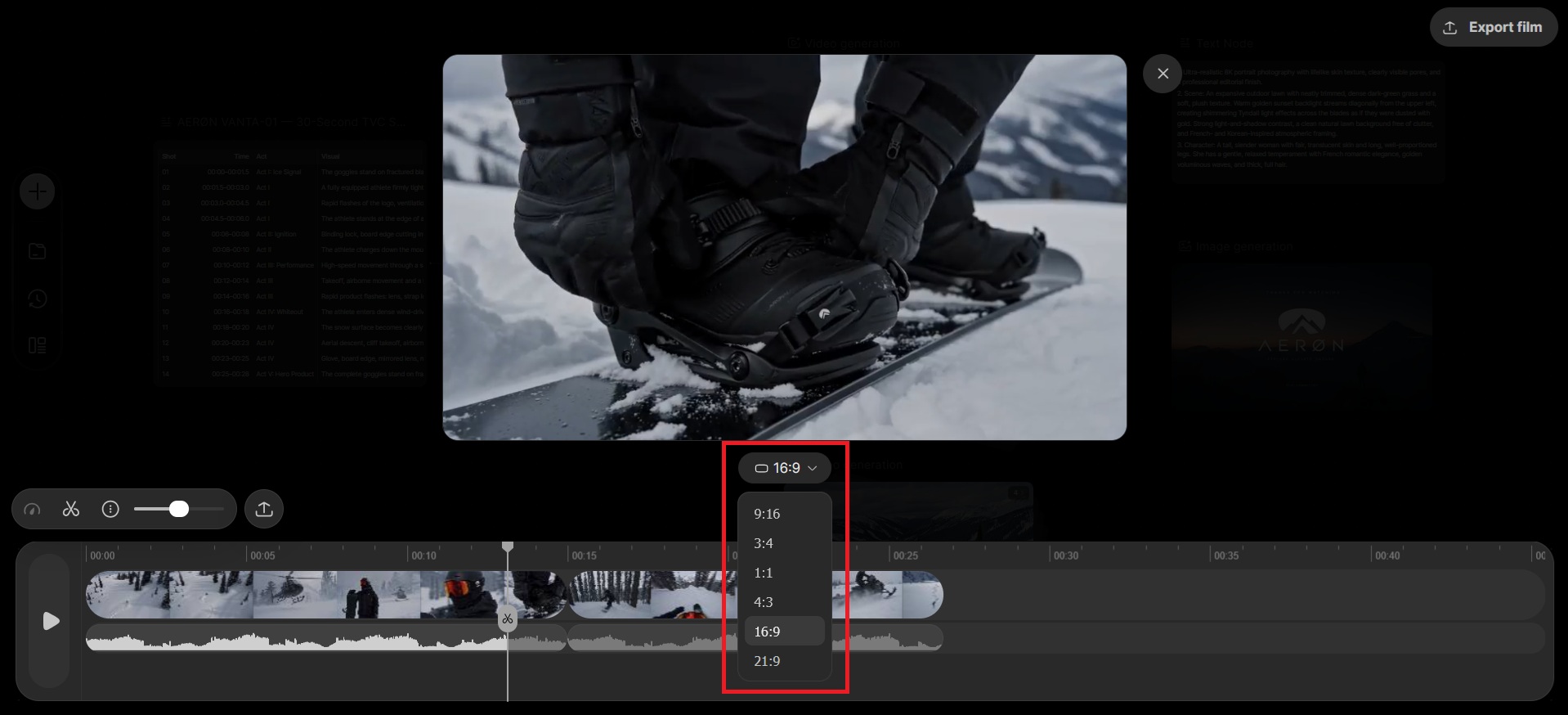
Export the Film
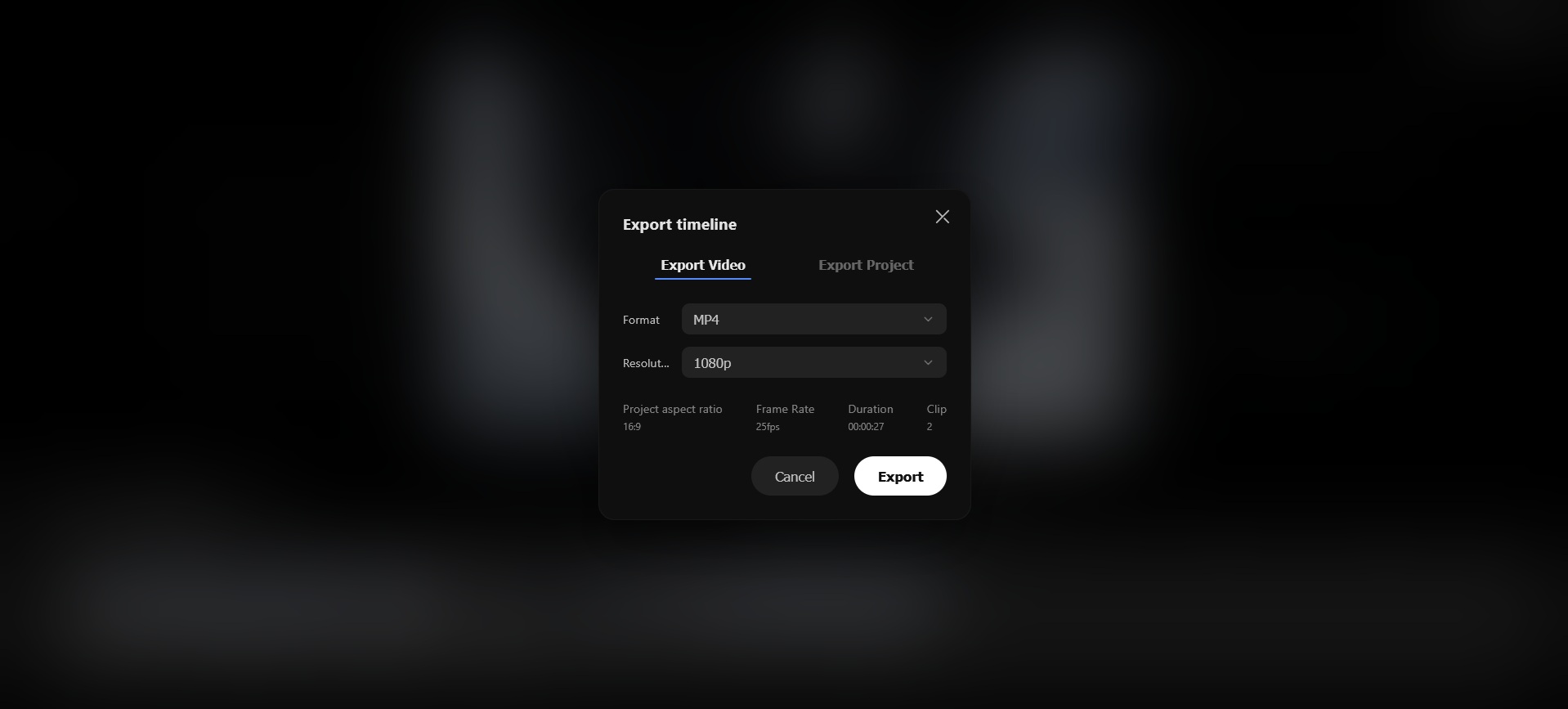
Once you've finished editing, click Export Film to save your video to your device. You can choose to export the video in the standard video formats or export the project as an XML file for further editing in another compatible editor.
FAQs
-
1. Can I share directly to social media or export to the Wondershare Filmora Cloud Space?
Filmora.TV currently does not support direct sharing to social media or direct export to the Wondershare Filmora Cloud Space. You can export the content locally first and then upload it to the target platform as needed. If sharing or cloud export capabilities are updated, please refer to the in-product features and official website instructions. -
2. Which file formats, resolutions, frame rates, and bitrates are supported for export?
Filmora.TV export specs vary by product version and export settings. At present, the technical maximum is 4K resolution, 60 fps, 50 Mbps bitrate, and 48,000 Hz audio sample rate. The available formats and parameters in the product take precedence.
Was this guide helpful?